Free Shipping on Domestic Orders $75+

Hamilton Beach 64650 Speed Level Replacement

What you need

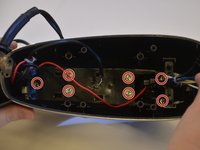
  1. Hamilton Beach 64650 Speed Level Replacement, Motor: step 1, image 1 of 3 Hamilton Beach 64650 Speed Level Replacement, Motor: step 1, image 2 of 3 Hamilton Beach 64650 Speed Level Replacement, Motor: step 1, image 3 of 3
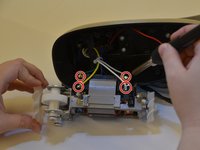
    • Flip the handle on its side. Remove five 3.8 mm Philips #2 screws shown and set aside them aside.

    Ask FixBot

    Add Comment

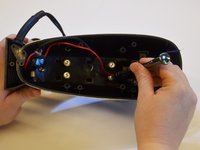
  2. Hamilton Beach 64650 Speed Level Replacement: step 2, image 1 of 3 Hamilton Beach 64650 Speed Level Replacement: step 2, image 2 of 3 Hamilton Beach 64650 Speed Level Replacement: step 2, image 3 of 3
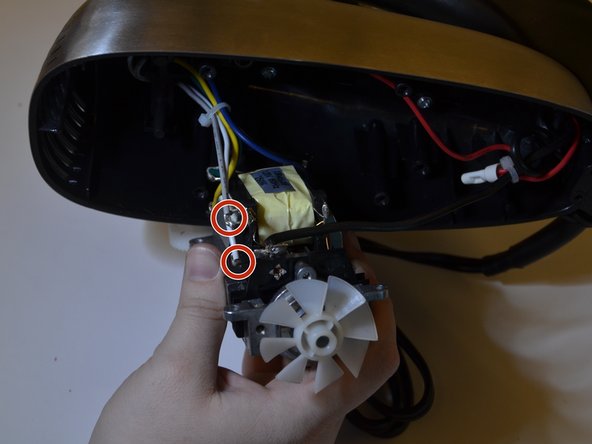
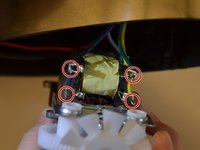
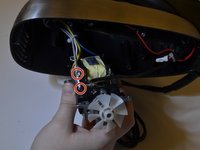
    • Remove the four 8.6 mm Philips #2 screws securing the motor mount and place them aside.

    Ask FixBot

    Add Comment

  3. Hamilton Beach 64650 Speed Level Replacement: step 3, image 1 of 3 Hamilton Beach 64650 Speed Level Replacement: step 3, image 2 of 3 Hamilton Beach 64650 Speed Level Replacement: step 3, image 3 of 3
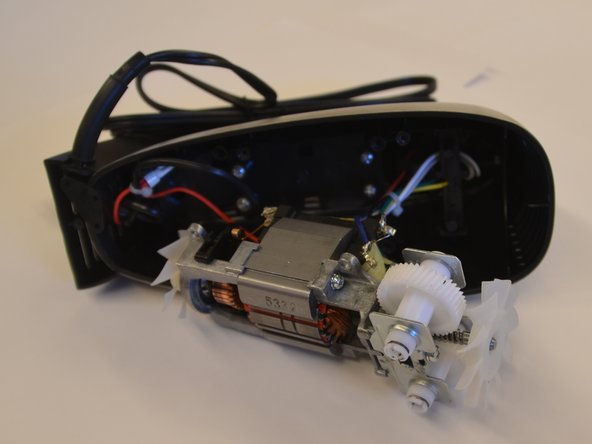
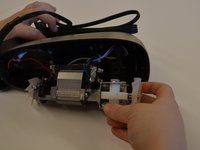
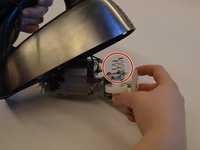
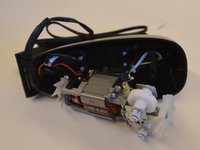
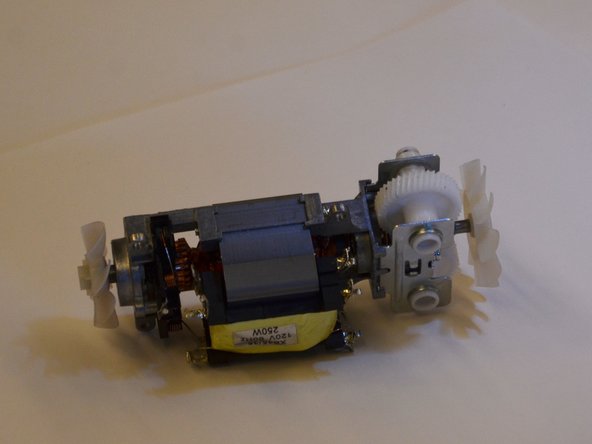
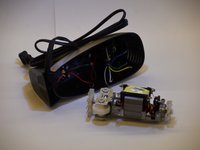
    • Carefully pull the motor block out of the case.

    • Collect the two spring located on top of the white beater gears. The springs are held in place with compression, and may fall into the case when the motor is moved.

    • Handle the wires with care to ensure you do not break any of them.

    Ask FixBot

    Add Comment

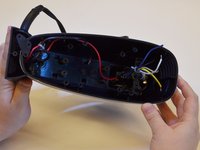
  4. Hamilton Beach 64650 Speed Level Replacement: step 4, image 1 of 3 Hamilton Beach 64650 Speed Level Replacement: step 4, image 2 of 3 Hamilton Beach 64650 Speed Level Replacement: step 4, image 3 of 3
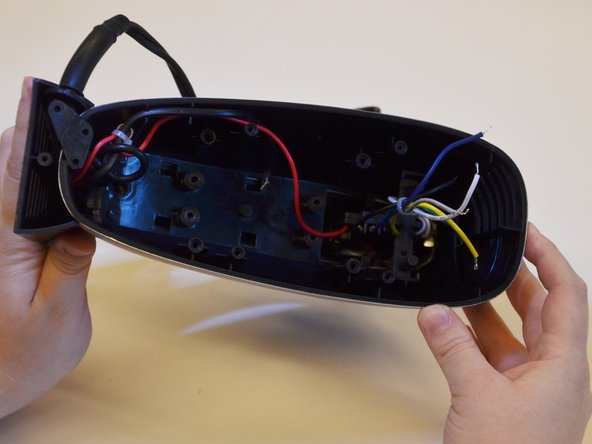
    • Desolder the six wires connected to the motor using this guide.

    • Make sure to note colors when you disconnect them and remember where to reconnect them later.

    Ask FixBot

    Add Comment

  5. Hamilton Beach 64650 Speed Level Replacement: step 5, image 1 of 2 Hamilton Beach 64650 Speed Level Replacement: step 5, image 2 of 2
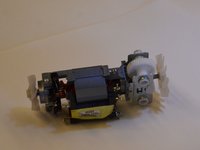
    • Once disconnected, the motor will slide out easily.

    Ask FixBot

    Add Comment

  6. Hamilton Beach 64650 Speed Level Replacement, Speed Level: step 6, image 1 of 3 Hamilton Beach 64650 Speed Level Replacement, Speed Level: step 6, image 2 of 3 Hamilton Beach 64650 Speed Level Replacement, Speed Level: step 6, image 3 of 3
    • Remove the seven 5.6 mm Philips #2 screws that attach the motor casing to the mixer handle and set them aside.

    Ask FixBot

    Add Comment

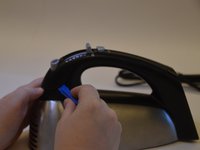
  7. Hamilton Beach 64650 Speed Level Replacement: step 7, image 1 of 3 Hamilton Beach 64650 Speed Level Replacement: step 7, image 2 of 3 Hamilton Beach 64650 Speed Level Replacement: step 7, image 3 of 3
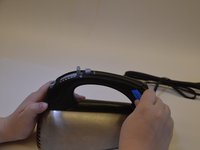
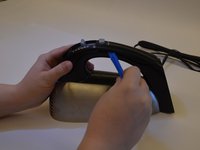
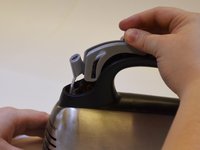
    • Use a plastic opening tool to take off the handle's cap by loosening both ends and then sliding the tool to the middle of the handle.

    Ask FixBot

    Add Comment

  8. Hamilton Beach 64650 Speed Level Replacement: step 8, image 1 of 2 Hamilton Beach 64650 Speed Level Replacement: step 8, image 2 of 2
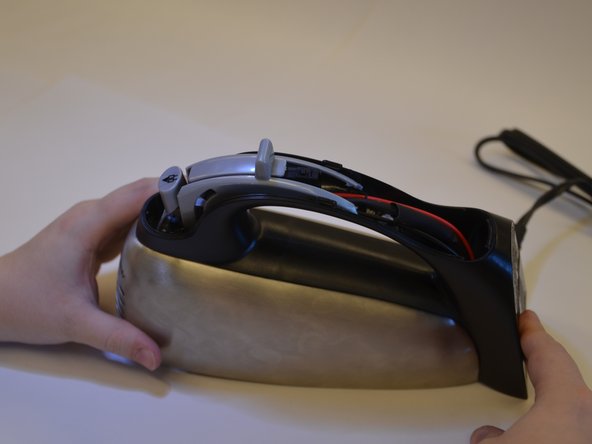
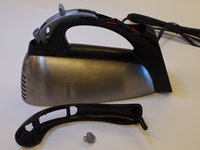
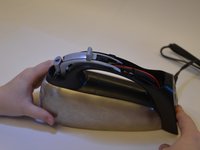
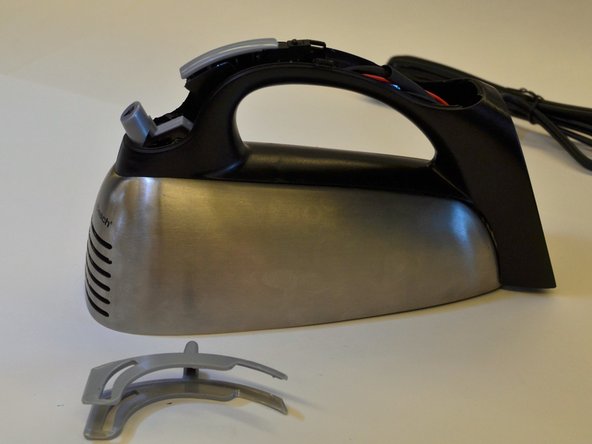
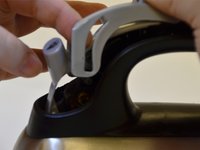
    • Remove the handle's cap carefully.

    • Watch out for the quick burst button, it likes to run away.

    Ask FixBot

    Add Comment

  9. Hamilton Beach 64650 Speed Level Replacement: step 9, image 1 of 3 Hamilton Beach 64650 Speed Level Replacement: step 9, image 2 of 3 Hamilton Beach 64650 Speed Level Replacement: step 9, image 3 of 3
    • Slide the speed switch forward and lift upward off of the handle.

    Ask FixBot

    Add Comment

  10. Hamilton Beach 64650 Speed Level Replacement: step 10, image 1 of 2 Hamilton Beach 64650 Speed Level Replacement: step 10, image 2 of 2
    • Remove speed level from the inside of the case by applying light pressure toward you.

    • Do not pull on the wires to remove the speed level.

    Ask FixBot

    Add Comment

  11. Hamilton Beach 64650 Speed Level Replacement: step 11, image 1 of 3 Hamilton Beach 64650 Speed Level Replacement: step 11, image 2 of 3 Hamilton Beach 64650 Speed Level Replacement: step 11, image 3 of 3
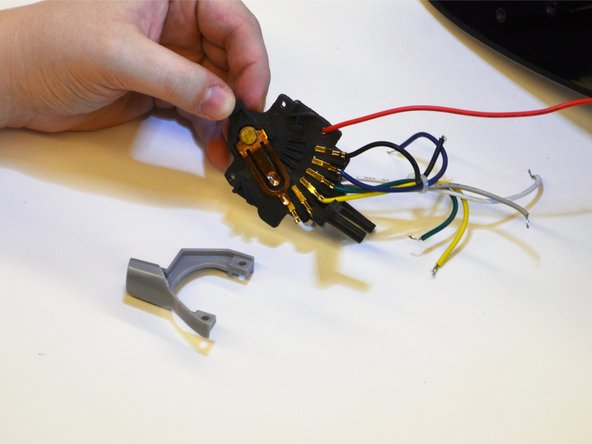
    • Remove the beater release button from speed level by removing the two 1.3 mm Philips #2 screws.

    • Replace the speed level assembly.

    Ask FixBot

    Add Comment

Conclusion

To reassemble your device, follow these instructions in reverse order.

Cancel: I did not complete this guide.

Gwen Davis

Member since: 03/24/16

519 Reputation

5 Guides authored

Team

0 Guide Comments

Add Comment

View Statistics:

Past 24 Hours: 0

Past 7 Days: 4

Past 30 Days: 15

All Time: 853