Introduction
This page will guide you through the replacement of the mixer release button on your Hamilton Beach Classic Stand Mixer 64650. This piece may break easily from normal use and it is important to remain in working order to make sure that the mixer's handle stays secured on the top of the stand.
What you need
-
-
-
Depress mixer release button fully and lift mixer off of the platform.
-
Remove the bowl from the stand.
 Ask FixBot
-
-
-
Remove and set aside the three 1.3 mm Philips #2 screws holding the plastic cover in place.
-
-
-
-
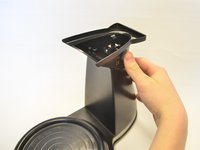
Shift the cover to allow the plastic retaining hook to fit through the hole easily.
-
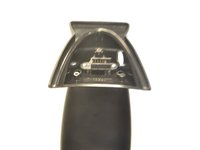
Lift the cover away.
-
-
-
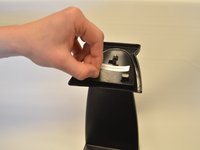
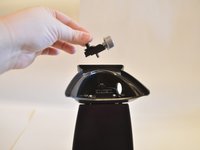
Fully depress the mixer release button, pushing it through the mounting hole.
-
Push the button slightly upwards once it is inside the stand to access the spring underneath it.
-
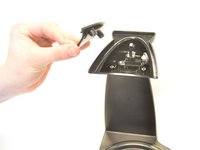
Carefully remove the button from the stand while leaving spring in place.
-
-
-
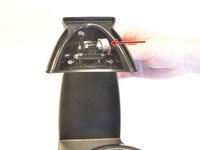
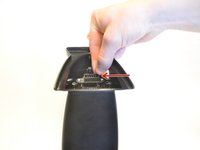
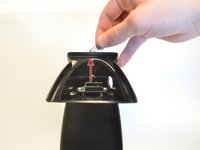
Depress the spring slightly and lift upward to remove.
-
Replace with a new spring to have a working button again.
-
-






To reassemble your device, follow these instructions in reverse order.

Team

UMass Dartmouth, Team 7-3, Catania Spring 2016 Member of UMass Dartmouth, Team 7-3, Catania Spring 2016
UMASSD-CATANIA-S16S7G3
3 Members
60 Guides authored
