
HTC Vive Facerest Replacement

Caleb Watts and
Last updated on Jul 20, 2021
Views: 81
View statistics:
- Past 24 Hours:
- 1
- Past 7 Days:
- 4
- Past 30 Days:
- 5
- All Time:
- 81
Comments: 0
No one has left comments on this guide. Will you be first?
Go to guide commentsCompleted: 0 1
No one has marked this guide "completed." Will you be the first?
1 person has marked this guide "completed." It's you — great job!
Favorites: 0 1
No one has favorited (and subscribed to) this guide. Will you be the first?
1 person has favorited (and subscribed to) this guide — and that's you!
Archived Guide
This guide is retained solely for historical purposes. Use the updated version of the guide to perform your repair.
Introduction
Go to step 1 ↓The HTC Vive's facerest may need replacement when it feels uncomfortable against your face or gets dirty. This guide will show you how to replace the Vive's facerest.
What you need


-
-
-
Slide the HTC panel covering the cables forward, away from the Vive.
-
Gently pull on each of the four connectors to remove the sound and Three-in-One cables.
 Ask FixBot
-
-
-
Undo the hook and loop tape on the straps.
-
Slide the ends of the straps through the hinge loops.
-
-
-
-
-
-
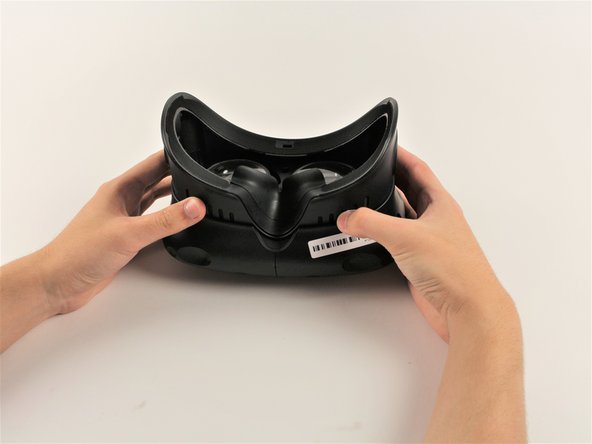
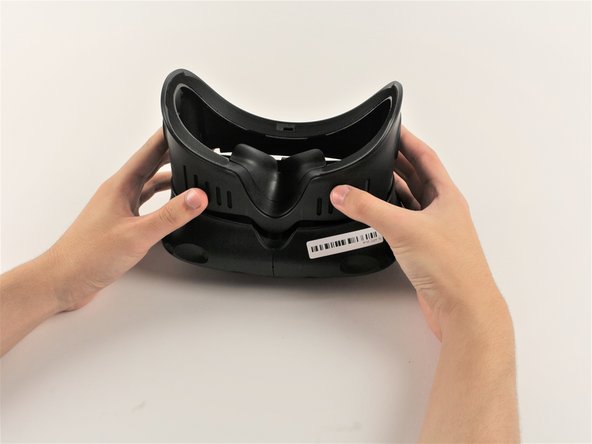
Pull the facerest cushion off away from the Vive, separating the hook and loop tape.
-
-
-
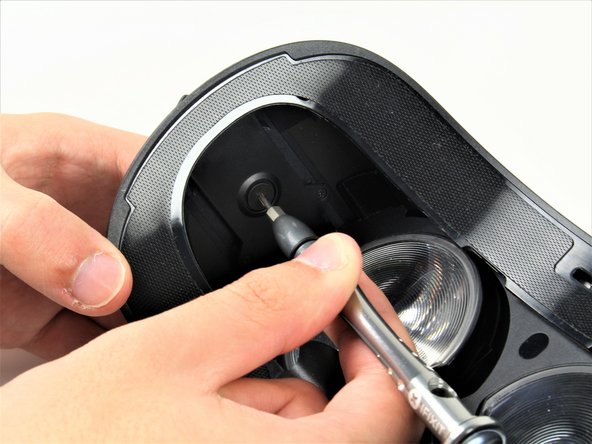
Use a T6 Torx Screwdriver to remove either of the two 12mm hinge screws holding the two hinges in place.
-
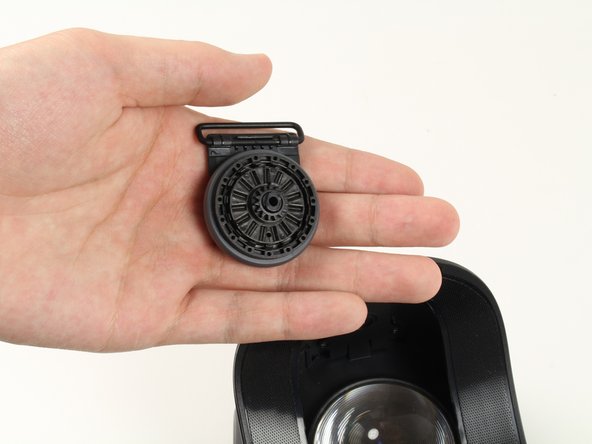
Allow the hinge to fall away once the screw is removed.
-
Repeat for the opposite side.
-
-
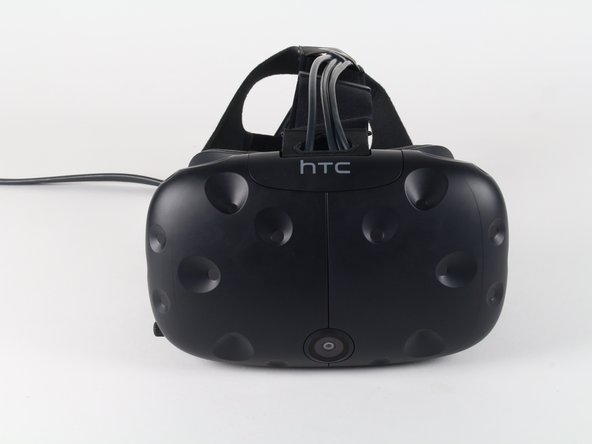
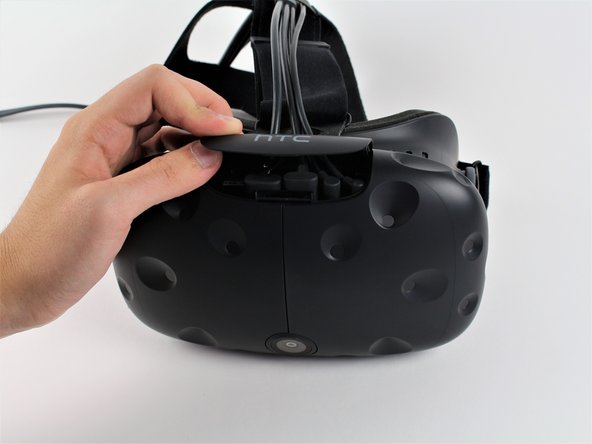
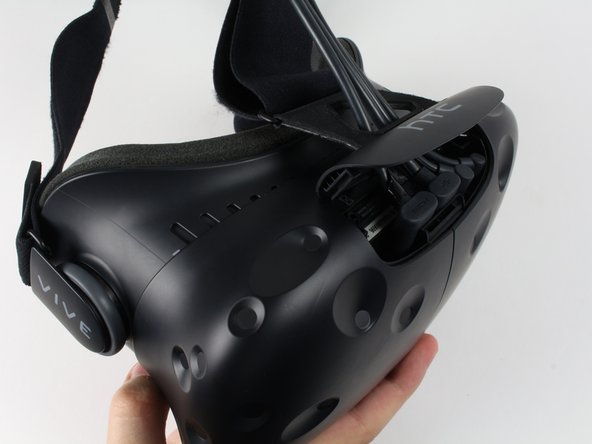


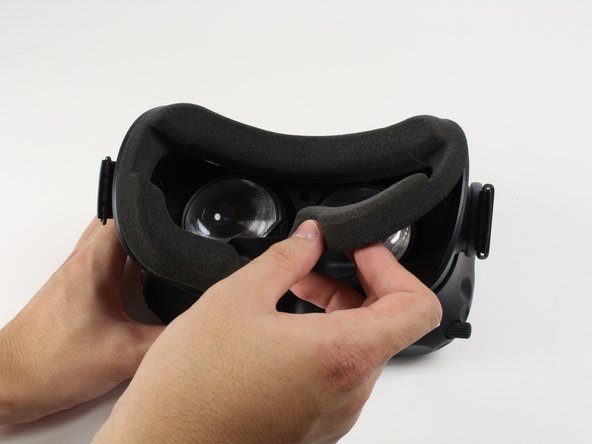


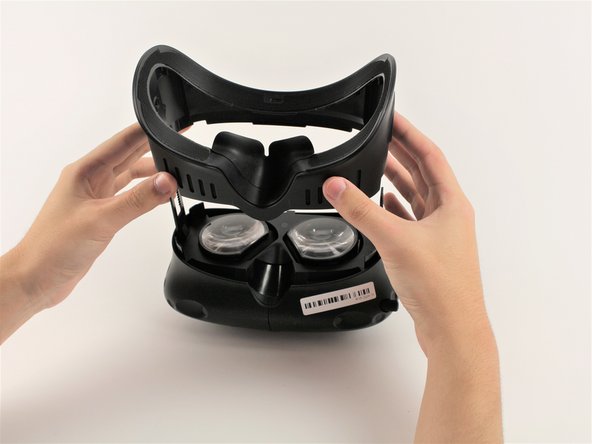


To reassemble your device, follow these instructions in reverse order.

Team

Cal Poly, Team S18-G1, Forte Fall 2017 Member of Cal Poly, Team S18-G1, Forte Fall 2017
CPSU-FORTE-F17S18G1
5 Members
132 Guides authored
