Free Shipping on Domestic Orders $75+

HTC Thunderbolt Rear Inner Frame Replacement

What you need

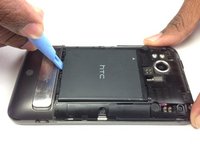
  1. HTC Thunderbolt Rear Inner Frame Replacement, Rear Panel: step 1, image 1 of 1
    • Insert the plastic opening tool into the top of the Thunderbolt near the power button.

    • Gently pry up on the rear panel around the edges until it is loose.

    Ask FixBot
  2. HTC Thunderbolt Rear Inner Frame Replacement: step 2, image 1 of 1
    • Lift and remove the rear panel.

    Ask FixBot
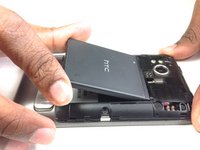
  3. HTC Thunderbolt Rear Inner Frame Replacement, Battery: step 3, image 1 of 2 HTC Thunderbolt Rear Inner Frame Replacement, Battery: step 3, image 2 of 2
    • Using the plastic opening tool, lift up the battery from the bottom near the kickstand.

    • Remove the battery from the inner frame.

    Ask FixBot
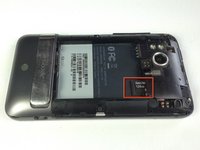
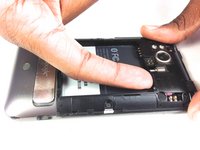
  4. HTC Thunderbolt Rear Inner Frame Replacement, MicroSD Card: step 4, image 1 of 2 HTC Thunderbolt Rear Inner Frame Replacement, MicroSD Card: step 4, image 2 of 2
    • Use your finger to push the MicroSD card in towards the top of the phone, allowing it to be released from the casing.

    Ask FixBot
  5. HTC Thunderbolt Rear Inner Frame Replacement: step 5, image 1 of 1
    Tool used on this step:
    Tweezers
    $4.99
    Buy
    • Use tweezers to grab onto the MicroSD card and carefully remove it from the casing.

    Ask FixBot
  6. HTC Thunderbolt Rear Inner Frame Replacement, Rear Frame: step 6, image 1 of 1
    • Remove the six Phillips screws from the perimeter of the rear frame.

    • By removing the screw with the "void" sticker on it, your Thunderbolt will no longer be covered under warranty.

    Ask FixBot
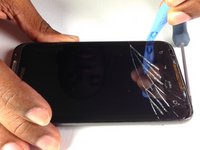
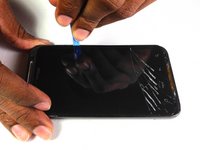
  7. HTC Thunderbolt Rear Inner Frame Replacement: step 7, image 1 of 2 HTC Thunderbolt Rear Inner Frame Replacement: step 7, image 2 of 2
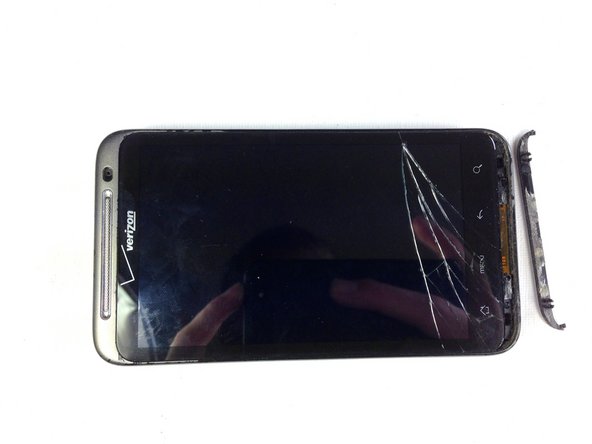
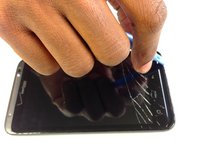
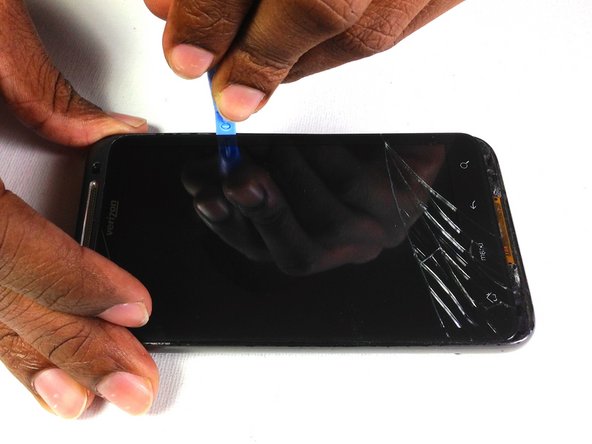
    • Insert the plastic opening tool into the bottom of the phone underneath the soft keys.

    • Gently pry up on the plastic cover by sliding the plastic opening tool across the bottom of the phone.

    • Remove the plastic cover.

    • The plastic cover will have adhesive on it making it difficult to remove.

    Ask FixBot
  8. HTC Thunderbolt Rear Inner Frame Replacement: step 8, image 1 of 1
    • Remove the two Phillips screws where the plastic cover was.

    Ask FixBot
  9. HTC Thunderbolt Rear Inner Frame Replacement: step 9, image 1 of 2 HTC Thunderbolt Rear Inner Frame Replacement: step 9, image 2 of 2
    • Insert the plastic opening tool in between the screen and the frame on the side of the phone.

    • Slowly slide the the plastic opening tool along the side of the phone until the screen begins to separate from the frame.

    • Do the same for the opposite side of the phone.

    Ask FixBot
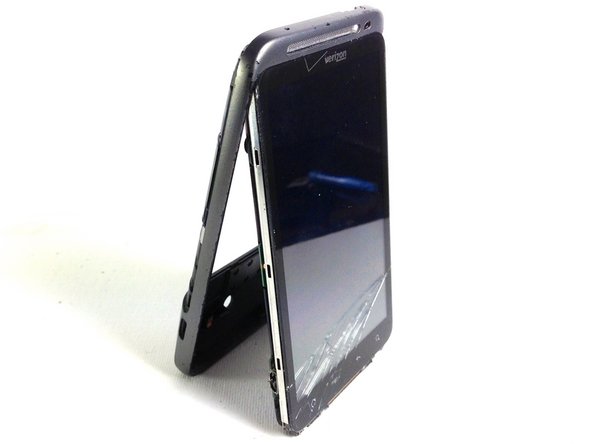
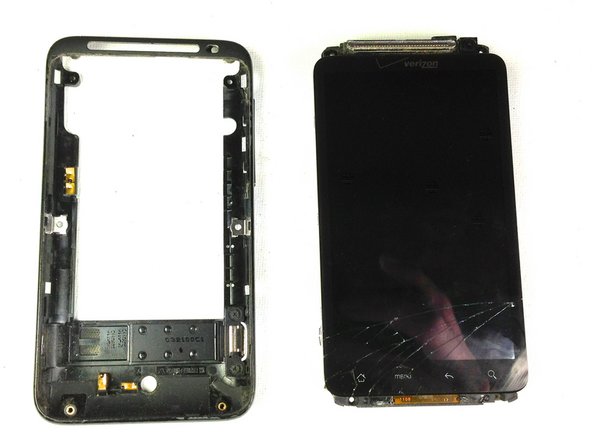
  10. HTC Thunderbolt Rear Inner Frame Replacement: step 10, image 1 of 3 HTC Thunderbolt Rear Inner Frame Replacement: step 10, image 2 of 3 HTC Thunderbolt Rear Inner Frame Replacement: step 10, image 3 of 3
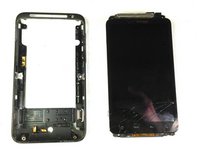
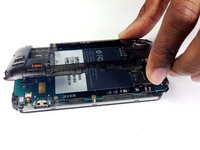
    • Carefully separate the screen and phone from the rear frame, starting from the bottom.

    • Gently pull down on the phone and screen to fully separate it from the rear frame.

    Ask FixBot
  11. HTC Thunderbolt Rear Inner Frame Replacement, Rear Inner Frame: step 11, image 1 of 1
    • Remove the two Phillips screws securing rear inner frame to device.

    Ask FixBot
  12. HTC Thunderbolt Rear Inner Frame Replacement: step 12, image 1 of 1
    • Insert the plastic opening tool between the rear inner frame and the motherboard and slowly work your way around the device.

    Ask FixBot
  13. HTC Thunderbolt Rear Inner Frame Replacement: step 13, image 1 of 2 HTC Thunderbolt Rear Inner Frame Replacement: step 13, image 2 of 2
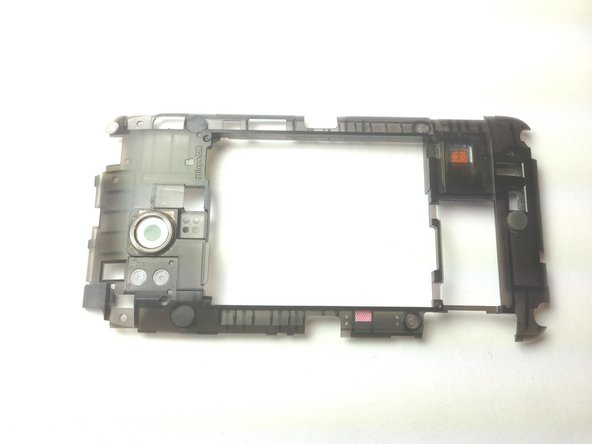
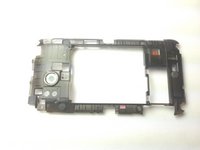
    • Remove the rear inner frame from the rest of the device.

    Ask FixBot
Conclusion

To reassemble your device, follow these instructions in reverse order.

Brandon Younger

Member since: 01/17/13

212 Reputation

8 Guides authored

Team

Cal Poly, Team 19-45, Regan Winter 2013 Member of Cal Poly, Team 19-45, Regan Winter 2013

CPSU-REGAN-W13S19G45

4 Members

24 Guides authored

0 Guide Comments

Add Comment

View Statistics:

Past 24 Hours: 1

Past 7 Days: 4

Past 30 Days: 53

All Time: 733