
HTC Thunderbolt Camera Replacement

Vanessa and 6 other contributors
Last updated on May 7, 2024
Views: 1.6K
View statistics:
- Past 24 Hours:
- 3
- Past 7 Days:
- 18
- Past 30 Days:
- 74
- All Time:
- 1,565
Comments: 0
No one has left comments on this guide. Will you be first?
Go to guide commentsCompleted: 1 2
1 person has marked this guide "completed." Will you be next?
2 people have marked this guide "completed." Including you — great job!
Favorites: 0 1
No one has favorited (and subscribed to) this guide. Will you be the first?
1 person has favorited (and subscribed to) this guide — and that's you!
Action Shots
Be an action hero! This guide needs images that better demonstrate how to perform specific actions.
Needs Better Images
Better photos will improve this guide. Help out by taking, editing, or uploading new ones!
Introduction
Go to step 1 ↓Use this guide to replace a broken or damaged camera.
What you need
Tools


-
-
-
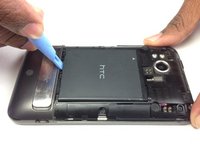
Insert the plastic opening tool into the top of the Thunderbolt near the power button.
-
Gently pry up on the rear panel around the edges until it is loose.
 Ask FixBot
-
-
-
-
-
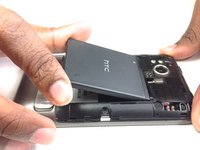
Using the plastic opening tool, lift up the battery from the bottom near the kickstand.
-
Remove the battery from the inner frame.
-
-
-
-
-
Remove the six Phillips screws from the perimeter of the rear frame.
-
-
-
Insert the plastic opening tool into the bottom of the phone underneath the soft keys.
-
Gently pry up on the plastic cover by sliding the plastic opening tool across the bottom of the phone.
-
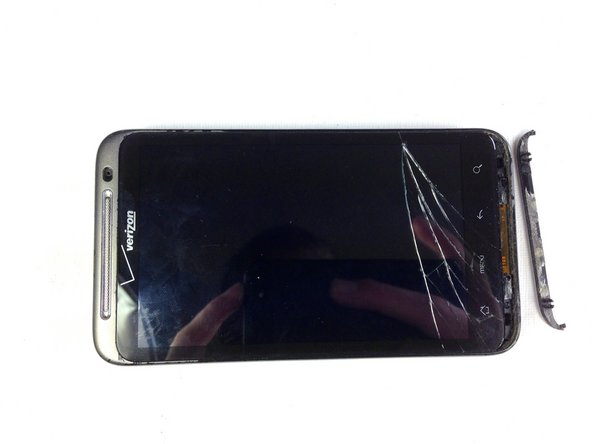
Remove the plastic cover.
-
-
-
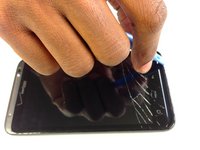
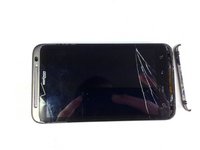
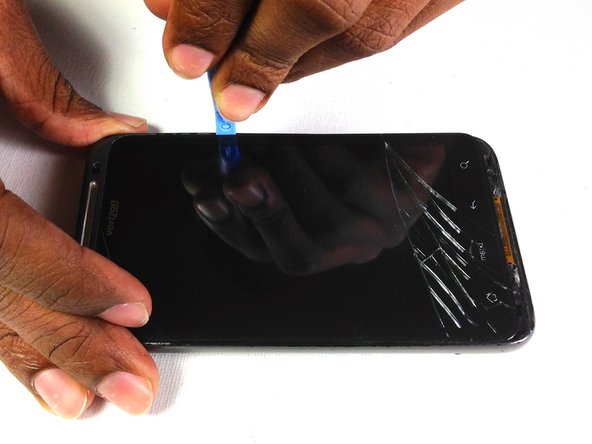
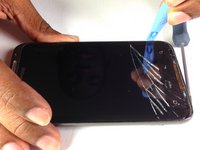
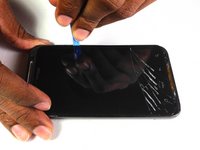
Insert the plastic opening tool in between the screen and the frame on the side of the phone.
-
Slowly slide the the plastic opening tool along the side of the phone until the screen begins to separate from the frame.
-
Do the same for the opposite side of the phone.
-
-
-
-
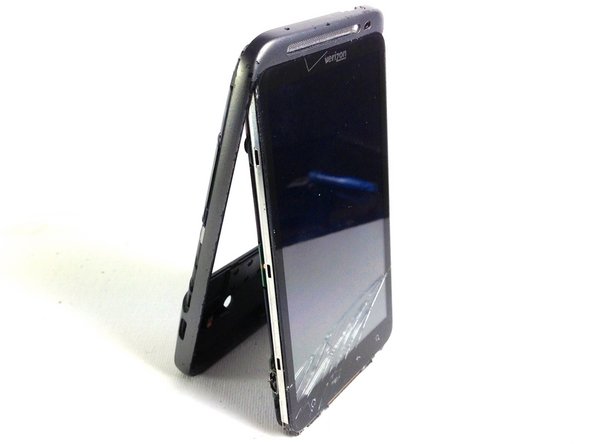
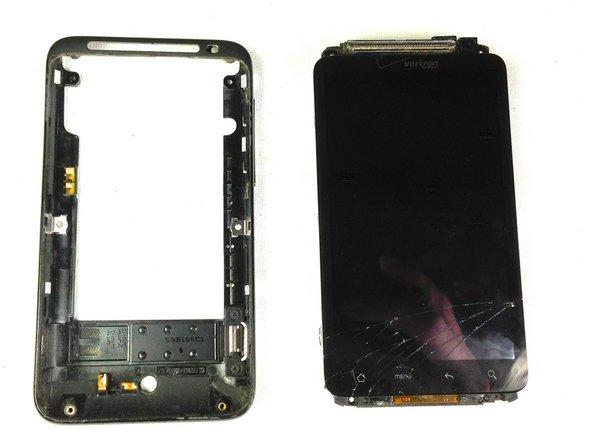
Carefully separate the screen and phone from the rear frame, starting from the bottom.
-
Gently pull down on the phone and screen to fully separate it from the rear frame.
-
-
-
-
-
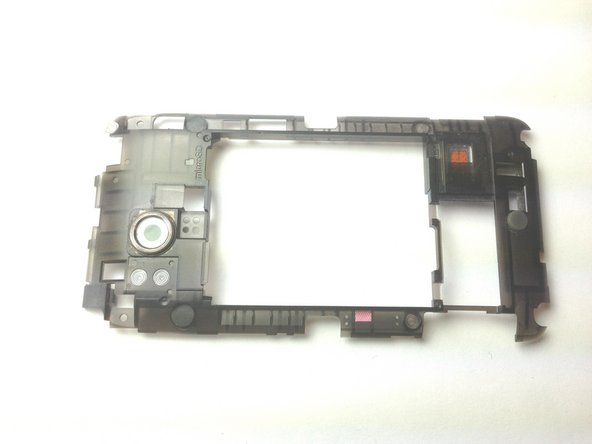
Remove the two Phillips screws securing rear inner frame to device.
-
-
-
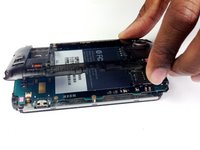
Insert the plastic opening tool between the rear inner frame and the motherboard and slowly work your way around the device.
-
-
-
-
Tool used on this step:Tweezers$4.99
-
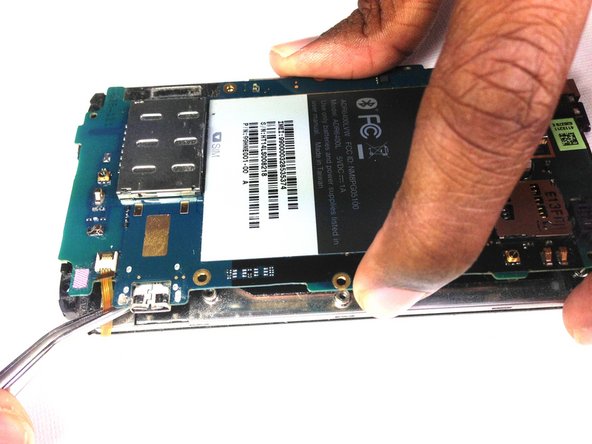
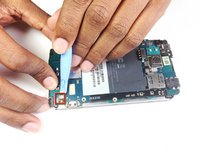
Using the tip of an plastic opening tool flip up the tab holding the capacitive button ribbon cable.
-
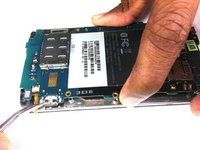
Use a pair of tweezers to pull the capacitive button cable out of its socket.
-
-
-
Lifting from the side where the ribbon was disconnected, flip over the motherboard.
-
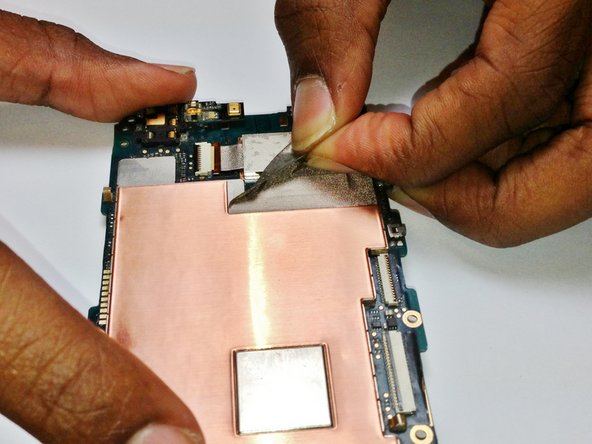
Remove the black tape covering the tabs connecting the motherboard and LCD.
-
-
-
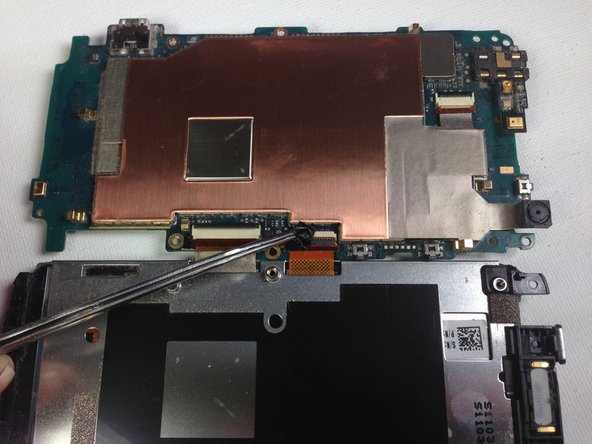
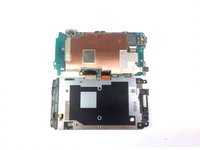
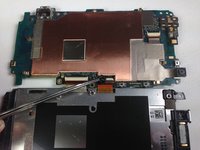
Using the plastic opening tool pop up the two tabs connecting the LCD and motherboard.
-
-
-
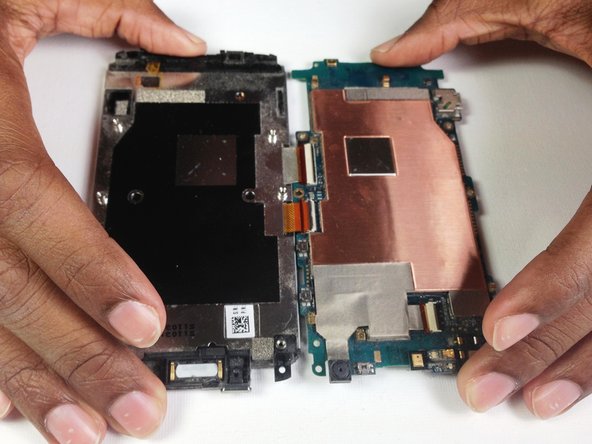
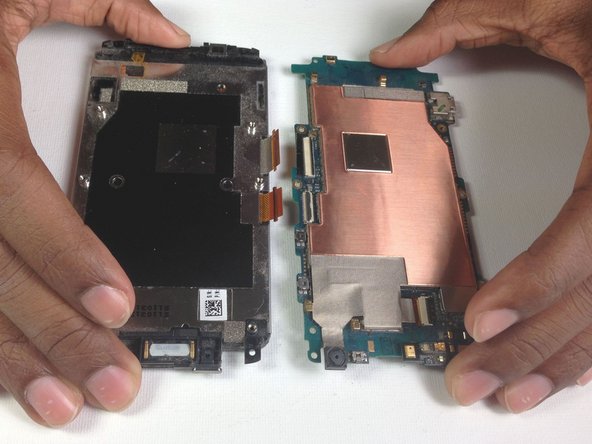
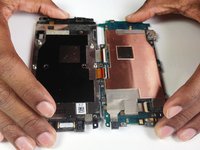
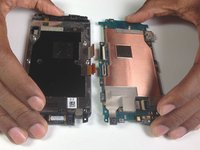
Once the tabs have been popped up, slowly pull the two pieces away from each other.
-
-
-
-
-
-
Use a finger nail to get in between the tape and the phone, then pull the tape off gently.
-
-
Tool used on this step:Tweezers$4.99
-
Flip over motherboard and using tweezers gently grab the camera, then pull back and up.
-
-







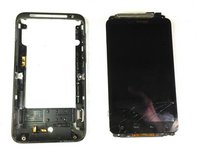









To reassemble your device, follow these instructions in reverse order.
Cancel: I did not complete this guide.
One other person completed this guide.

Team

Cal Poly, Team 19-45, Regan Winter 2013 Member of Cal Poly, Team 19-45, Regan Winter 2013
CPSU-REGAN-W13S19G45
4 Members
144 Guides authored
