Free Shipping on Domestic Orders $75+

HTC Ozone Motherboard Replacement

What you need

  1. HTC Ozone Motherboard Replacement, Rear Battery Cover: step 1, image 1 of 1
    • Flip the phone over to have the rear cover facing up.

    • The camera lens should be towards the top of the phone.

    Ask FixBot
  2. HTC Ozone Motherboard Replacement: step 2, image 1 of 2 HTC Ozone Motherboard Replacement: step 2, image 2 of 2
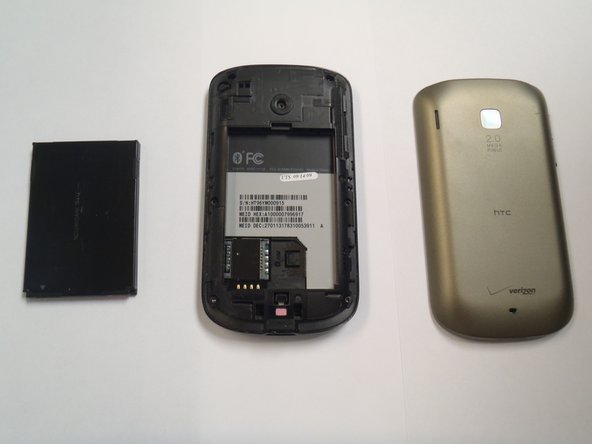
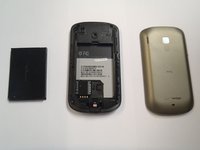
    • Slide the cover up, towards the top of phone, to unlock the battery cover.

    • Lift the cover off phone and remove it.

    Ask FixBot
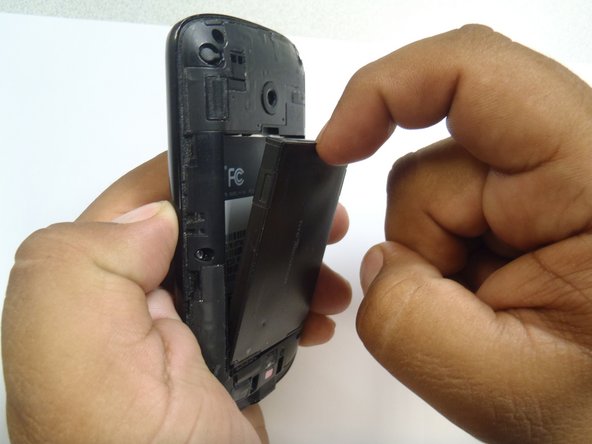
  3. HTC Ozone Motherboard Replacement, Battery: step 3, image 1 of 3 HTC Ozone Motherboard Replacement, Battery: step 3, image 2 of 3 HTC Ozone Motherboard Replacement, Battery: step 3, image 3 of 3
    • Use your finger to push the top of the battery downwards and lift the battery out of the phone.

    Ask FixBot
  4. HTC Ozone Motherboard Replacement, Frame: step 4, image 1 of 2 HTC Ozone Motherboard Replacement, Frame: step 4, image 2 of 2
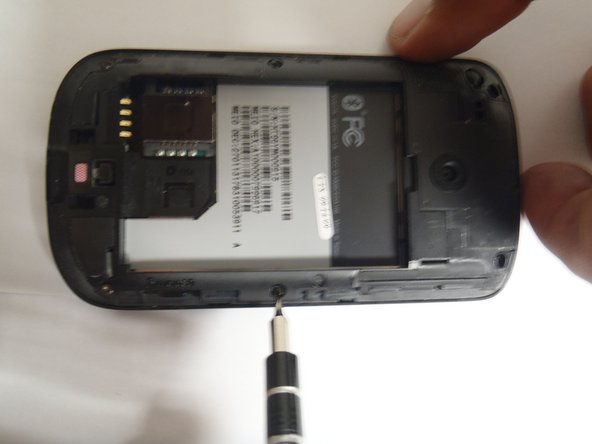
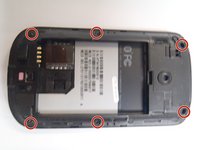
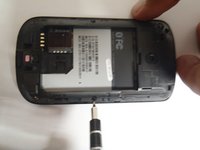
    • Remove the six Torx #5 screws that are securing the rear frame.

    Ask FixBot
  5. HTC Ozone Motherboard Replacement: step 5, image 1 of 3 HTC Ozone Motherboard Replacement: step 5, image 2 of 3 HTC Ozone Motherboard Replacement: step 5, image 3 of 3
    Tool used on this step:
    Plastic Cards
    $2.99
    Buy
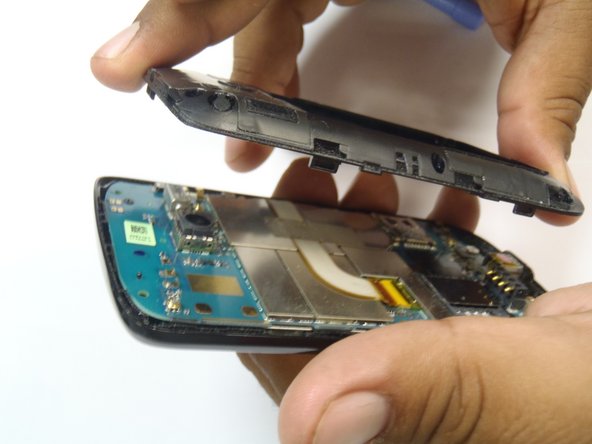
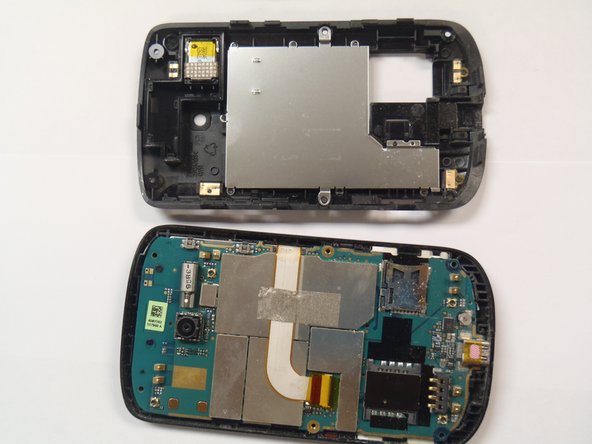
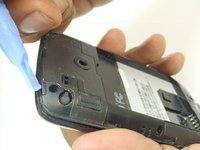
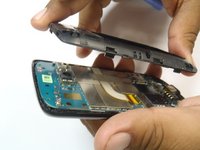
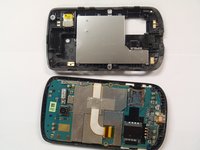
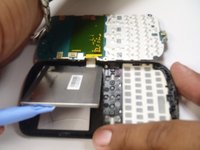
    • Pry the frame open, releasing the eight plastic tabs around the edge of the frame, using the plastic opening tool.

    • A plastic card can be used instead of the plastic opening tool.

    Ask FixBot
  6. HTC Ozone Motherboard Replacement, Motherboard: step 6, image 1 of 2 HTC Ozone Motherboard Replacement, Motherboard: step 6, image 2 of 2
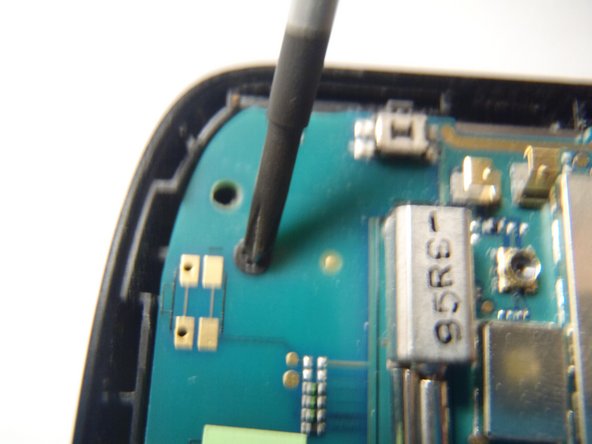
    • Remove the single Phillips #0 screw that is securing the motherboard to the front case of the phone.

    Ask FixBot
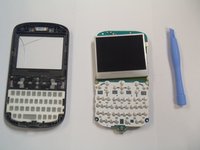
  7. HTC Ozone Motherboard Replacement: step 7, image 1 of 2 HTC Ozone Motherboard Replacement: step 7, image 2 of 2
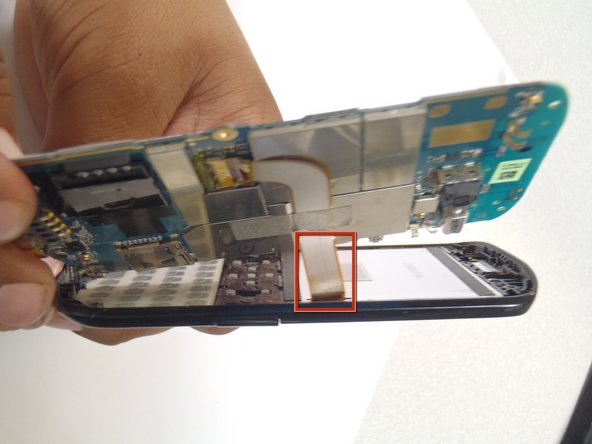
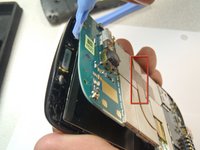
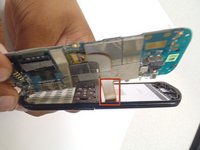
    • Pry the motherboard away from the front of the plastic case using a plastic opening tool.

    • Be careful not to break the ribbon cable when prying away the motherboard.

    Ask FixBot
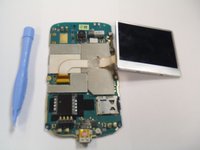
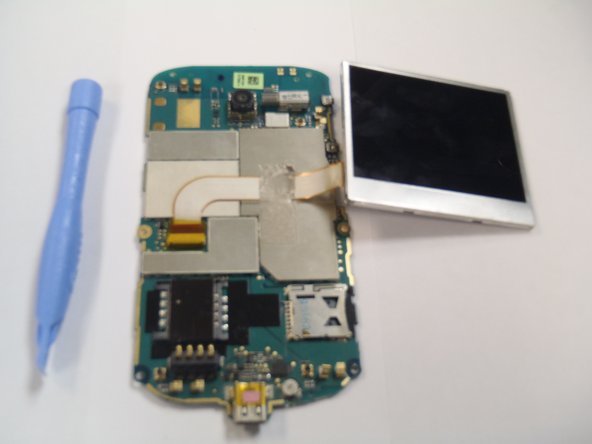
  8. HTC Ozone Motherboard Replacement: step 8, image 1 of 3 HTC Ozone Motherboard Replacement: step 8, image 2 of 3 HTC Ozone Motherboard Replacement: step 8, image 3 of 3
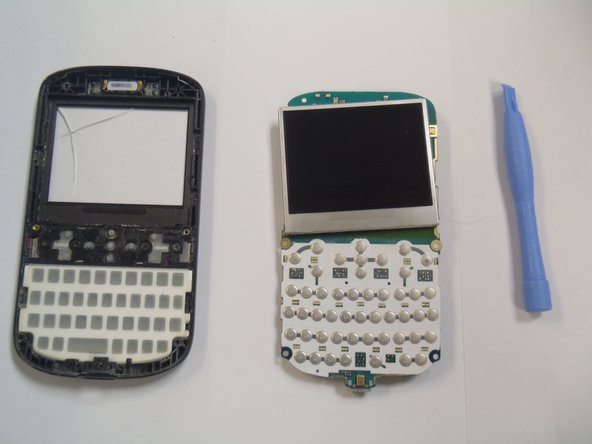
    • Remove the plastic cover from the LCD display and the motherboard.

    • The Motherboard and the LCD are still attached together.

    Ask FixBot
Conclusion

To reassemble your device, follow these instructions in reverse order.

One other person completed this guide.

Marco Jokada

Member since: 04/28/11

247 Reputation

6 Guides authored

Team

1 Guide Comment

Where can I buy/find/get this motherboard? I have been looking for one for over a year now, thanks

Walt - Reply Share

Add Comment

View Statistics:

Past 24 Hours: 2

Past 7 Days: 14

Past 30 Days: 72

All Time: 1,880