
HTC Amaze Back Panel Disassembly

Jonah DIngle and
Last updated on Aug 8, 2019
Views: 211
View statistics:
- Past 24 Hours:
- 1
- Past 7 Days:
- 2
- Past 30 Days:
- 3
- All Time:
- 211
Comments: 1
1 comment on steps.
Completed: 0 1
No one has marked this guide "completed." Will you be the first?
1 person has marked this guide "completed." It's you — great job!
Favorites: 0 1
No one has favorited (and subscribed to) this guide. Will you be the first?
1 person has favorited (and subscribed to) this guide — and that's you!
Prerequisite Only
This is a prerequisite-only guide! This guide is part of another procedure and isn’t meant to be used alone.
Introduction
Go to step 1 ↓Prerequisite Only
This guide will show how to remove the back panel of the HTC Amaze, which will then make it easier to access other components of the device.
What you need
Tools


-
-
-
Gently press the Release Button located at the bottom of the phone in order to remove the back panel of the device.
 Ask FixBot
-
-
-
Once you locate the battery, look for a notch below it.
-
Gently insert your fingernails into the notch.
-
Lift the battery out of its recess.
-
-
-
-
-
-
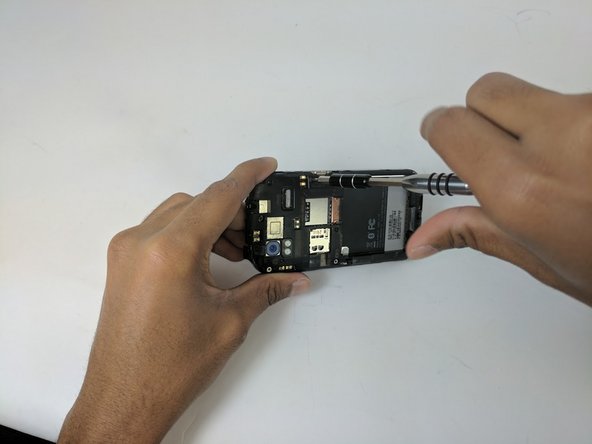
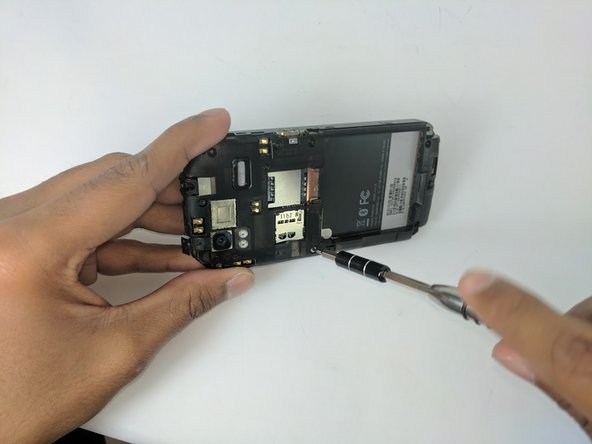
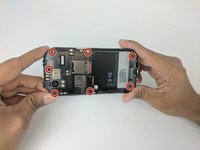
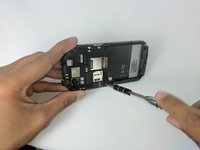
Use the Torx T5 screwdriver to remove the 7 Torx Screws (3mm) attached to the back housing of the device.
-
-
-
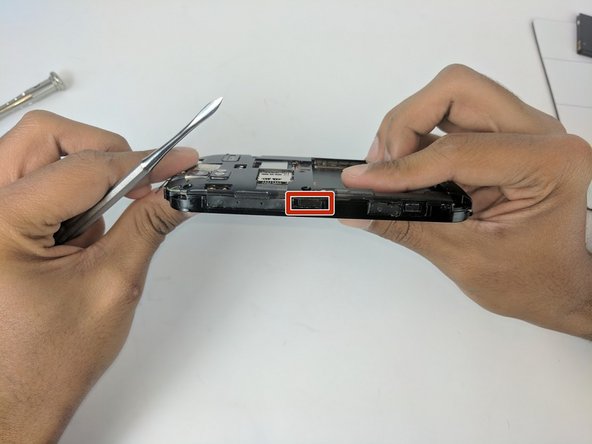
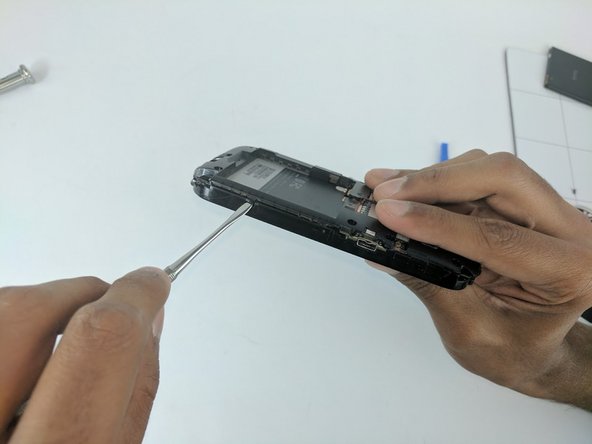
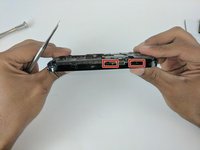
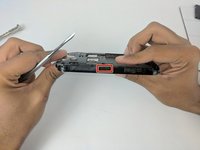
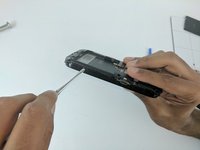
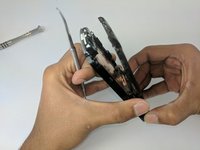
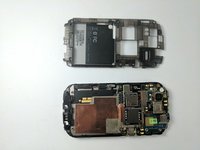
Proceed to remove the back housing by using the spudger to gently unclip each clip holding the back housing in place and then lift the outer edges of the back housing
-
-
-
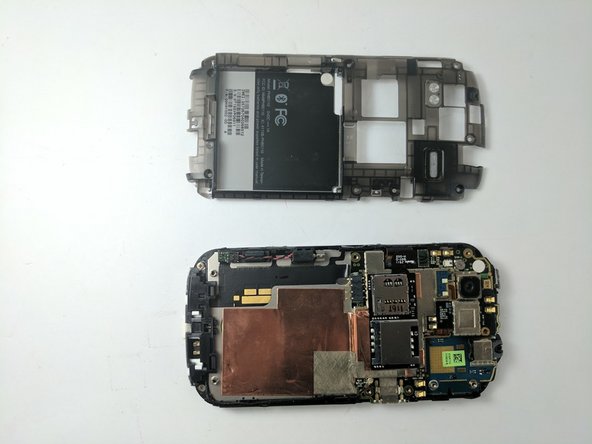
Now simply remove the back panel by gently pulling. This will make it easier to access the devices internal components.
-
-




To reassemble your device, follow these instructions in reverse order.

Team

USF Tampa, Team 16-3, Eyestone Fall 2016 Member of USF Tampa, Team 16-3, Eyestone Fall 2016
USFT-EYESTONE-F16S16G3
2 Members
60 Guides authored
