Introduction
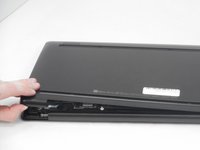
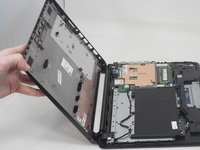
Use this guide to replace the lower case on a HP Stream 14-CB174WM.
What you need
-
-
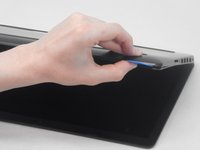
Use an opening pick to gently pry up the edge of the rubber foot.
-
Grab the lifted edge of the foot and gently pull it away.
-
Repeat for the other rubber foot.
-
-


Conclusion
To reassemble your device, follow these instructions in reverse order.



