
HP Pavilion DV3 RAM Replacement

Brandon Baldovin and 5 other contributors
Last updated on Jan 28, 2014
Views: 2.6K
View statistics:
- Past 24 Hours:
- 2
- Past 7 Days:
- 15
- Past 30 Days:
- 90
- All Time:
- 2,582
Comments: 0
No one has left comments on this guide. Will you be first?
Go to guide commentsCompleted: 2 3
2 people have marked this guide "completed." Will you be next?
3 people have marked this guide "completed." Including you — great job!
Favorites: 4 5
4 people have favorited (and subscribed to) this guide. Will you be next?
5 people have favorited (and subscribed to) this guide — including you!
Needs Better Images
Better photos will improve this guide. Help out by taking, editing, or uploading new ones!
Introduction
Go to step 1 ↓This guide instructs you how to remove the RAM. You will need the screwdriver listed in the tools section.
What you need
Tools

-
-
-
Step 1 – Battery: Locate the battery release slider on the bottom of the laptop and move it in the direction of the arrow to the unlock position.
-
The yellow highlighted edge of the battery should pop up slightly when the switch is moved
 Ask FixBot
-
-
-
Step 2: Using the edge of the battery that has popped up, lift the battery out of the computer.
-
-
-
-
-
-
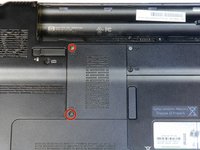
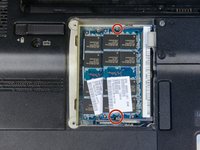
Remove the two 3.5 mm diameter head and 7 mm long screws using the Philips PH1 screwdriver.
-
Set the cover with attached screws to the side.
-
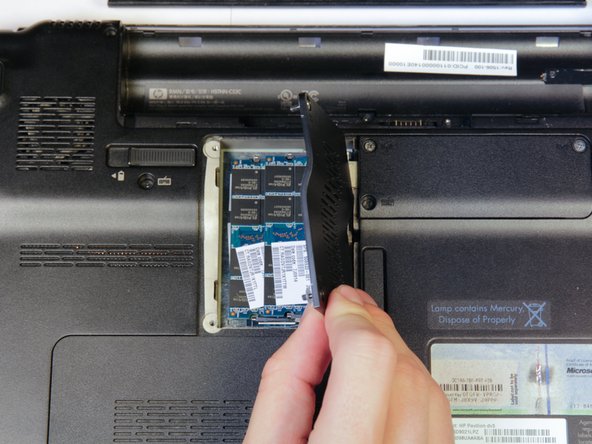
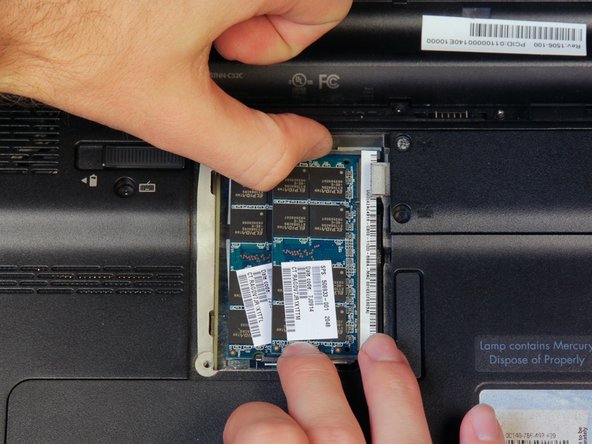
The RAM will now be exposed
-
-
-
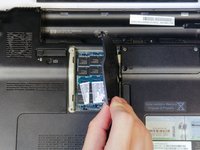
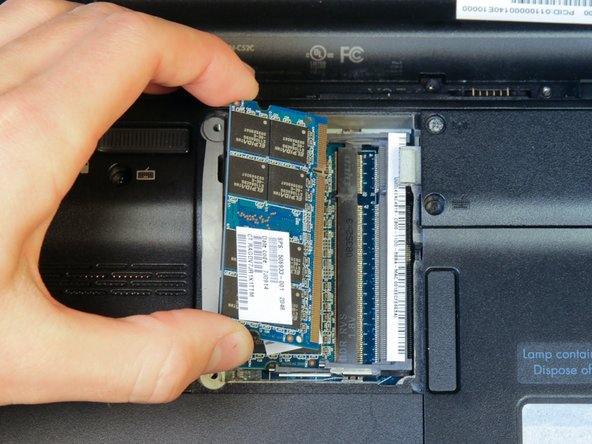
Find the two clips located on each side of the RAM.
-
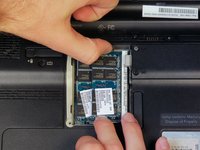
Using both hands, simultaneously grab each clip and open them away from the RAM stick.
-
-
-
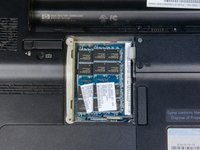
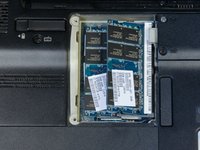
If there is a second RAM module present (as shown), repeat steps 2 and 3 to remove it.
-
-







To reassemble your device, follow these instructions in reverse order.
Cancel: I did not complete this guide.
2 other people completed this guide.

Team

Cal Poly, Team 14-10, Forte Fall 2013 Member of Cal Poly, Team 14-10, Forte Fall 2013
CPSU-FORTE-F13S14G10
4 Members
60 Guides authored
