HP EliteBook 850 G7 Battery Replacement

What you need

  1. HP EliteBook 850 G7 Battery Replacement, Battery: step 1, image 1 of 2 HP EliteBook 850 G7 Battery Replacement, Battery: step 1, image 2 of 2
    • To start flip the device so the bottom is facing up

  2. HP EliteBook 850 G7 Battery Replacement: step 2, image 1 of 2 HP EliteBook 850 G7 Battery Replacement: step 2, image 2 of 2
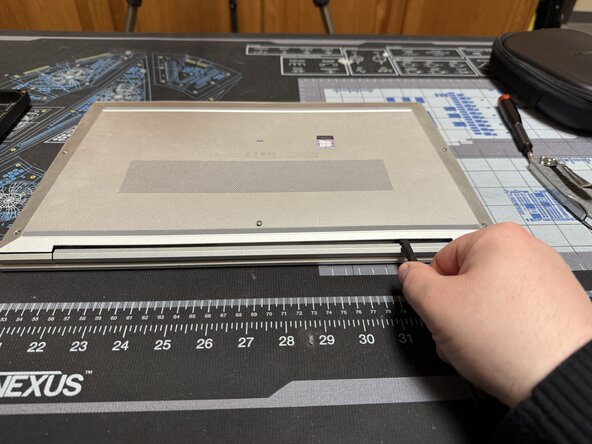
    • Unscrew the 5 marked captive screws with a Phillips #1 and flip the device so the hinge is faced towards you

    • Slide a spudger under the shell to pop the clips and run it around the perimeter of the shell until you can remove it.

  3. HP EliteBook 850 G7 Battery Replacement: step 3, image 1 of 2 HP EliteBook 850 G7 Battery Replacement: step 3, image 2 of 2
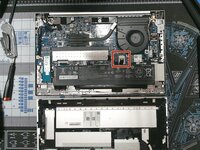
    • Unplug the battery cable

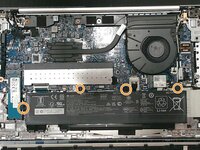
    • Then remove the 4 marked screws.

    • The battery can now be removed

    • For reassembly just follow the directions in reverse

Conclusion

To reassemble your device, follow these instructions in reverse order.

Caleb Pierce

Member since: 04/19/22

1,121 Reputation

8 Guides authored

0 Guide Comments

Add Comment

View Statistics:

Past 24 Hours: 0

Past 7 Days: 3

Past 30 Days: 16

All Time: 200
