Introduction
The hinge to the HP Chromebook 14a-ne0013dx connects the device display to the keyboard base and bottom cover. When operating properly, opening up or closing the device should feel smooth and easy. The hinge should also keep the device upright when open and shut when closed. If the hinge is overly creaky, difficult to manipulate when opening or closing, or refuses to support the device display when open, then it may be time to replace the hinges. Some issues may be due to having a defective hinge, but normal wear-and-tear from frequent device usage may wear out the internal hinge mechanisms.
What you need
-
-
Remove two 8 mm screws from the bottom panel of the laptop using a Phillips #0 screwdriver.
-
Remove six 6 mm screws from the bottom panel of the laptop using a Phillips #0 screwdriver.
-
-
-
Flip the device over so it is right side up and open it.
-
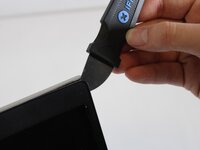
Use a Jimmy to gently pry between the keyboard and case.
-
Pry gently to pop open the plastic tabs holding the top panel in. A clicking noise will occur during this step
-
Continue prying, moving around all sides of the panel until it is loose.
-
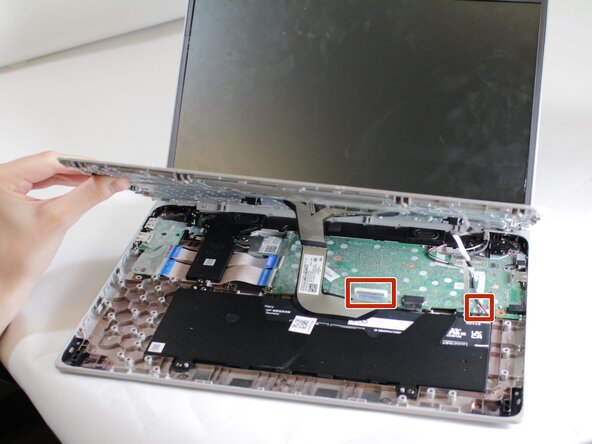
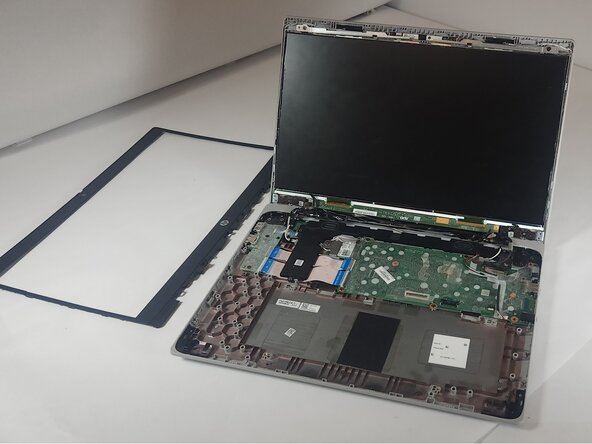
Carefully lift the top panel from the device body.
-
-
-
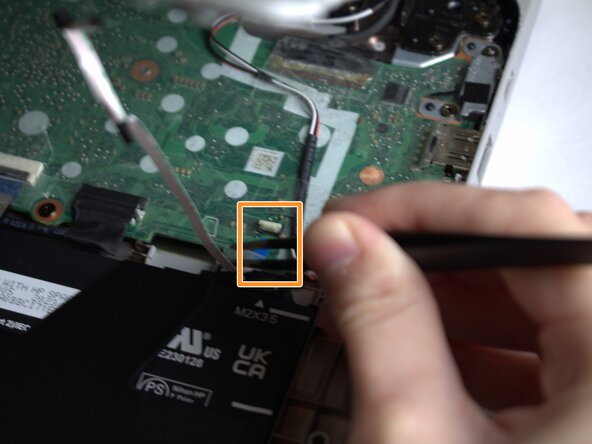
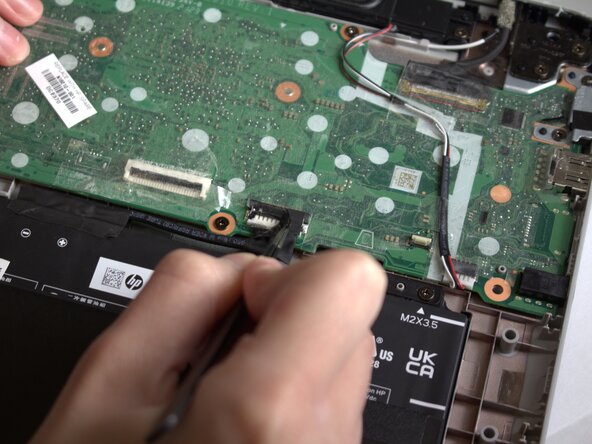
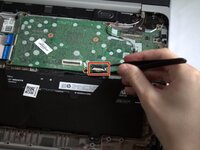
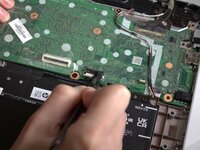
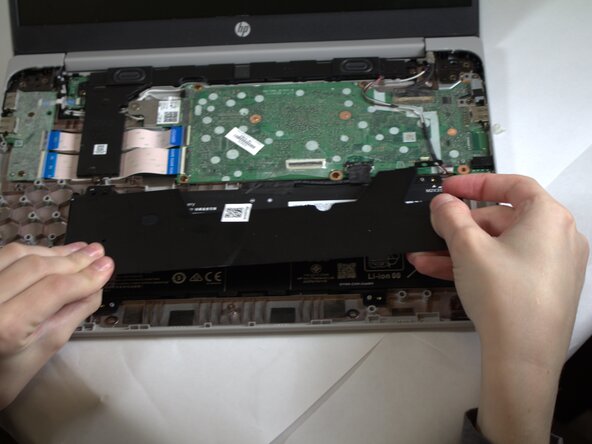
Peel the tape off of the cable connecting the battery to the motherboard.
-
Grasp the connector and tug until loose.
-
-
-
-
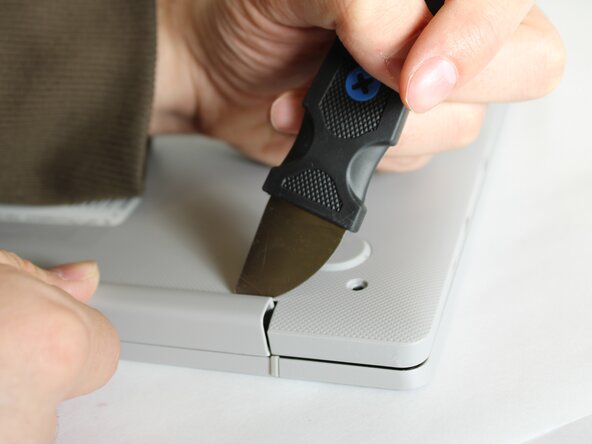
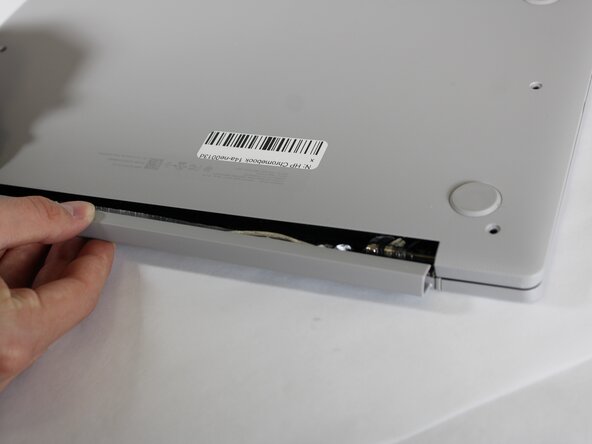
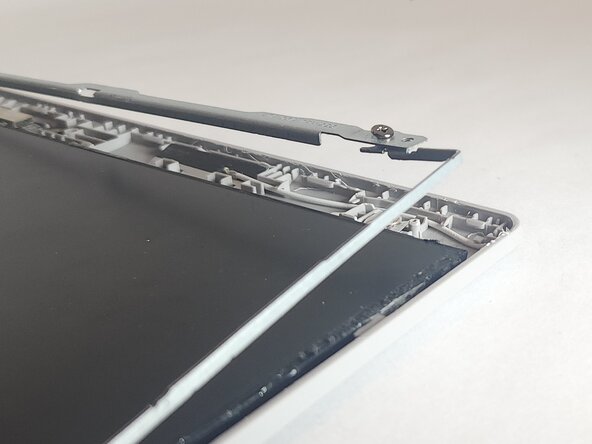
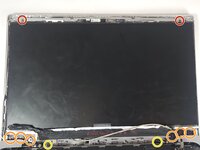
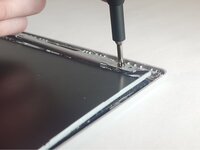
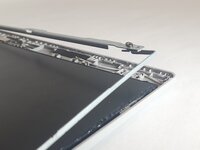
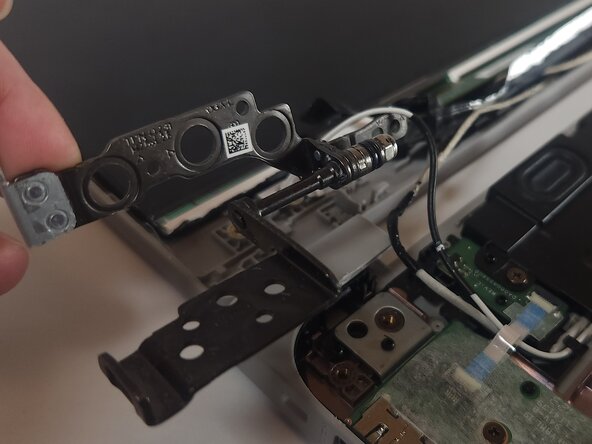
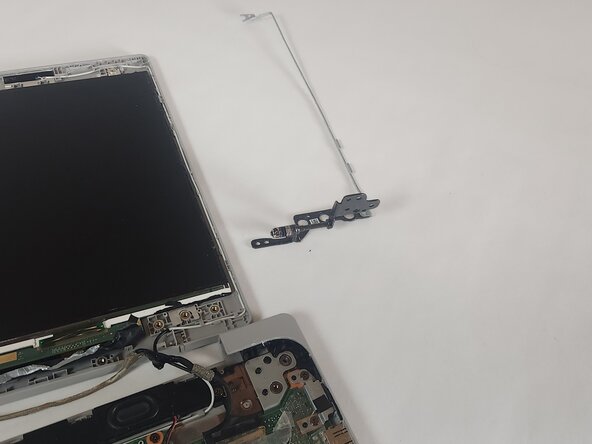
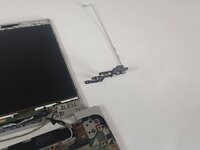
Turn the device so that the plastic hinge piece on the back is facing towards you.
-
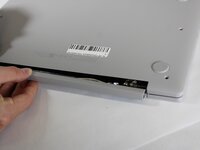
Pry the edge of the plastic hinge piece until it comes out freely.
-






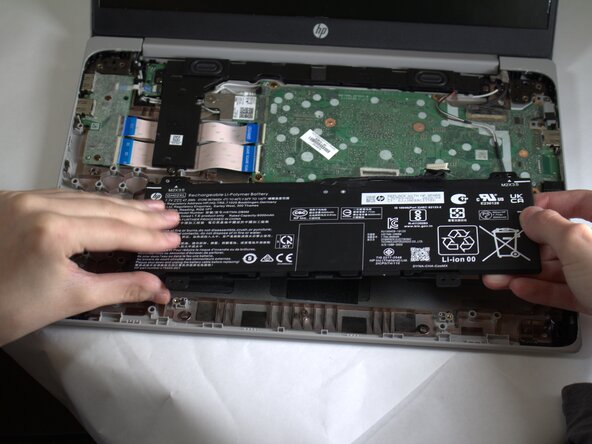
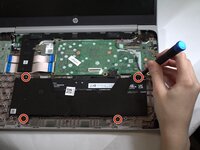
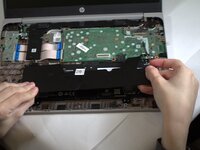
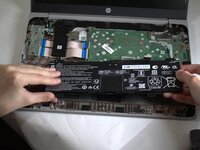



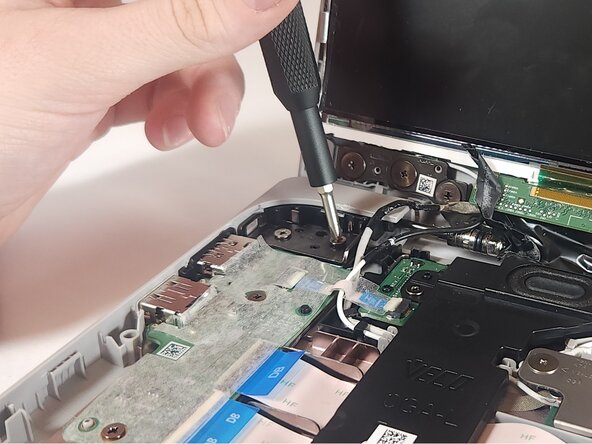
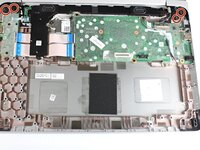

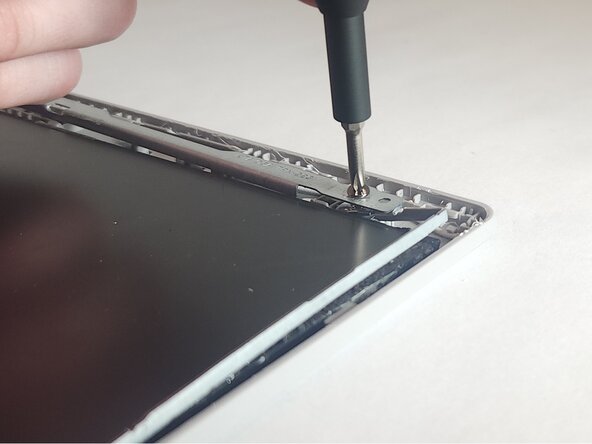

To reassemble your device, follow these instructions in reverse order.
Cancel: I did not complete this guide.
One other person completed this guide.


Team

Colorado Mesa University, Team 1-2, Kinney Spring 2025 Member of Colorado Mesa University, Team 1-2, Kinney Spring 2025
CMU-KINNEY-S25S1G2
4 Members
6 Guides authored
