Introduction
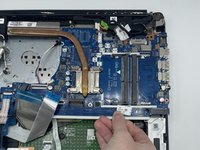
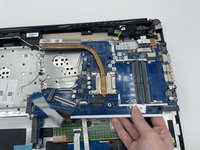
If you ever need to replace your motherboard due to water damage, electricity damage broken parts, etc, or simply you just want to upgrade your motherboard, follow this guide to remove it.
What you need
-
-
-
Gently pull apart the two silver arms securing the RAM until it slightly flips up.
-
Pull the RAM directly out of its port.
-


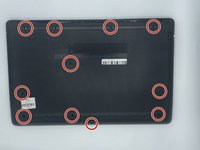
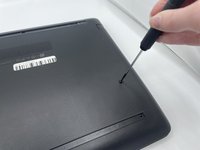


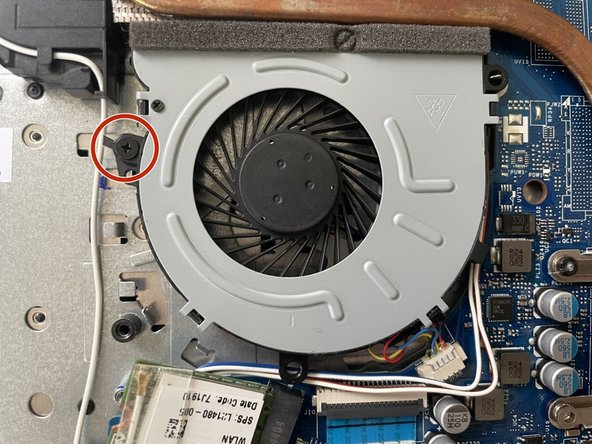
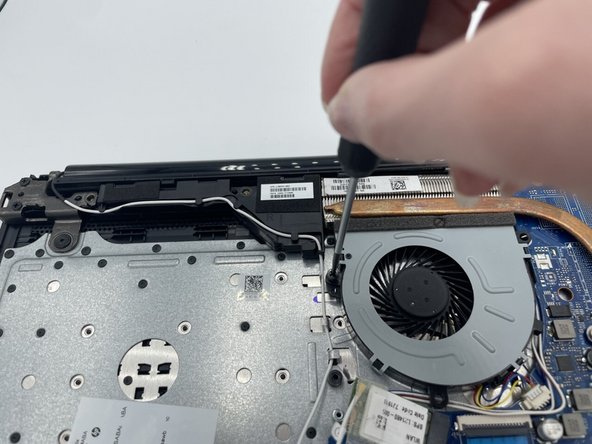
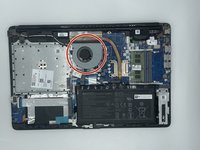
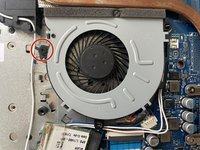
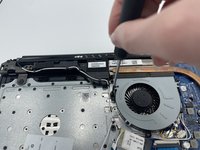

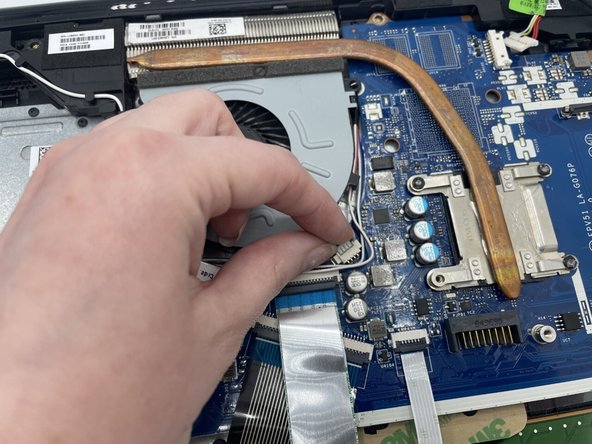
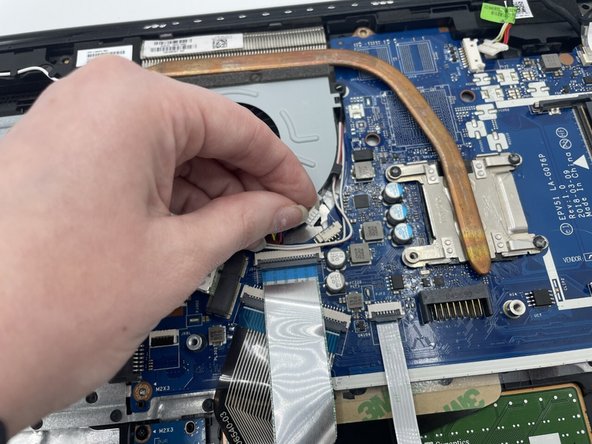
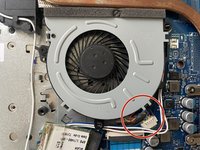
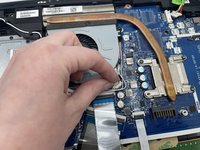
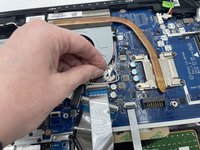

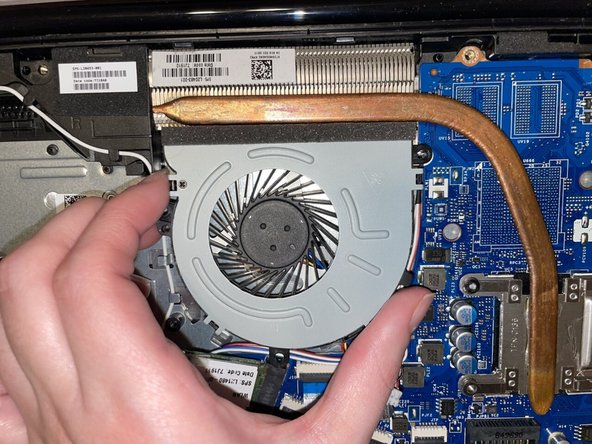
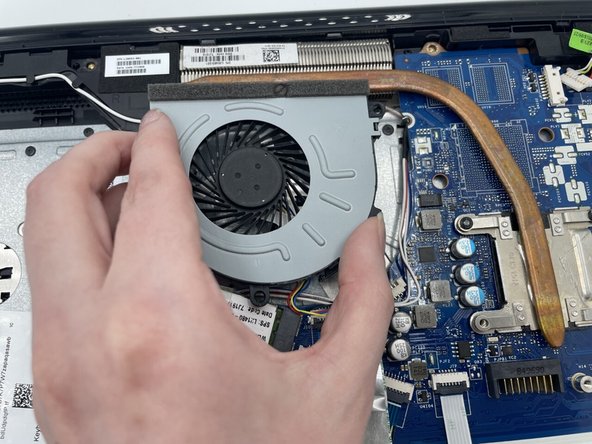
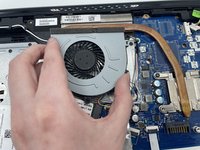


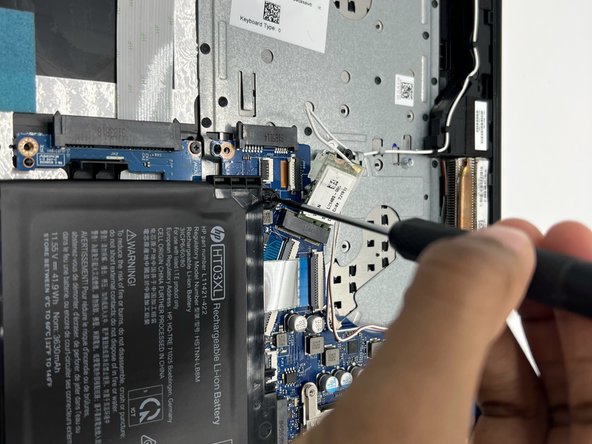
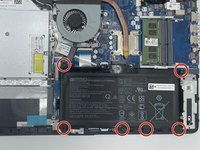
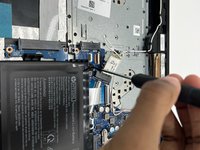

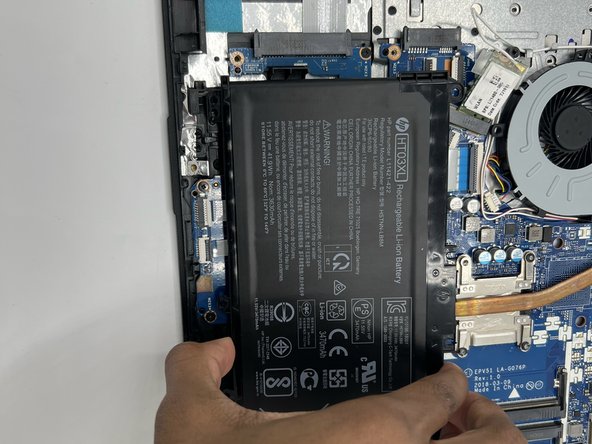
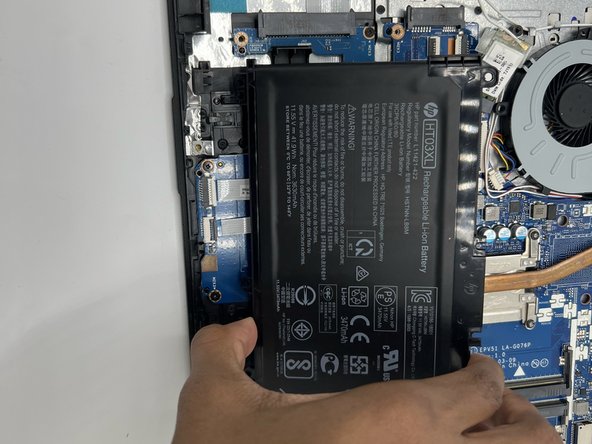
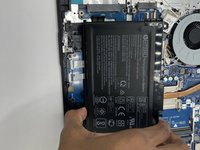

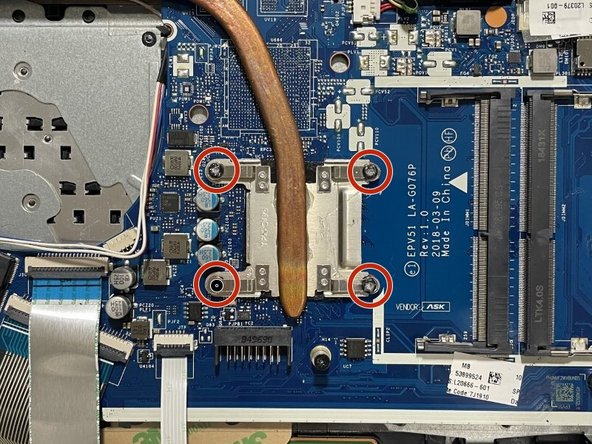
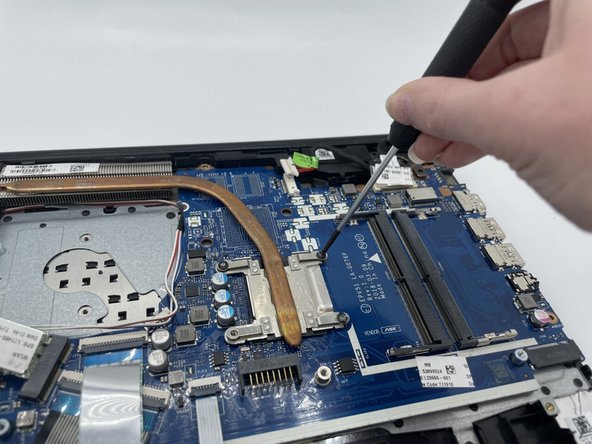
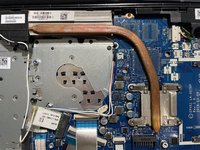
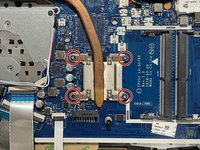
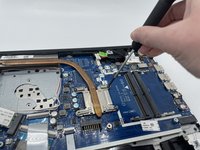

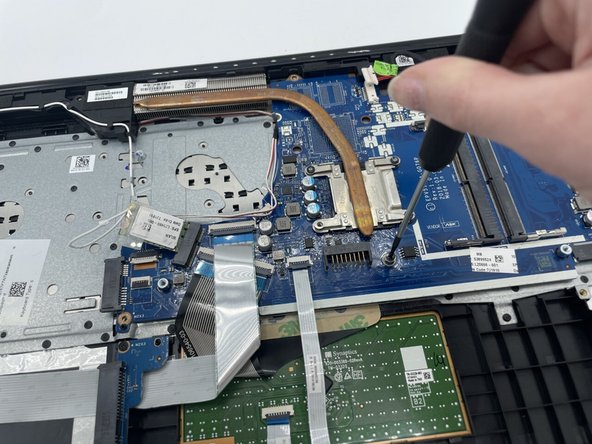
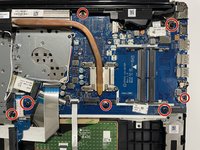
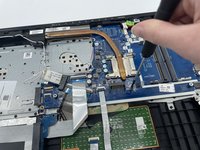

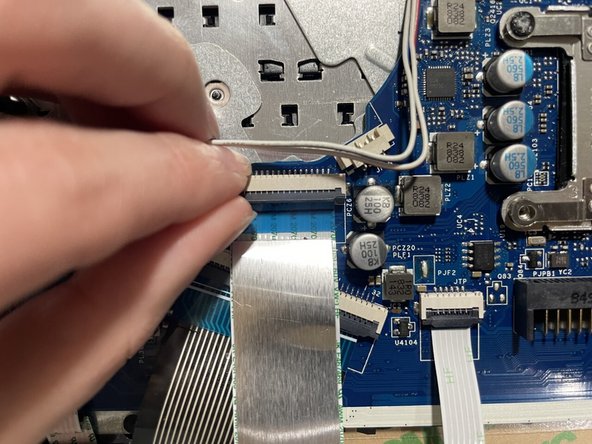
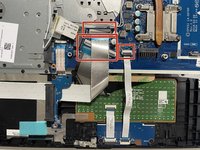
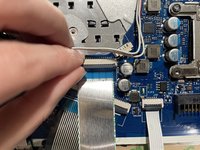

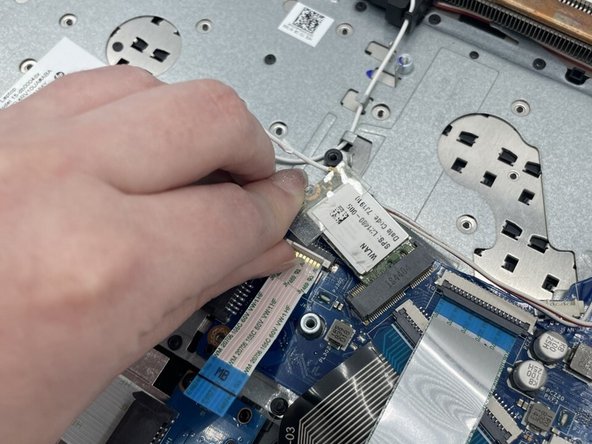

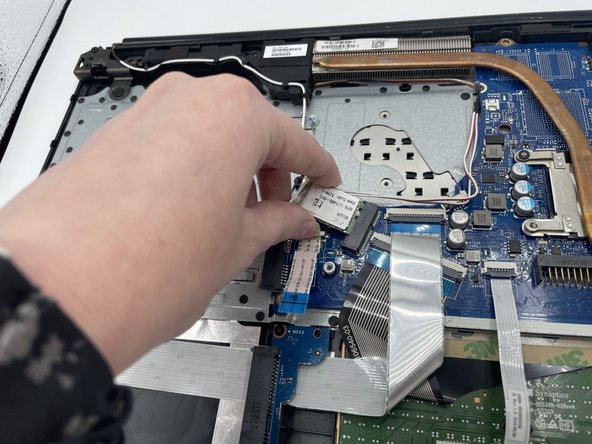
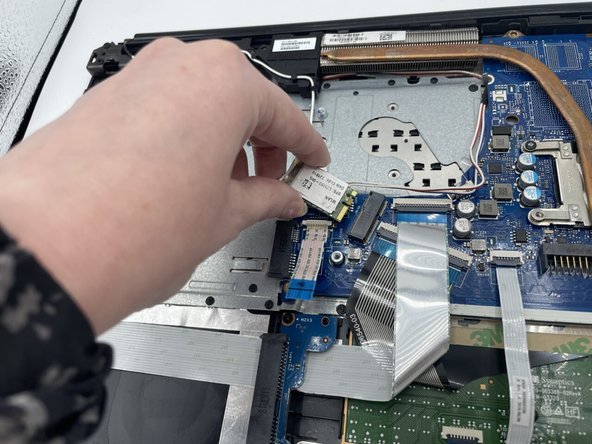
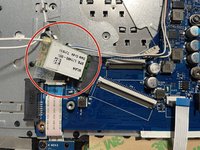
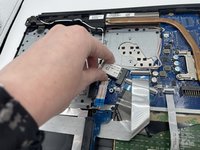
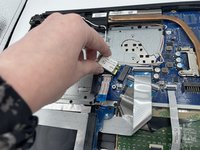

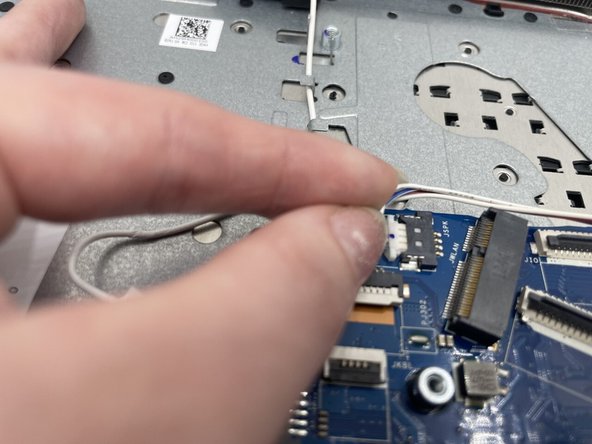
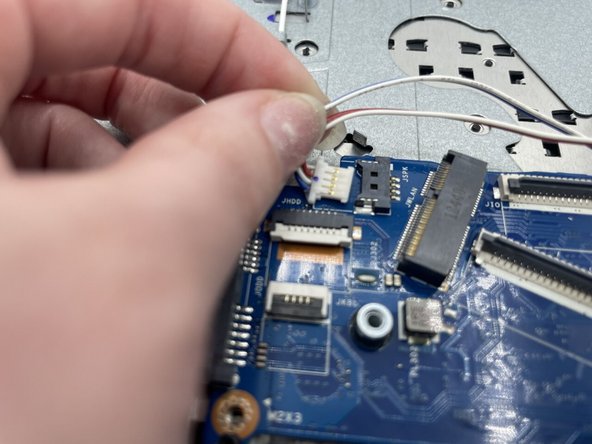
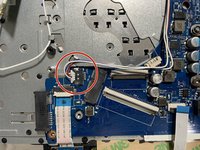
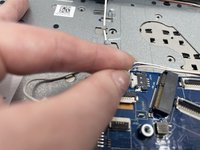
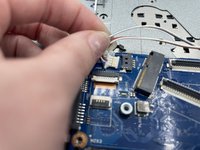

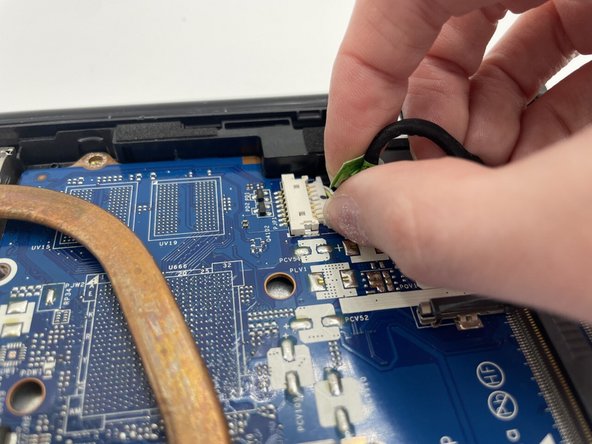
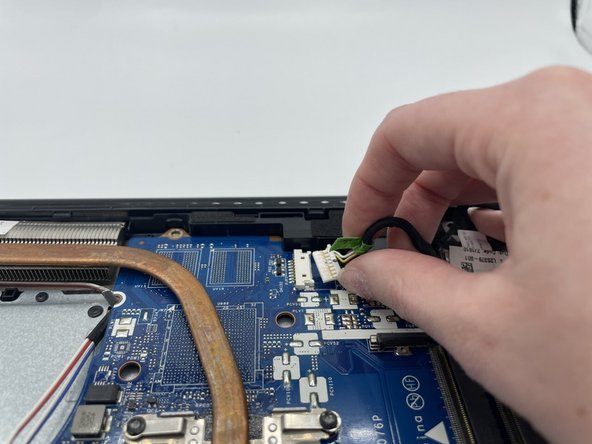
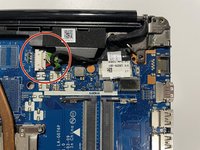
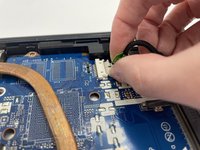
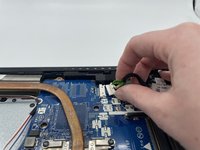

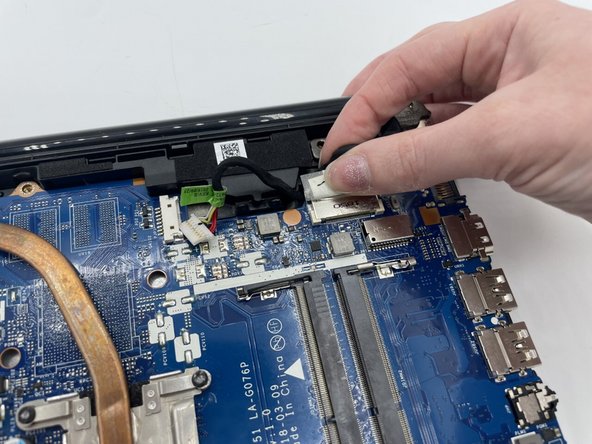
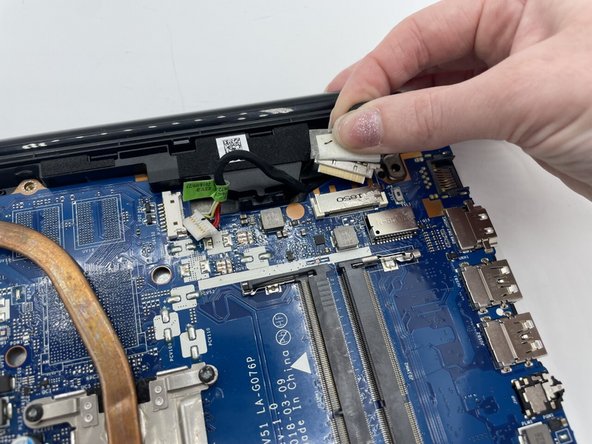
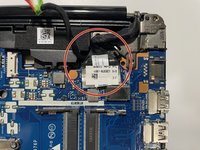
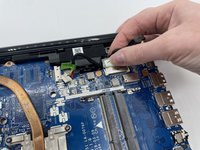
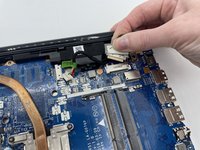

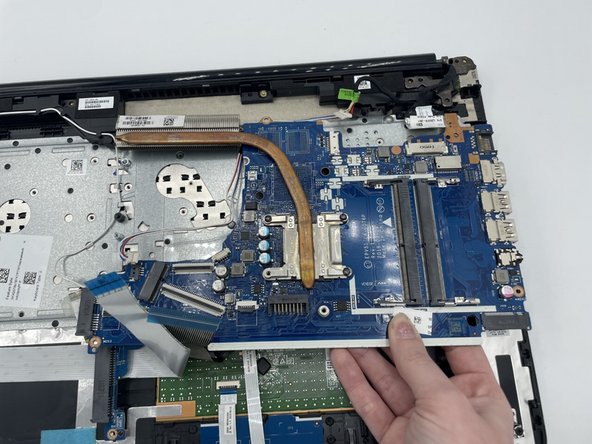
To reassemble your device, follow these instructions in reverse order.
Cancel: I did not complete this guide.
One other person completed this guide.



Team

University of North Texas, Team 4-5, Saru Jimmy Fall 2022 Member of University of North Texas, Team 4-5, Saru Jimmy Fall 2022
UNT-SARU JIMMY-F22S4G5
3 Members
5 Guides authored
