Free Shipping on Domestic Orders $75+

HP 15-BA078DX RAM Replacement

What you need

  1. HP 15-BA078DX RAM Replacement, Battery: step 1, image 1 of 3 HP 15-BA078DX RAM Replacement, Battery: step 1, image 2 of 3 HP 15-BA078DX RAM Replacement, Battery: step 1, image 3 of 3
    • Unclip the two latches on the bottom of the laptop.

    • Slide the battery straight out while holding the clip open.

    Ask FixBot

    Add Comment

  2. HP 15-BA078DX RAM Replacement, Disc Drive: step 2, image 1 of 1
    • Using the Phillips #0 screwdriver, remove the 7.5mm screw from the underside of the plastic frame that holds the disc tray in place.

    Ask FixBot

    Add Comment

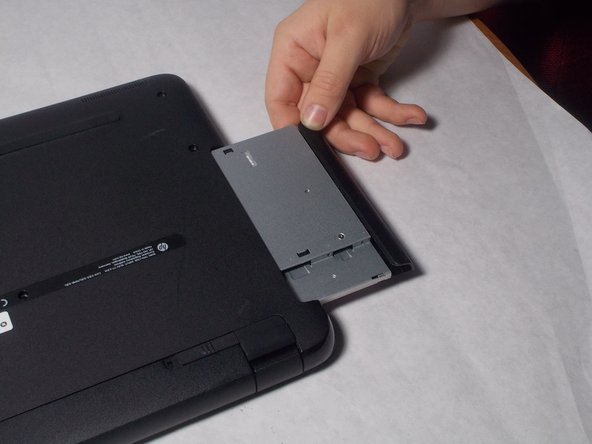
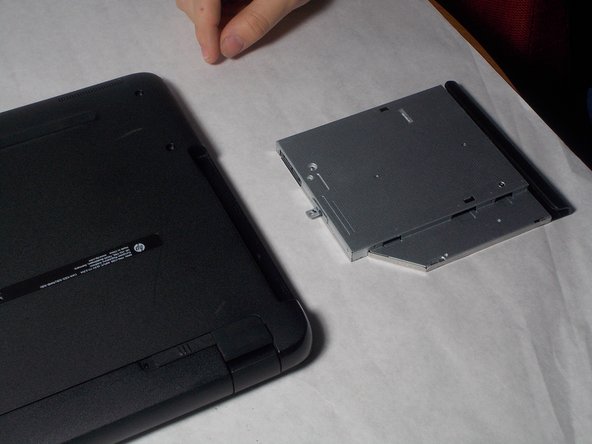
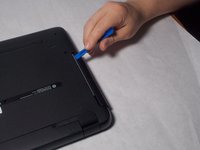
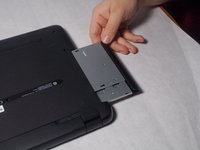
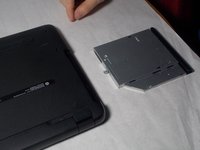
  3. HP 15-BA078DX RAM Replacement: step 3, image 1 of 3 HP 15-BA078DX RAM Replacement: step 3, image 2 of 3 HP 15-BA078DX RAM Replacement: step 3, image 3 of 3
    • Remove the disk tray assembly by sliding it out from the side using the blue plastic opening tool.

    Ask FixBot

    Add Comment

  4. HP 15-BA078DX RAM Replacement, Back Panel: step 4, image 1 of 1
    • Remove all of the remaining back panel screws with a #0 Phillips head screwdriver.

    • Remember to remove the two screws under the rubber feet.

    Ask FixBot

    Add Comment

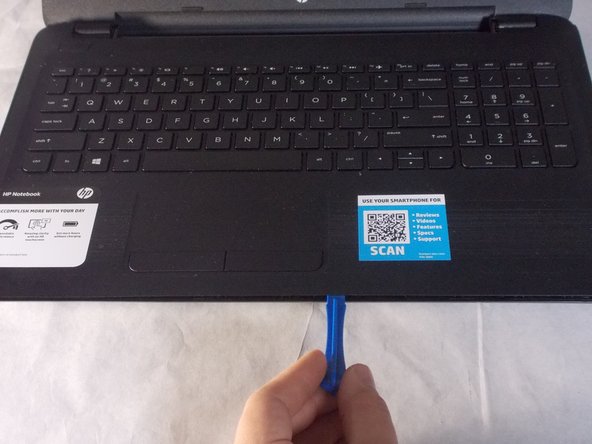
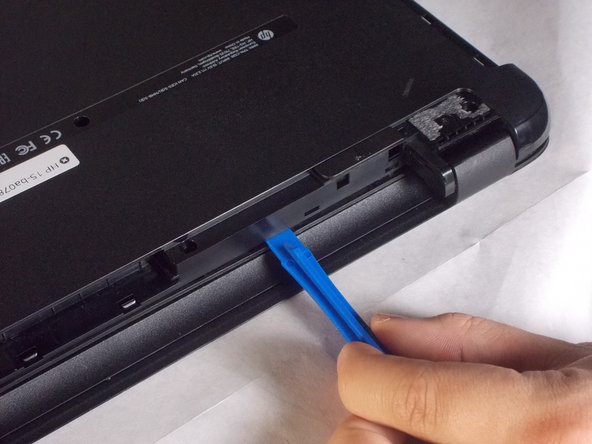
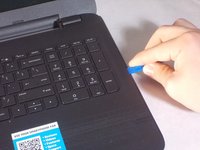
  5. HP 15-BA078DX RAM Replacement: step 5, image 1 of 3 HP 15-BA078DX RAM Replacement: step 5, image 2 of 3 HP 15-BA078DX RAM Replacement: step 5, image 3 of 3
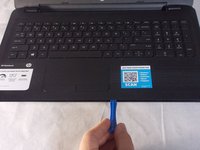
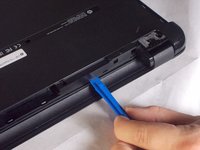
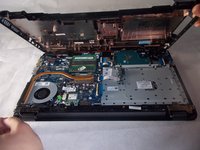
    • Carefully use the blue plastic opening tool to pry the clam shell of the laptop apart.

    • You may need to flip the laptop over to unlatch all of the internal clips.

    Ask FixBot

    Add Comment

  6. HP 15-BA078DX RAM Replacement: step 6, image 1 of 3 HP 15-BA078DX RAM Replacement: step 6, image 2 of 3 HP 15-BA078DX RAM Replacement: step 6, image 3 of 3
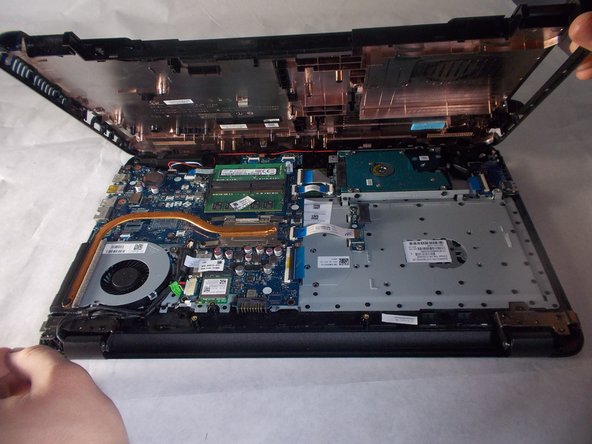
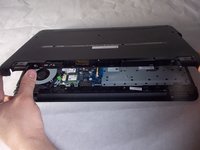
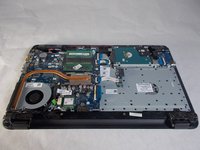
    • Carefully pull the shell of the computer apart.

    Ask FixBot

    Add Comment

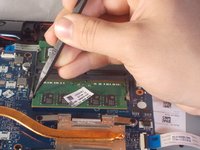
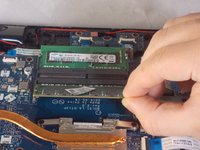
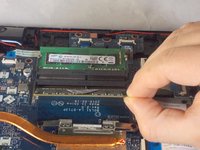
  7. HP 15-BA078DX RAM Replacement, RAM: step 7, image 1 of 2 HP 15-BA078DX RAM Replacement, RAM: step 7, image 2 of 2
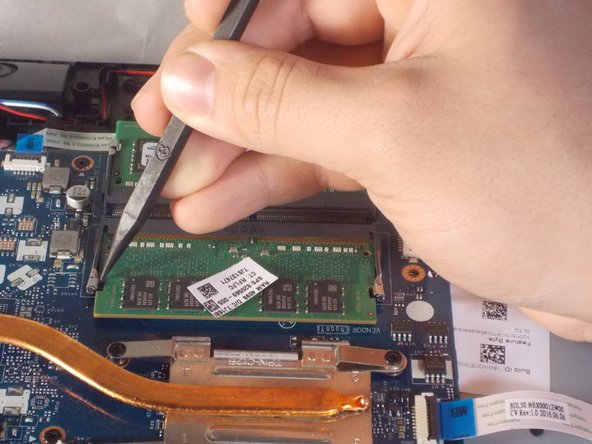
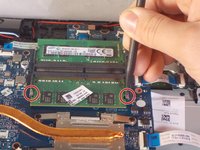
    • Using a plastic spudger, unclip the latch locking the RAM to the motherboard.

    Ask FixBot

    Add Comment

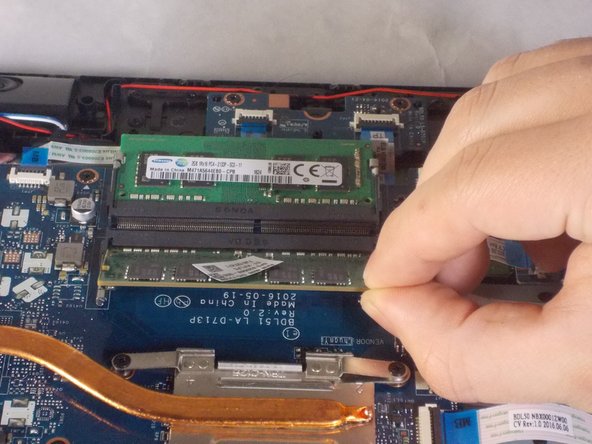
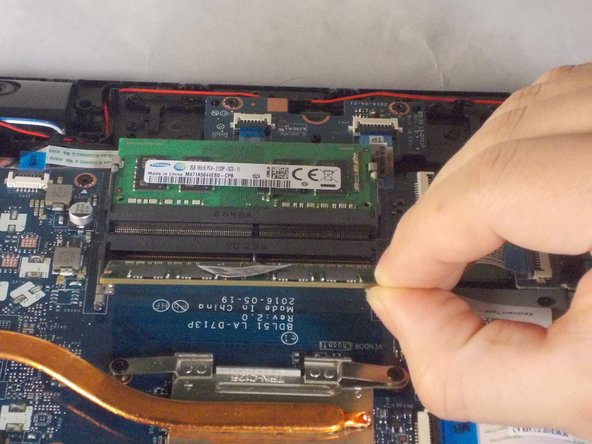
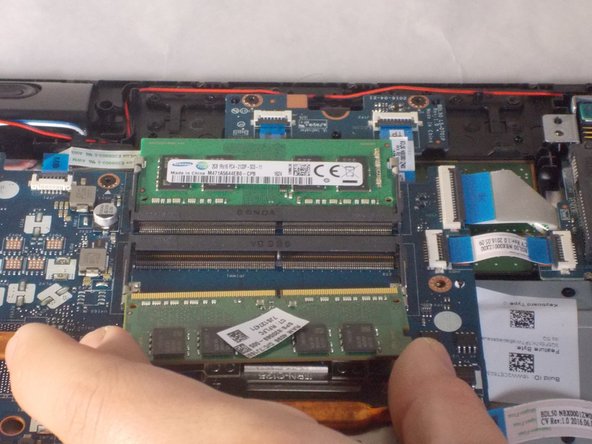
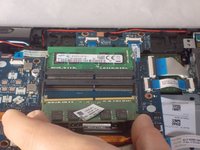
  8. HP 15-BA078DX RAM Replacement: step 8, image 1 of 3 HP 15-BA078DX RAM Replacement: step 8, image 2 of 3 HP 15-BA078DX RAM Replacement: step 8, image 3 of 3
    • Gently tilt the RAM sticks up and slide out each stick.

    Ask FixBot

    Add Comment

Conclusion

To reassemble your device, follow these instructions in reverse order.

Cancel: I did not complete this guide.

One other person completed this guide.

Benjamin DosSantos Jr

Member since: 03/20/18

469 Reputation

4 Guides authored

Team

0 Guide Comments

Add Comment

View Statistics:

Past 24 Hours: 0

Past 7 Days: 3

Past 30 Days: 18

All Time: 820