What you need
-
-
-
Use a Phillips screwdriver to remove the screw securing the HDD hatch on the bottom left of the lower case.
 Ask FixBot
-
-
-
Insert the flat end of a spudger under the cutout on the top right corner of the HDD hatch and pry it up.
-
Remove the HDD hatch.
-
-
-
-
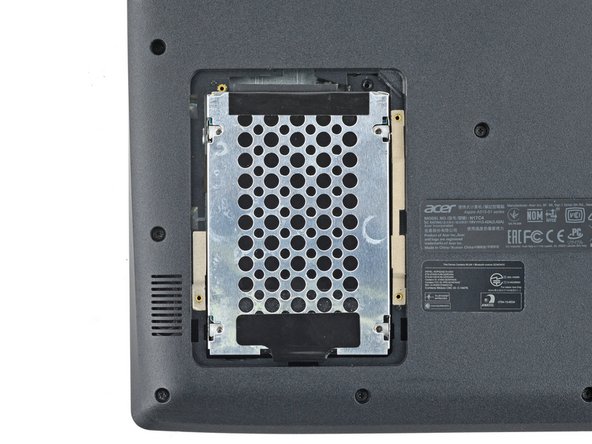
Use a Phillips screwdriver to remove the four screws securing the HDD assembly.
-
-
-
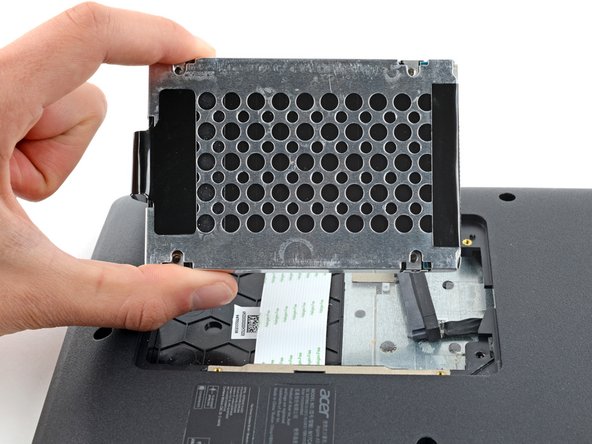
Firmly grip the HDD assembly and HDD cable connector head.
-
Pull the HDD cable connector out of its socket.
-
Remove the HDD assembly.
-
-






Conclusion
To reassemble your device, follow these instructions in reverse order.


