Free Shipping on Domestic Orders $75+

Replace HDD hard disk

Archived Guide
This guide is retained solely for historical purposes. Use the updated version of the guide to perform your repair.

What you need

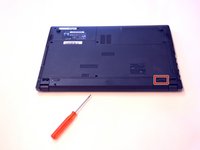
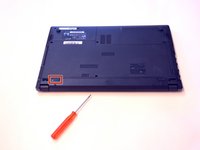
    1. Replace HDD hard disk, Battery: step 1, image 1 of 3 Replace HDD hard disk, Battery: step 1, image 2 of 3 Replace HDD hard disk, Battery: step 1, image 3 of 3
      • Open the latch on the right side that secures the battery in place.

      • Open the latch on the left side that secures the battery in place.

      • Now remove the battery.

      Ask FixBot

      Add Comment

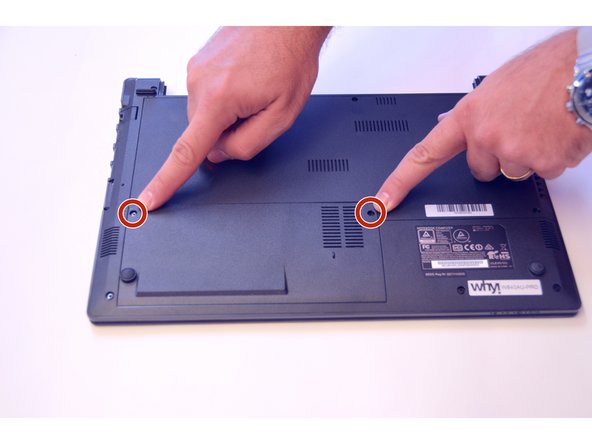
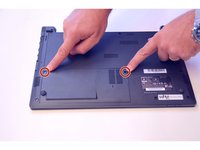
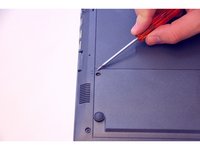
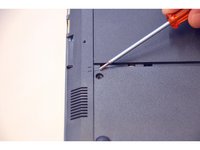
    1. Replace HDD hard disk, Access to the components 1: step 2, image 1 of 3 Replace HDD hard disk, Access to the components 1: step 2, image 2 of 3 Replace HDD hard disk, Access to the components 1: step 2, image 3 of 3
      • Use the Philips screwdriver to remove the two screws on the bottom cover.

      • Check the markers to determine how to remove the cover.

      • Now remove the cover as prescribed by the markers.

      Ask FixBot

      Add Comment

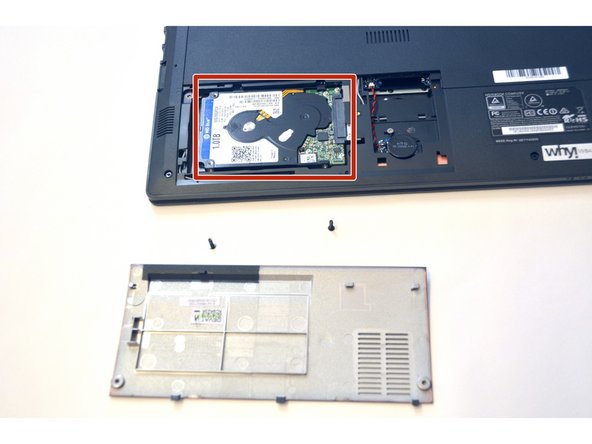
    2. Replace HDD hard disk: step 3, image 1 of 1
      • The components HDD hard disk and BIOS battery are now visible.

      Ask FixBot

      Add Comment

    1. Replace HDD hard disk, HDD hard disk: step 4, image 1 of 2 Replace HDD hard disk, HDD hard disk: step 4, image 2 of 2
      • Unplug the HDD hard drive from its SATA3 connector.

      • This is what the HDD hard drive looks like

      Ask FixBot

      Add Comment

Conclusion

To assemble the device again, proceed in reverse order.

Cancel: I did not complete this guide.

Special thanks to these translators:

de en

100%

irlanda is helping us fix the world! Want to contribute?
Start translating ›

Felice Suglia

Member since: 06/15/13

33,634 Reputation

283 Guides authored

0 Guide Comments

Add Comment

View Statistics:

Past 24 Hours: 1

Past 7 Days: 3

Past 30 Days: 17

All Time: 346