Guangzhou H&F Wireless Record Player Stylus/Needle Replacement

What you need

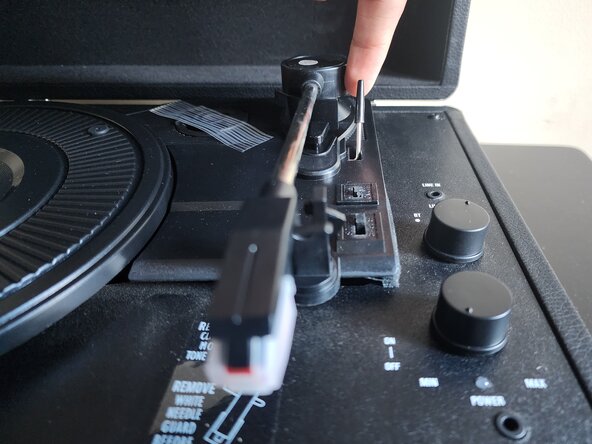
  1. Guangzhou H&F Wireless Record Player Stylus/Needle Replacement, Stylus/Needle: step 1, image 1 of 2 Guangzhou H&F Wireless Record Player Stylus/Needle Replacement, Stylus/Needle: step 1, image 2 of 2
    • Make sure your record player is unplugged from the outlet. Do not plug in or power on your record player while changing the needle, the exposed wires and metal can shock you or damage your device in the process!

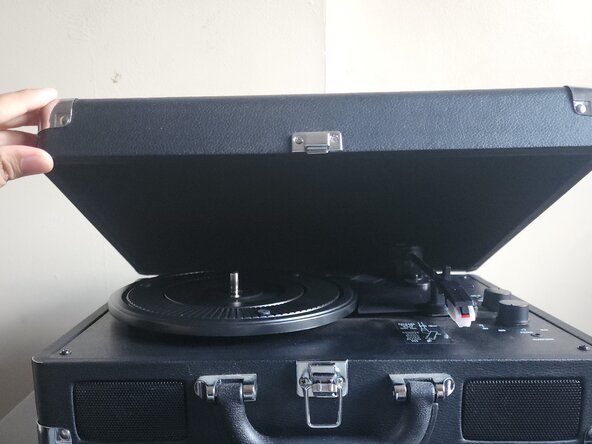
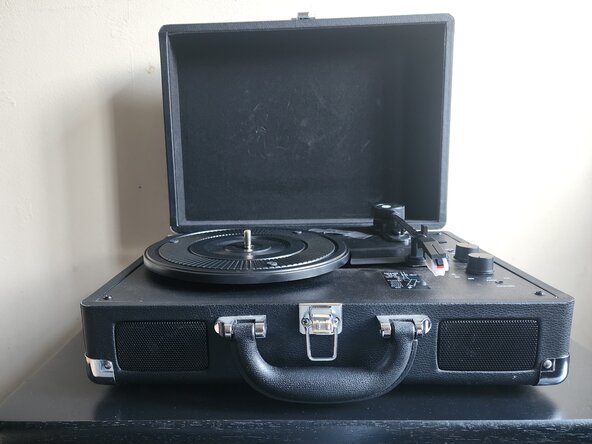
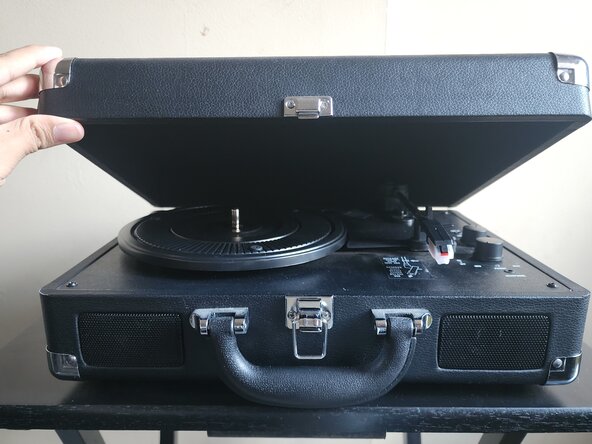
    • Open the lid of your portable record player.

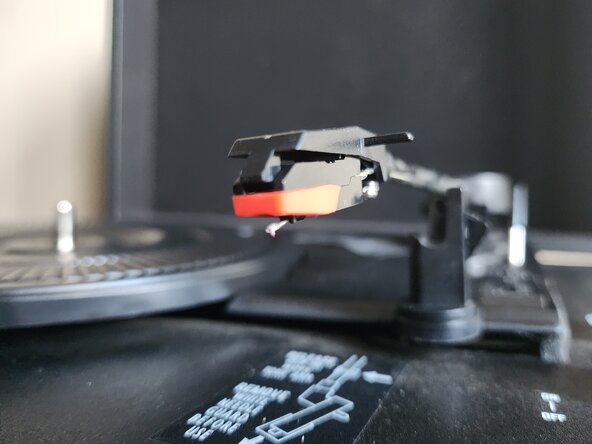
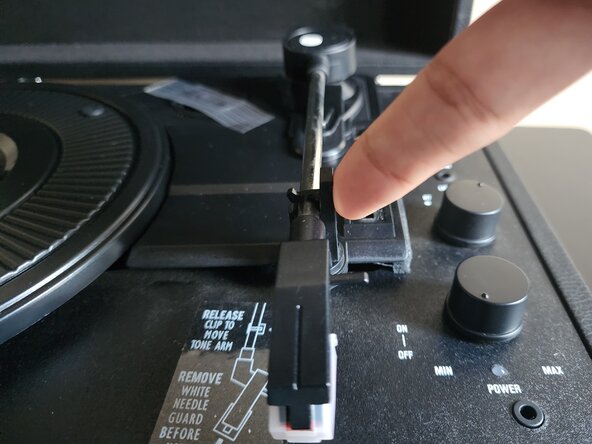
  2. Guangzhou H&F Wireless Record Player Stylus/Needle Replacement: step 2, image 1 of 3 Guangzhou H&F Wireless Record Player Stylus/Needle Replacement: step 2, image 2 of 3 Guangzhou H&F Wireless Record Player Stylus/Needle Replacement: step 2, image 3 of 3
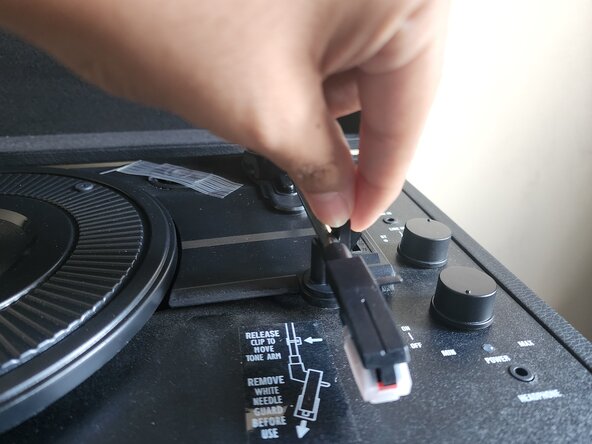
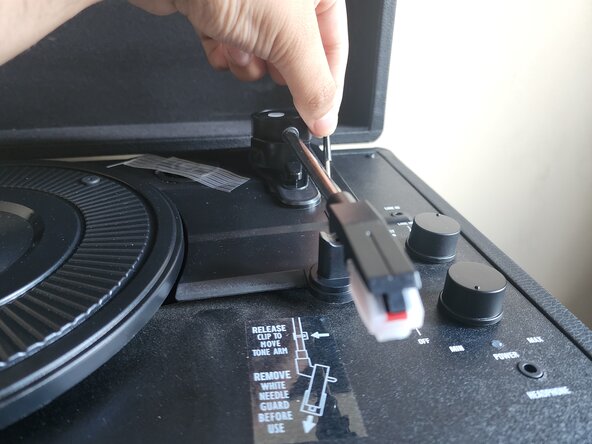
    • Flip the clip on the needle stand to release it.

    • Flip the lever near the back of the record player to raise the needle.

    • Remove the plastic case over the needle.

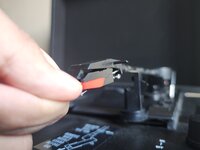
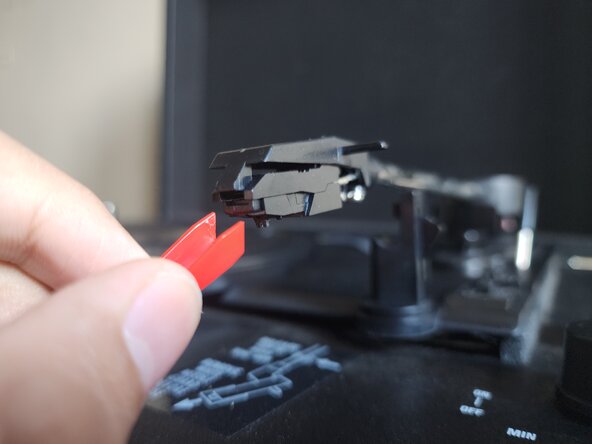
  3. Guangzhou H&F Wireless Record Player Stylus/Needle Replacement: step 3, image 1 of 3 Guangzhou H&F Wireless Record Player Stylus/Needle Replacement: step 3, image 2 of 3 Guangzhou H&F Wireless Record Player Stylus/Needle Replacement: step 3, image 3 of 3
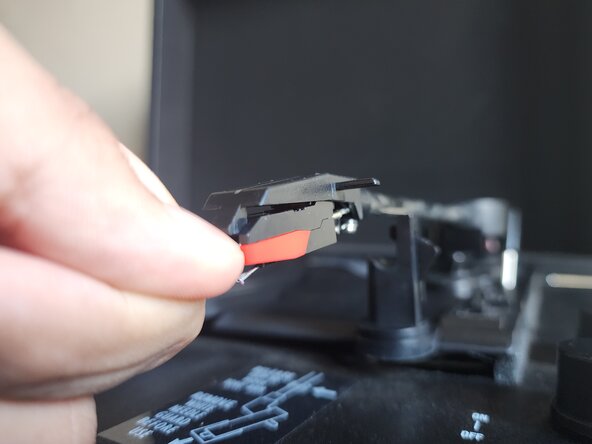
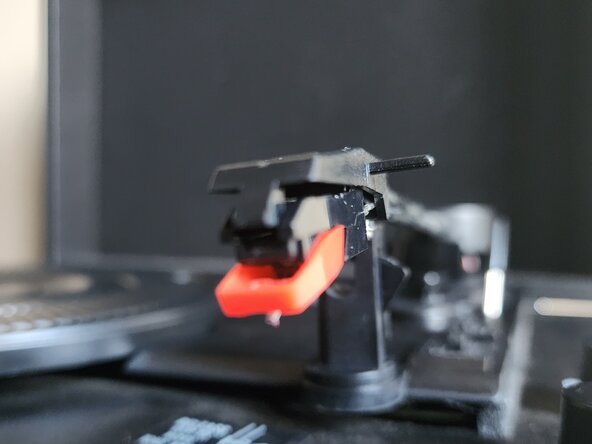
    • Stick a finger nail in between the needle and the needle stand.

    • Push it down until you hear a click and the tip of the needle faces down.

    • Push it carefully. Too much pressure can damage or break your record player.

    • Remove the needle from the stand.

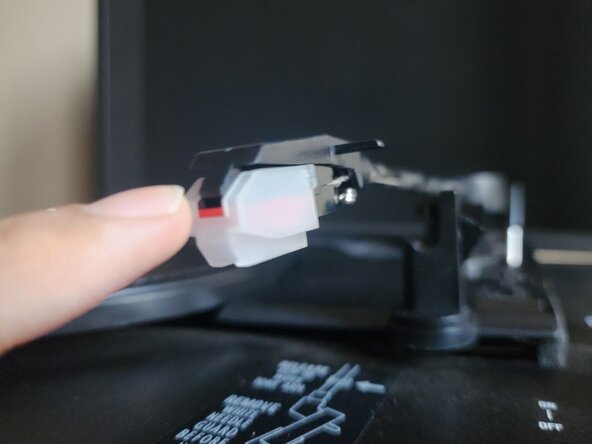
  4. Guangzhou H&F Wireless Record Player Stylus/Needle Replacement: step 4, image 1 of 3 Guangzhou H&F Wireless Record Player Stylus/Needle Replacement: step 4, image 2 of 3 Guangzhou H&F Wireless Record Player Stylus/Needle Replacement: step 4, image 3 of 3
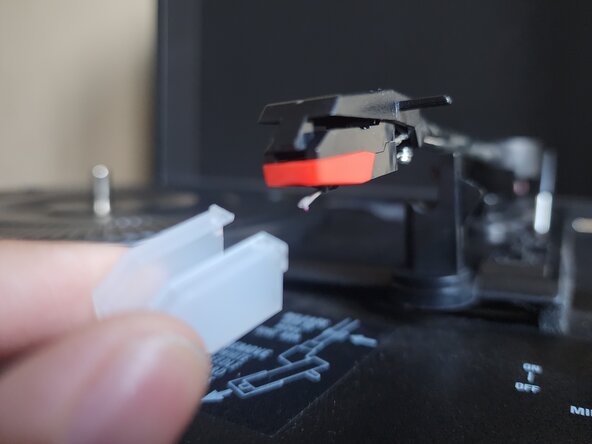
    • Remove the packaging and case from the new needle.

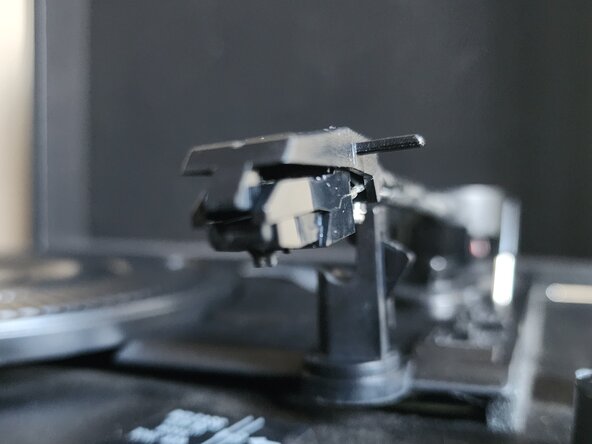
    • Insert the new needle into the grooves at the sides of the needle stand

    • Push the needle up until clicks into place.

    • Return the plastic case back over the needle.

  5. Guangzhou H&F Wireless Record Player Stylus/Needle Replacement: step 5, image 1 of 2 Guangzhou H&F Wireless Record Player Stylus/Needle Replacement: step 5, image 2 of 2
    • Flip the needle stand lever back, lowering the stand's lift.

    • Reconnect the latch over the needle stand.

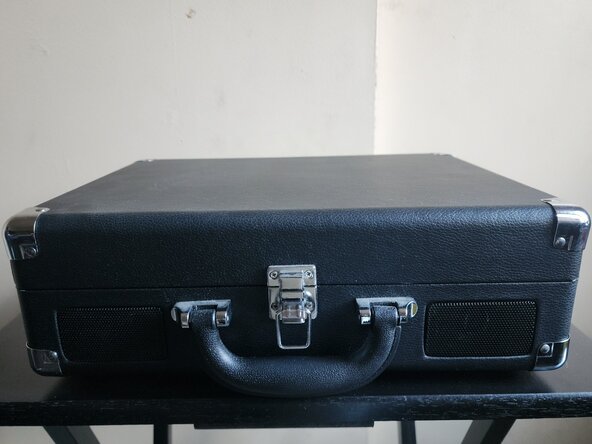
  6. Guangzhou H&F Wireless Record Player Stylus/Needle Replacement: step 6, image 1 of 2 Guangzhou H&F Wireless Record Player Stylus/Needle Replacement: step 6, image 2 of 2
    • Close the music player.

Conclusion

To replace the needle in your portable record player, first unlatch the needle stand from its rest spot, and flip the nearby lever to raise it up. Remove the plastic case over the needle, and stick a finger nail in between the needle's trim and the stand. Slowly push down until you hear a click, slide the needle towards yourself to remove. Afterwards, grab your new needle, and gently slide it into the grooves on the side of the needle stand, before pushing up. You should hear a click.

To reassemble the player, flip the lever back down, relatch your needle, put the plastic case back over it, and close your player.

Robert. Ramir

Member since: 04/09/25

133 Reputation

1 Guide authored

0 Guide Comments

Add Comment

View Statistics:

Past 24 Hours: 1

Past 7 Days: 2

Past 30 Days: 18

All Time: 133