What you need
-
-
-
Before starting your repair:
-
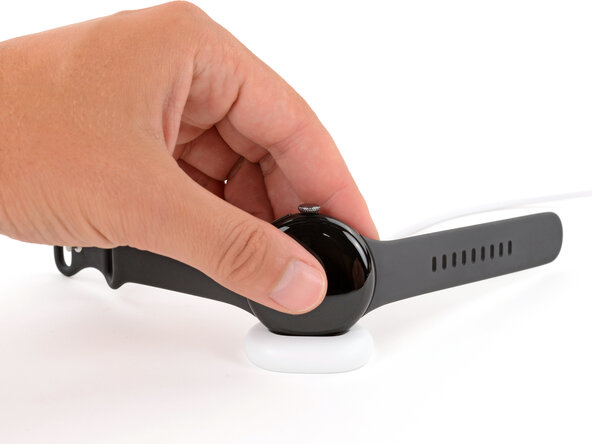
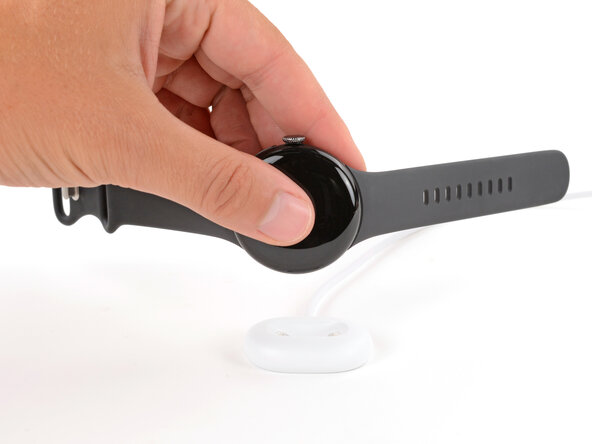
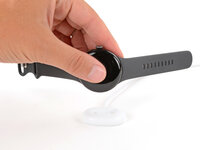
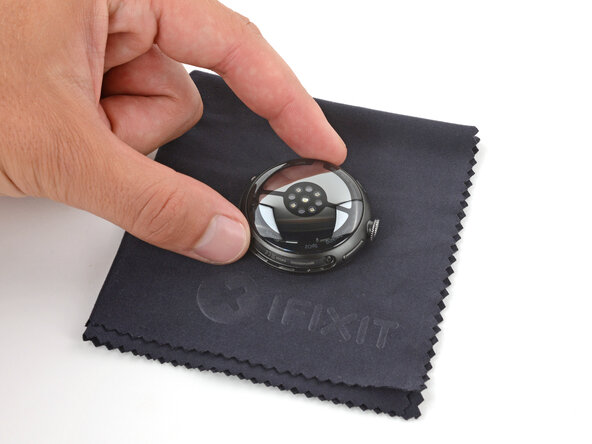
Remove your watch from the charger.
-
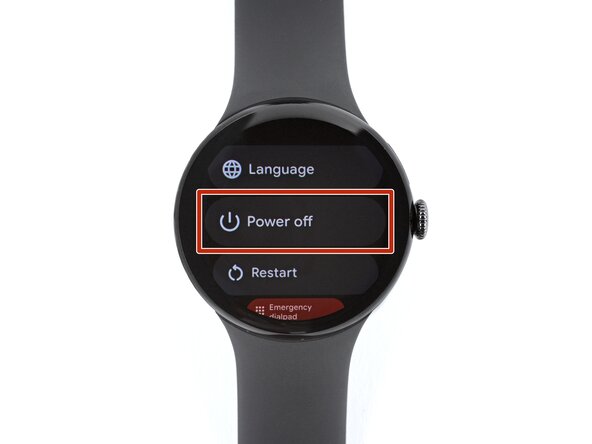
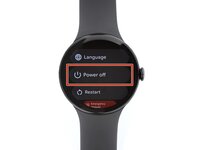
Press and hold the crown button, then tap Power off to shut down your watch.
 Ask FixBot
-
-
-
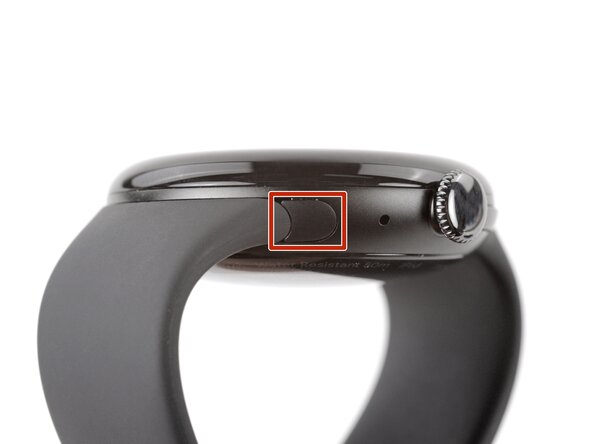
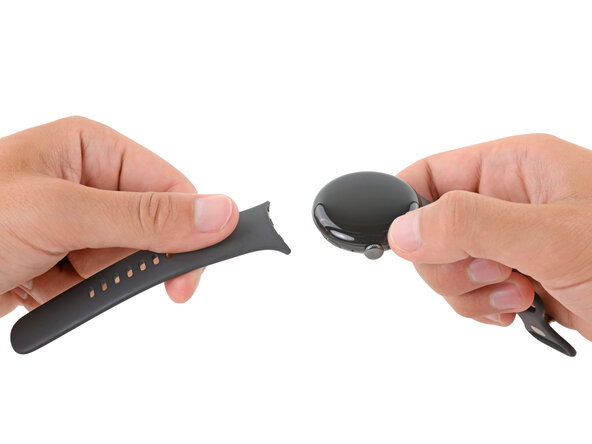
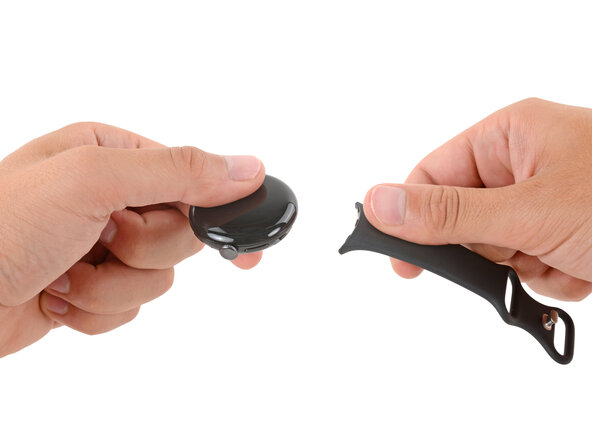
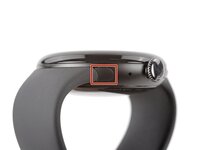
Remove each watch band by depressing the release button and sliding the band out of its groove.
-
-
-
-
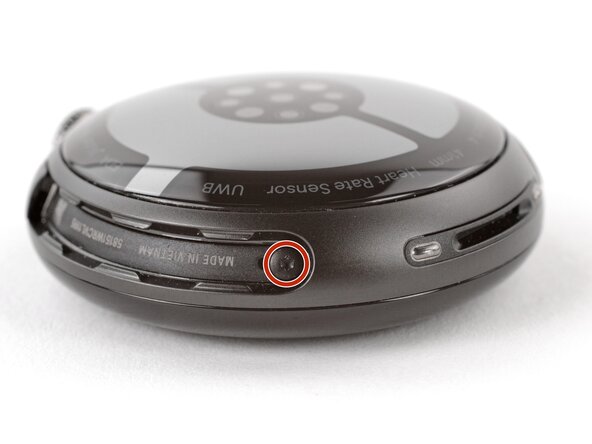
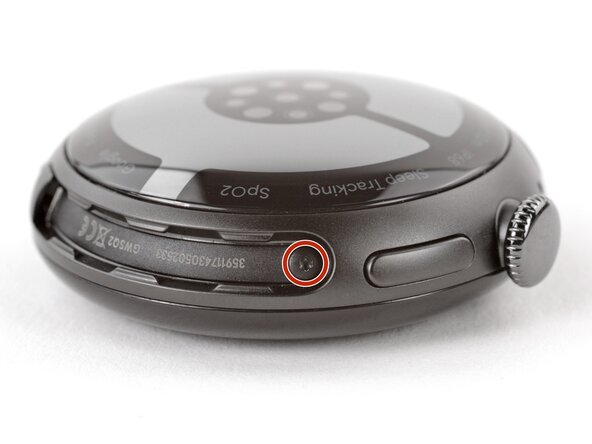
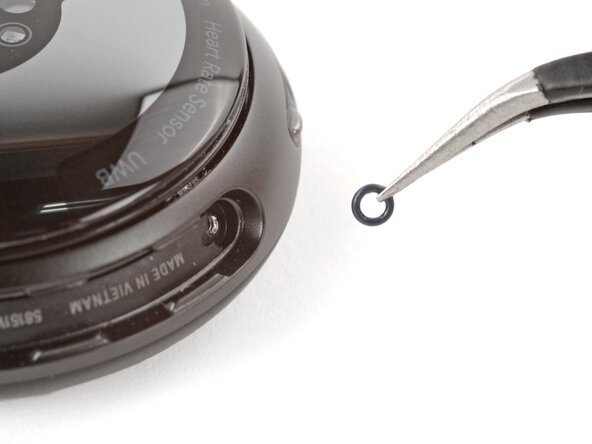
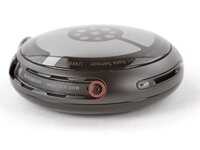
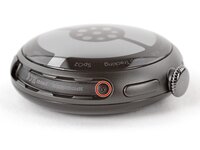
Use a Torx Plus 2IP screwdriver to remove the 3.0 mm‑long screw from both watch band grooves (two screws total).
-
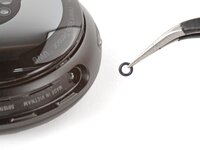
Make sure the O‑rings are on the screws before installing them.
-
Push down firmly on the back glass while installing the screws to make sure the glass gets properly seated.
-
-
-
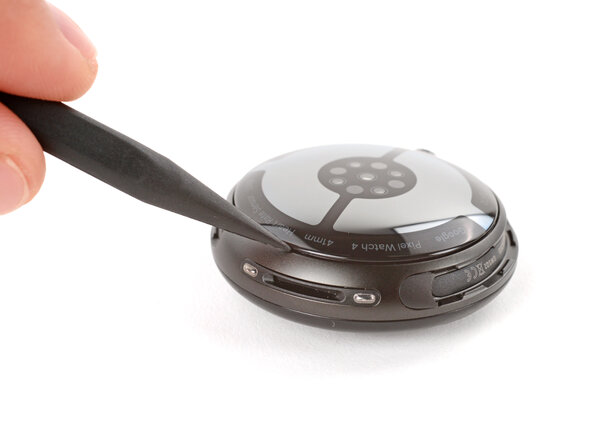
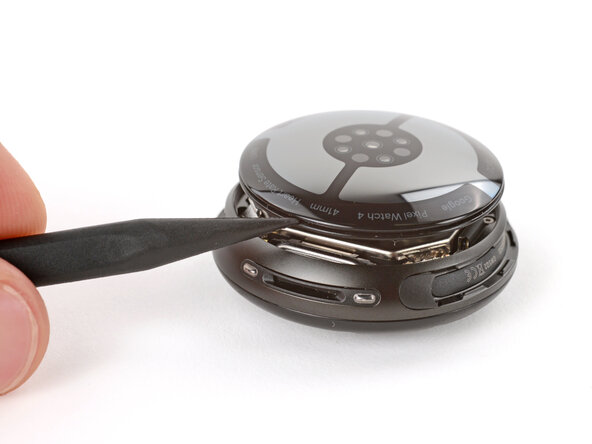
Insert the point of a spudger (or a clean fingernail) into the seam between the back sensor glass and frame and pry up until the cover detaches.
-
-
-
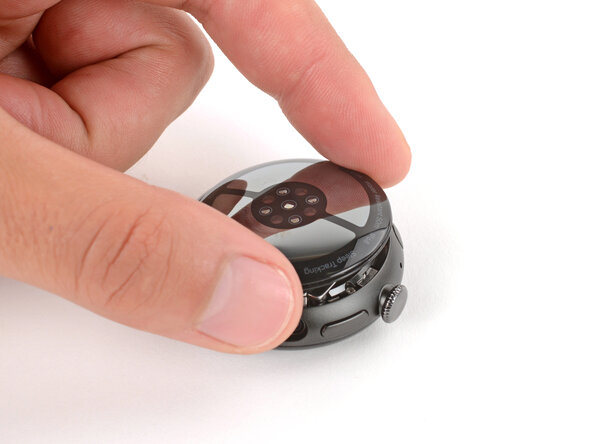
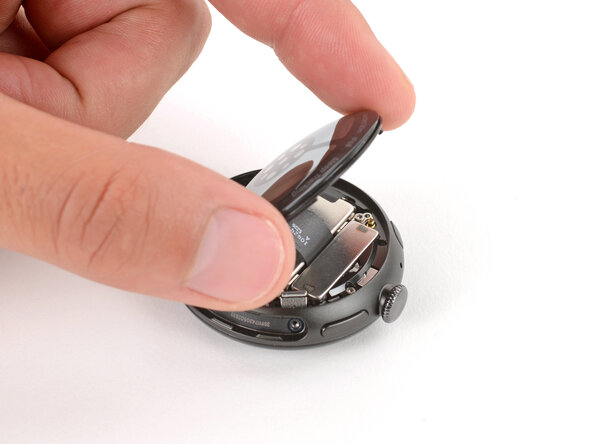
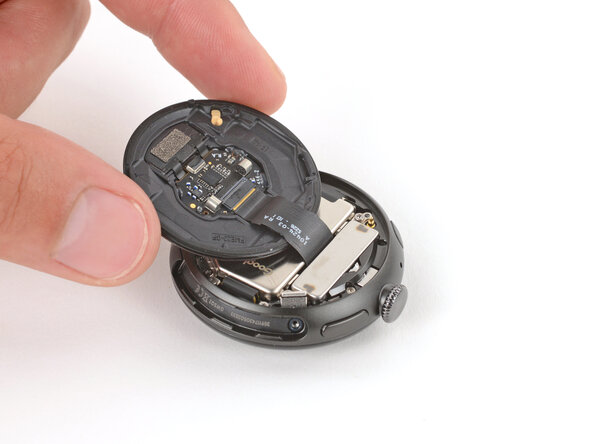
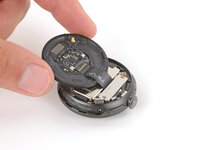
Gently lift the back glass and flip it over the side of the watch opposite the crown.
-
-
Finish Line

