Introduction
This guide demonstrates how to remove the USB-C Port in your Google Pixel Tablet.
-
-
-
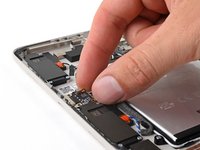
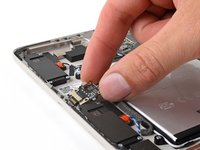
Use the flat end of your spudger to pry up and disconnect the USB-C port press connector.
 Ask FixBot
-
-
Tool used on this step:Tweezers$4.99
-
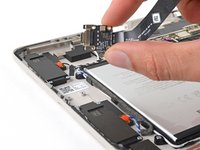
Use blunt nose tweezers or your fingers to peel up and remove the three strips of tape securing the USB-C port cable to the battery.
-
-
-
-
Use your Torx Plus 3IP driver to remove the four 3.2 mm screws securing the USB-C port.
-
-
-
Pull the USB-C port out of its recess in the frame and remove it.
-
-


Conclusion
To reassemble your device, follow these instructions in reverse order.


