Introduction
This guide shows how to install the wireless charging assembly in your Google Pixel 9a smartphone.
-
-
-
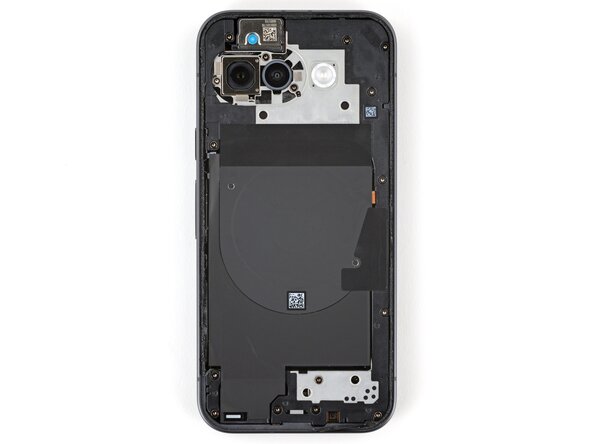
Place the wireless charging assembly onto the frame.
 Ask FixBot
-
-
-
-
Use your fingers to firmly press around the perimeter of the wireless charging assembly to re‑engage all of its clips.
-
-
-
Use a Torx Plus 3IP screwdriver to install the 16 screws securing the wireless charging assembly:
-
Thirteen 5.0 mm‑long screws
-
Three 2.2 mm‑long screws
-
-




Conclusion
To reassemble your device, follow these instructions in reverse order.


