Introduction
This guide shows how to install the SIM card tray in your Google Pixel 9a smartphone.
-
-
-
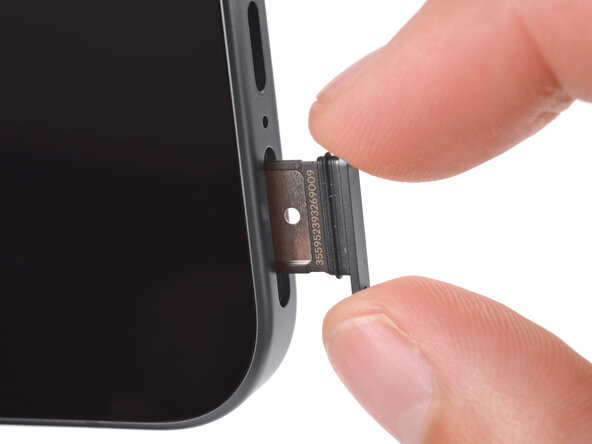
Push the SIM card tray completely into its slot on the bottom edge of your phone.
 Ask FixBot
-
-
-



Conclusion
To reassemble your device, follow these instructions in reverse order.


