Introduction
Is your screen cracked or damaged on your google Pixel 5a? The screen replacement process is a straightforward process that anyone would be able to complete. To remove and install a new screen on your device, please follow the guide below.
What you need
-
-
-
Shut down the device before starting screen removal.
-
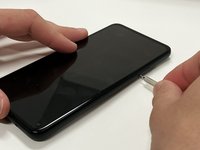
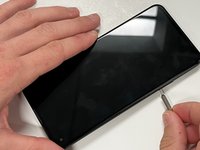
Insert a paper clip or SIM card removal tool into the SIM card tray hole.
-
Apply a small amount of pressure until the tray pops out.
-
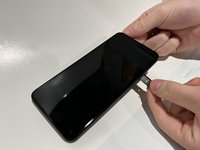
Slide the SIM card tray out of your Google Pixel 5a.
 Ask FixBot
-
-
-
-
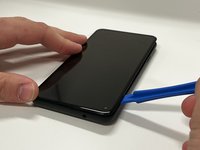
Pry the screen off of your device using an opening tool around all four sides.
-
-
-
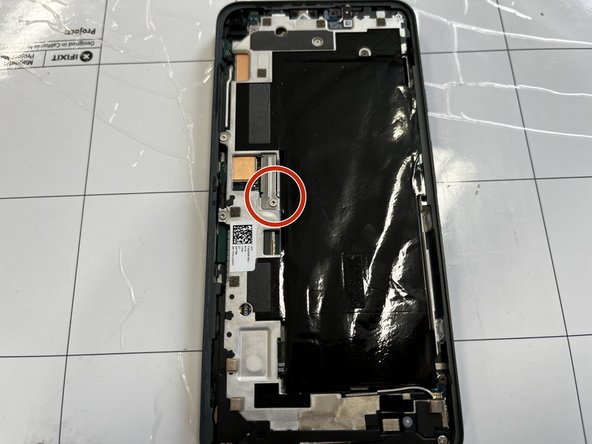
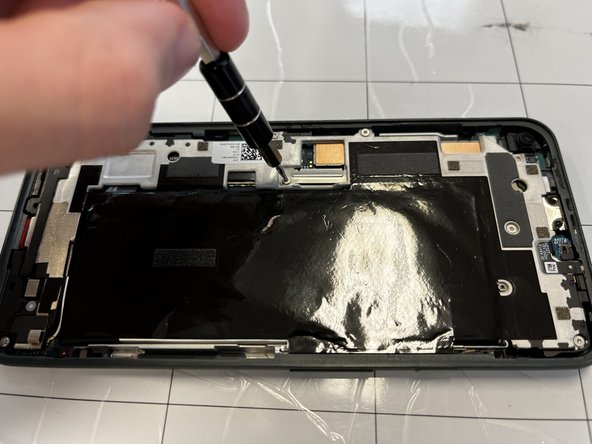
Remove the 4 mm screw using a T4 Torx screwdriver.
-
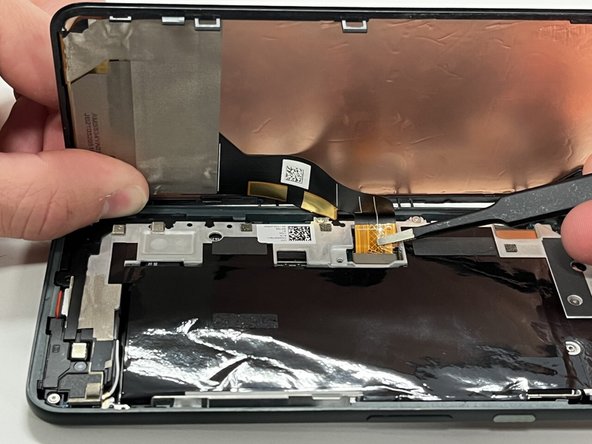
Disconnect the ribbon cable holding the screen in place.
-
Remove the screen from the rest of the phone.
-
-




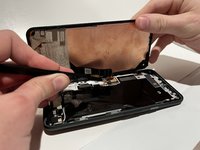
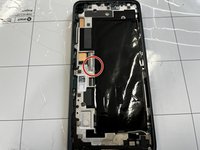
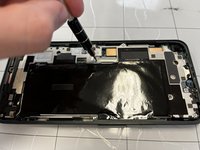
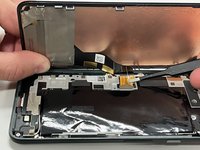
To reassemble your device, follow these instructions in reverse order.
Cancel: I did not complete this guide.
One other person completed this guide.

Team

Western Carolina University, Team 1-4, Virtue Spring 2022 Member of Western Carolina University, Team 1-4, Virtue Spring 2022
WCU-VIRTUE-S22S1G4
4 Members
72 Guides authored
1 Guide Comment
Be careful not to pry up the surface mounted component to the right of the earspeaker. It is a small capacitor looking thing that is mounted on a flexible circuit.
