What you need
-
-
-
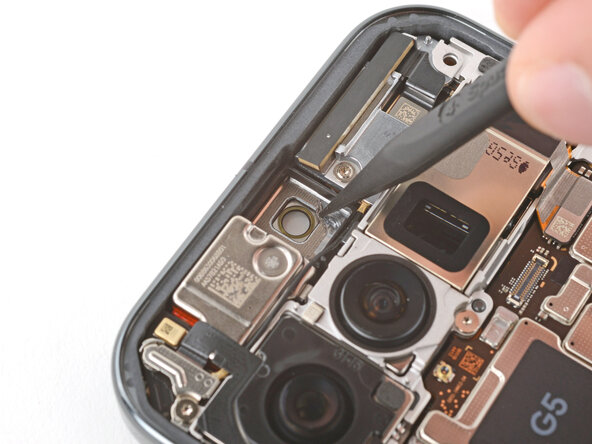
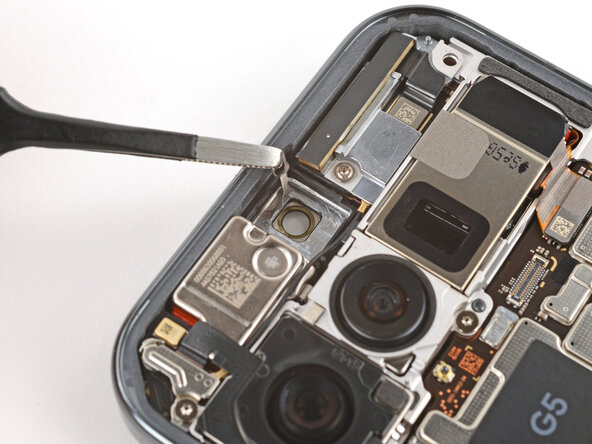
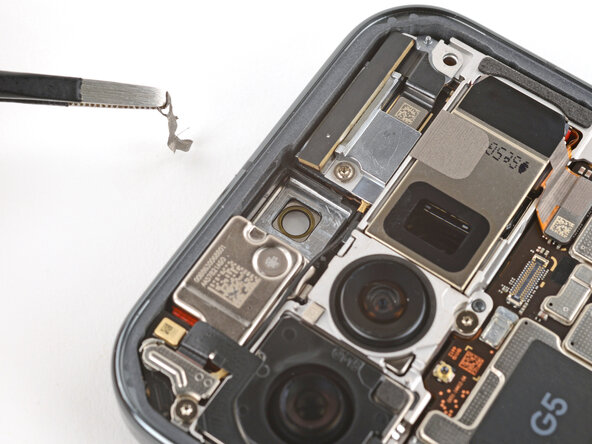
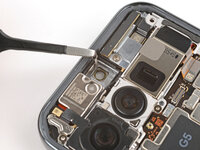
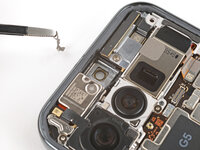
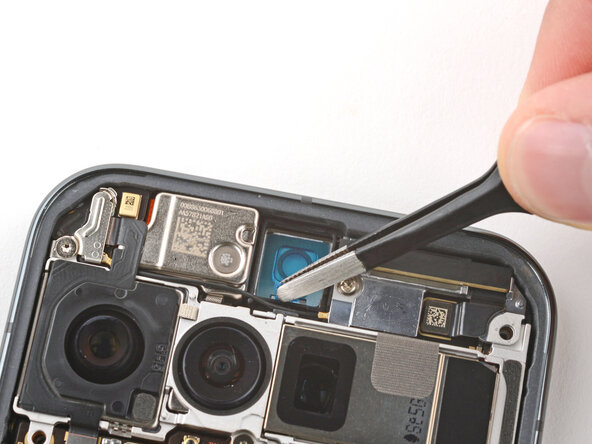
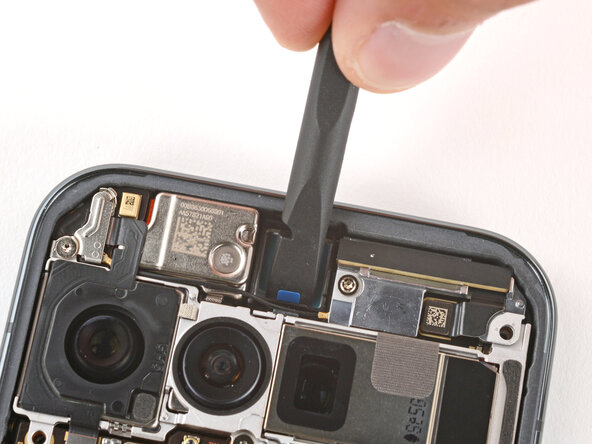
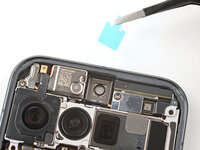
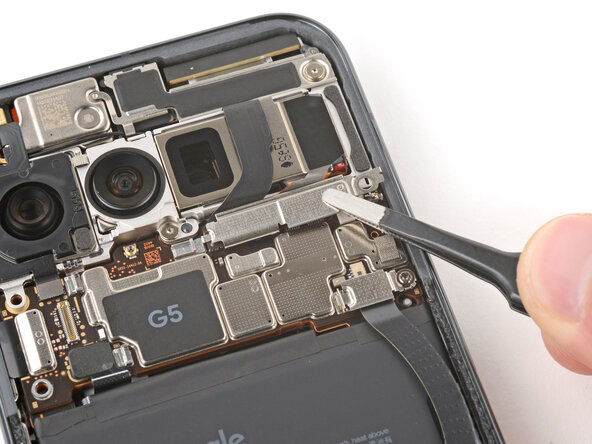
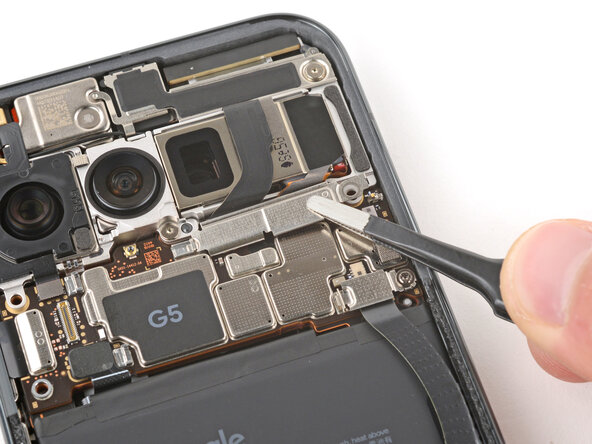
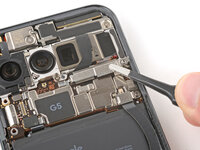
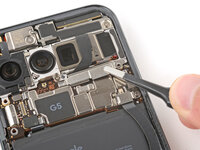
Use the point of a spudger and tweezers to gently scrape up and remove all the old front camera adhesive.
 Ask FixBot
-
-
-
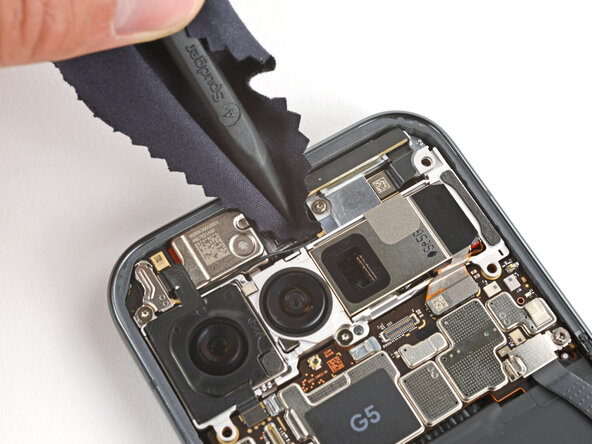
Use a spudger wrapped in a microfiber cloth and one drop of high‑concentration (>90%) isopropyl alcohol to clean up any adhesive residue from the front camera recess.
-
Allow the alcohol to dry completely before continuing.
-
-
-
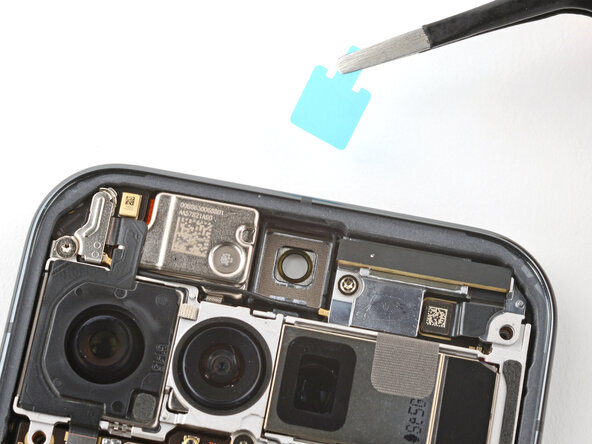
Remove the large clear liner from the front camera adhesive and gently place it into the recess.
-
Use a spudger to press down firmly on the adhesive to secure it.
-
Slowly peel up and remove the remaining liner.
-
-
-
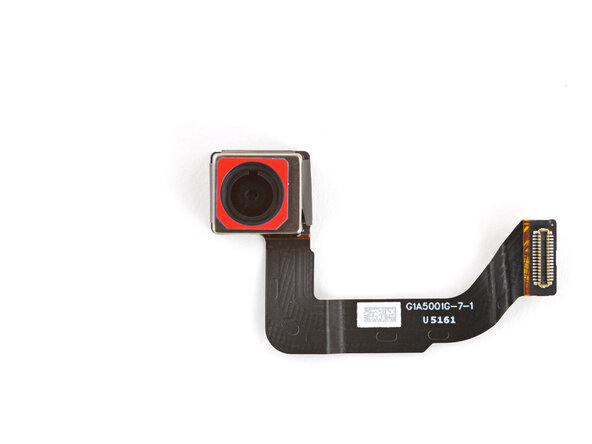
If your replacement front camera has a protective cap on the front, carefully remove it.
-
-
-
-
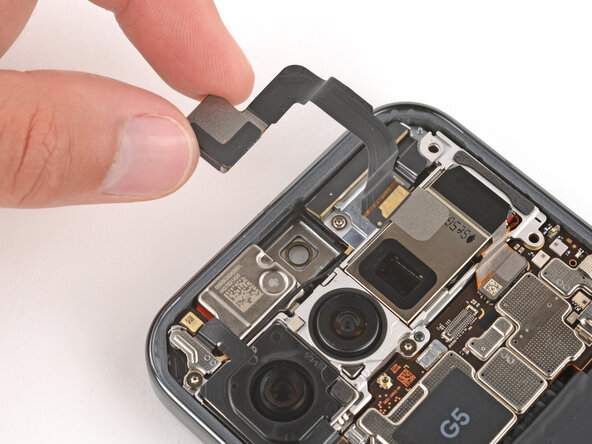
With the cable facing the bottom of the phone, lay the front camera into its recess and press it into place.
-
-
-
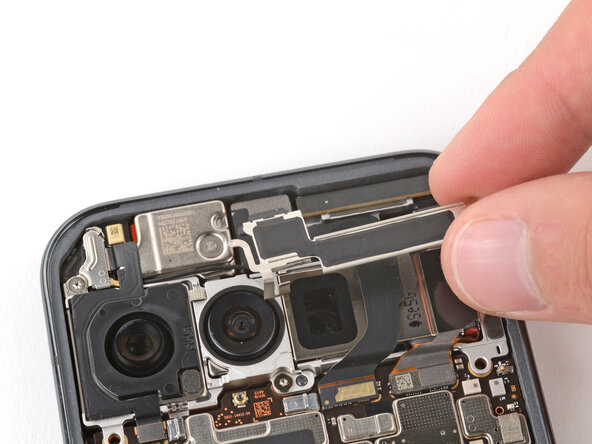
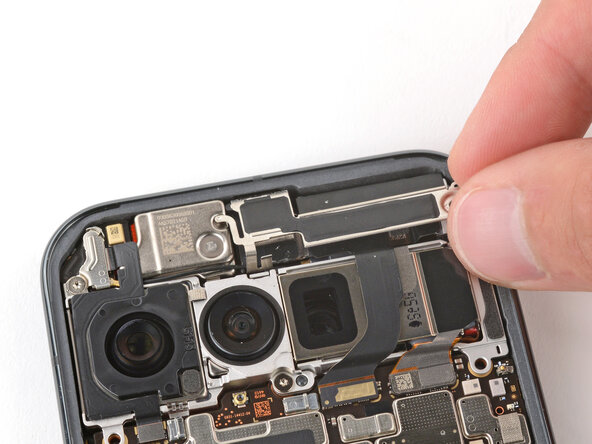
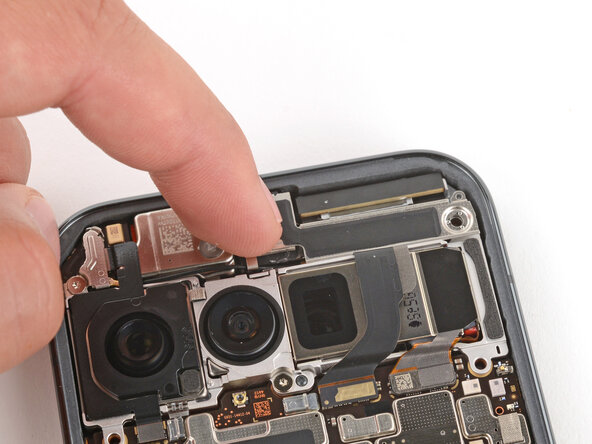
Slide the top corners of the front camera bracket under the lip in the frame and press the clip in to secure it.
-
-
-
Use a Torx Plus 3IP screwdriver to install the 5.7 mm‑long screw securing the front camera bracket.
-
-
-
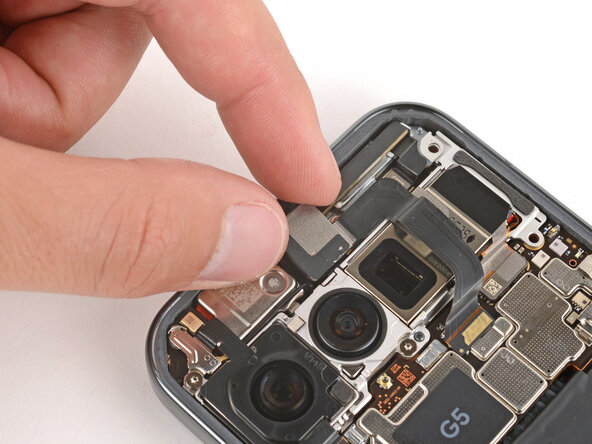
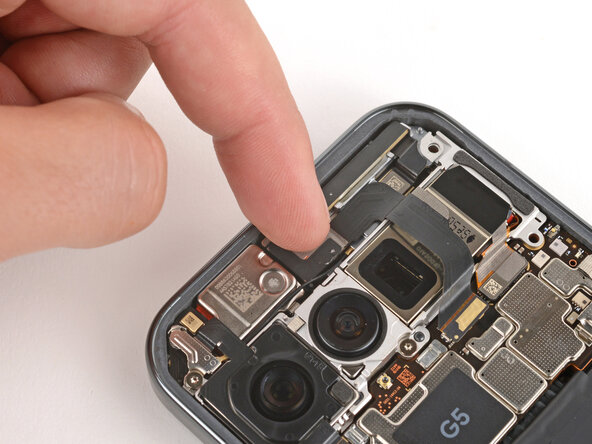
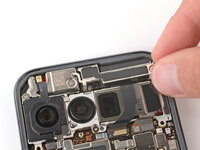
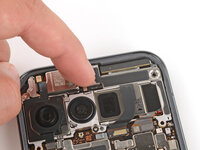
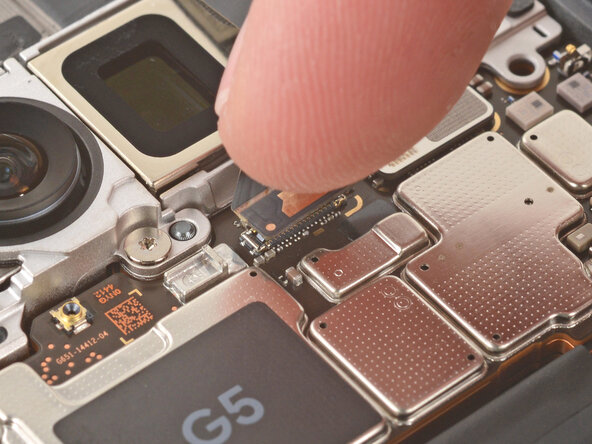
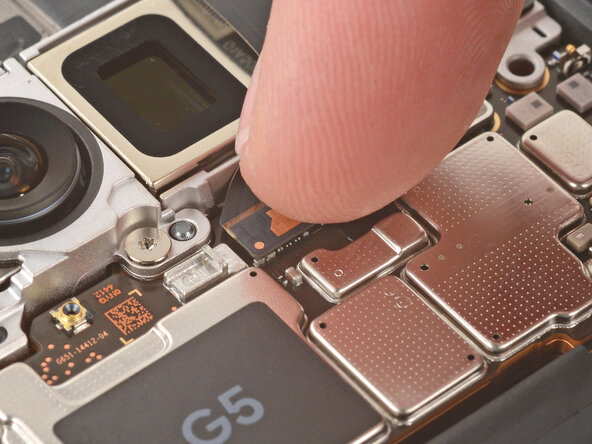
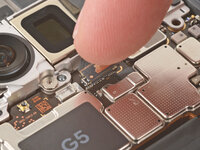
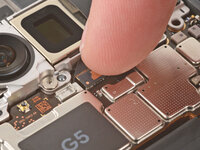
Use your finger to press down and reconnect the front camera press connector.
-
-
-
Slide the tab on the left edge of the front camera connector cover into its slot and lay the cover down flat.
-
-
-
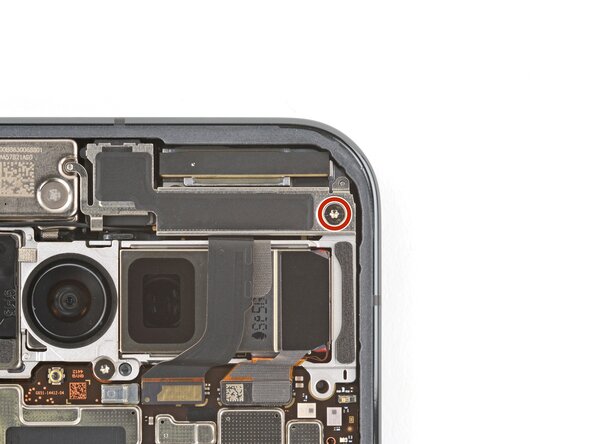
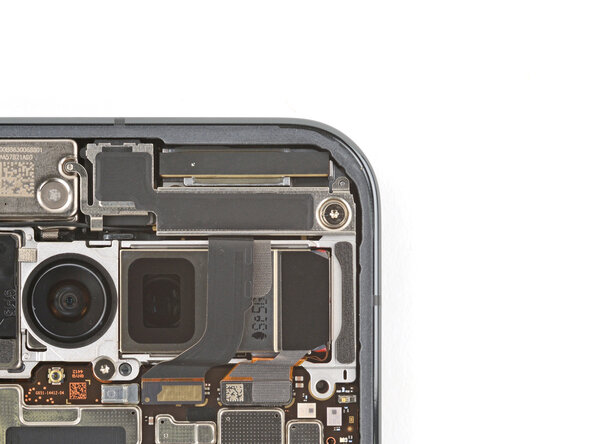
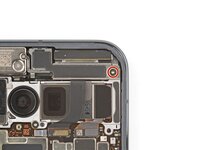
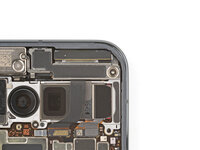
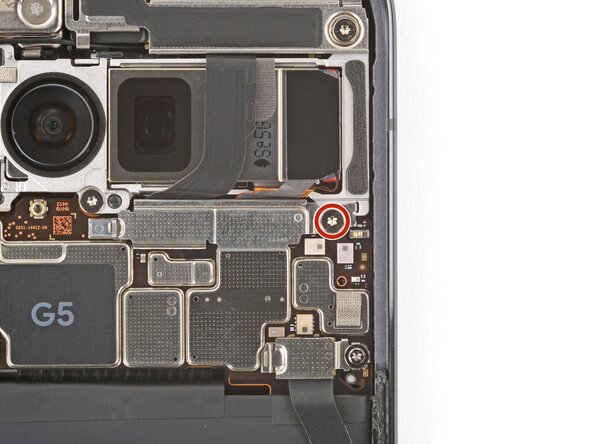
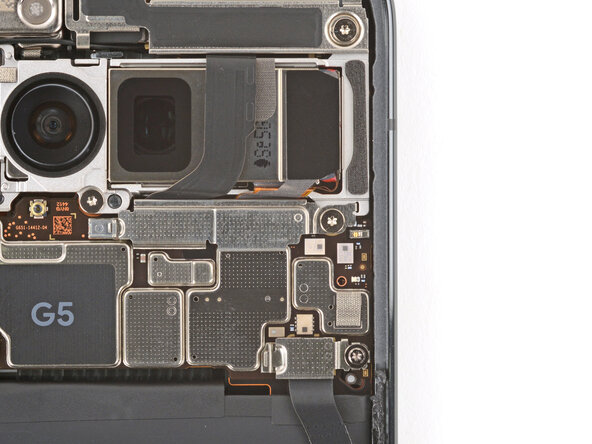
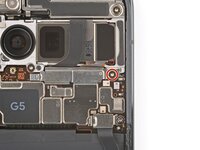
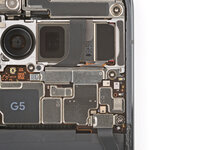
Use a Torx Plus 3IP screwdriver to install the 5.7 mm‑long screw securing the front camera connector cover.
-
-