
Google Home Sound Driver Replacement

Gabe Hyun and 4 other contributors
Last updated on Jun 18, 2018
Views: 3.2K
View statistics:
- Past 24 Hours:
- 5
- Past 7 Days:
- 26
- Past 30 Days:
- 88
- All Time:
- 3,202
Comments: 6
2 comments on steps, 4 guide comments.
Go to guide commentsCompleted: 6 7
6 people have marked this guide "completed." Will you be next?
7 people have marked this guide "completed." Including you — great job!
Favorites: 0 1
No one has favorited (and subscribed to) this guide. Will you be the first?
1 person has favorited (and subscribed to) this guide — and that's you!
Featured Student Guide
This guide has been the hard work of our awesome students and is found to be exceptionally cool by the iFixit staff.
Introduction
Go to step 1 ↓Fix your Google Home's poor audio quality with a new sound driver.
This guide will teach you how to take apart your Google Home to remove a faulty sound driver and replace it with a new one.
What you need
Tools


-
-
-
Pull off the Google Home’s magnetically attached base and set it aside.
-
Using a Torx T6 screwdriver head, unscrew the four 1.7mm Torx screws deep in the speaker recess so that you can remove the lid.
-
After all four screws are out, pop the lid off the device to open the capsule.
 Ask FixBot
-
-
Tool used on this step:Tweezers$4.99
-
Carefully remove the interconnect cable using a pair of tweezers.
-
-
-
-
-
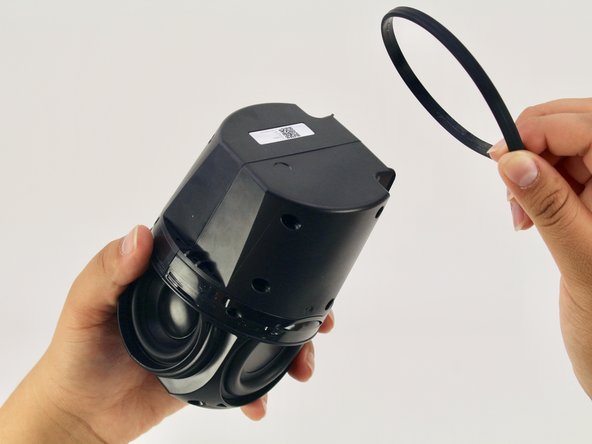
Remove the ‘O-ring’ that wraps around the device holding the switch panel in place.
-
-
-
Using a Torx T6 screwdriver head, unscrew the four black 1.7mm Torx screws.
-
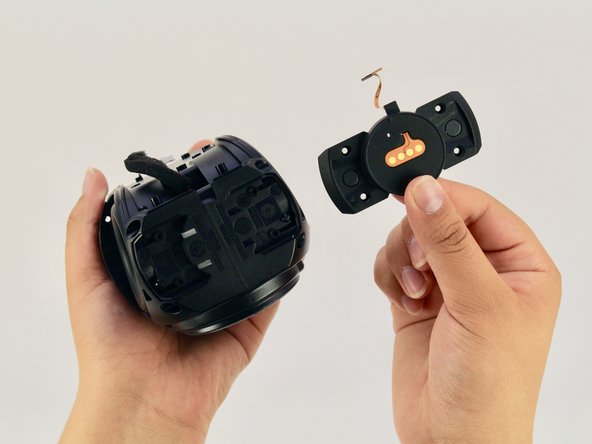
Remove the panel and the mute button switch. If done correctly you should now be able to see the device’s guitar-shaped motherboard.
-
-
-
-
-
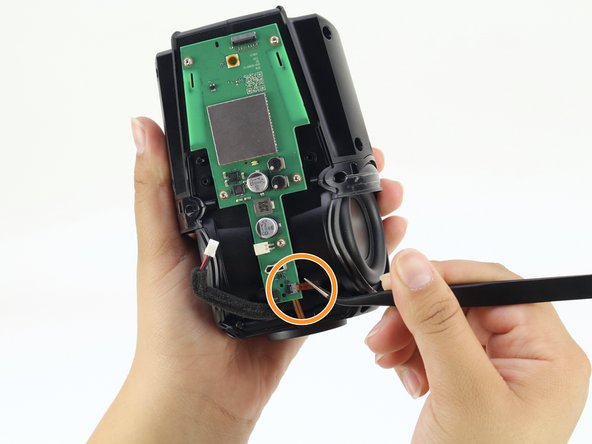
Disconnect the foam-padded, red and black cable that connects the motherboard to the sound driver, by squeezing and pulling on the tab
-
Disconnect the orange interconnect cable that connects the bottom of the device to the motherboard by pulling straight out on the orange tab.
-
-
-
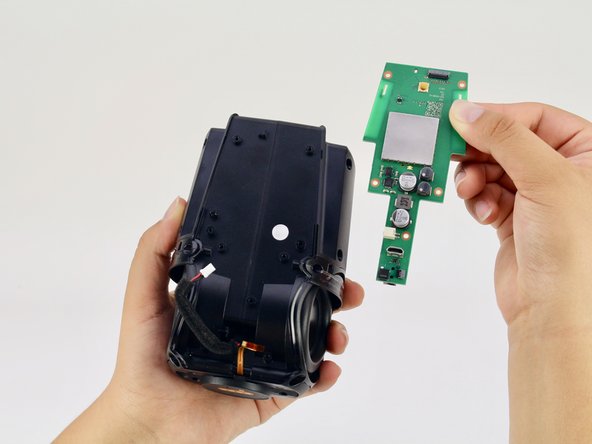
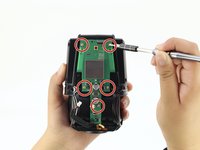
Using a Torx T6 screwdriver head, unscrew the five silver 1.7mm Torx screws keeping the motherboard in place.
-
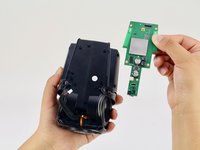
Remove the motherboard.
-
-
-
-
-
-
Using a Torx T6 screwdriver head, unscrew the four black 1.7mm Torx screws on the bottom of the device.
-
-
-
Using a Torx T6 screwdriver head, unscrew the six black 1.7mm Torx screws on the side of the device.
-
-
-
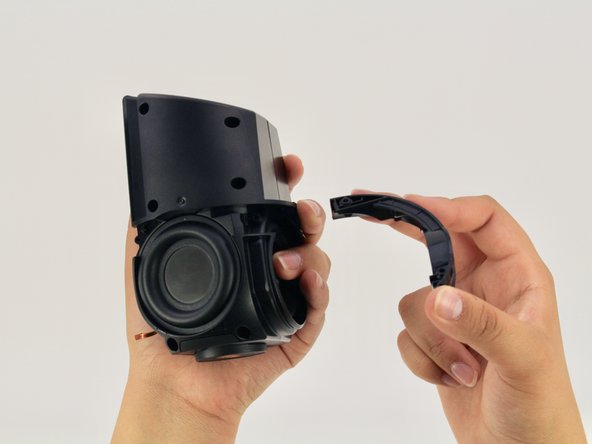
Pull apart the black casing to reveal the sound driver.
-
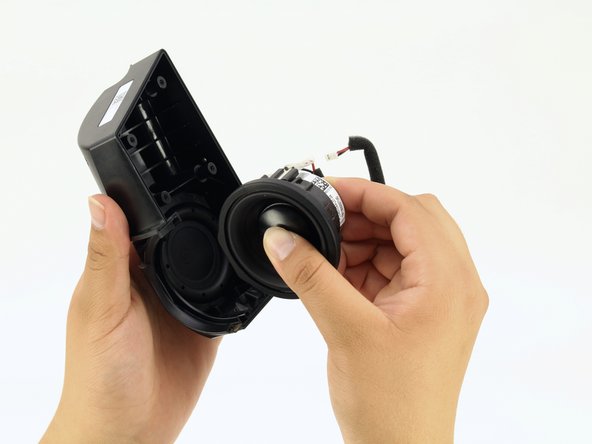
Remove the sound driver.
-
-



















To reassemble your device, follow these instructions in reverse order.
Cancel: I did not complete this guide.
6 other people completed this guide.

Team

Cal Poly, Team S24-G11, Maness Spring 2018 Member of Cal Poly, Team S24-G11, Maness Spring 2018
CPSU-MANESS-S18S24G11
4 Members
60 Guides authored
4 Guide Comments
I have a torn speaker cone. Can these be replaced and where can I buy the parts
Looking for replacement speaker, where do I find?
replacement speaker for google home, someone knows here i find?
model:PLS -50N25AL07-04
or compatible speaker
