Introduction
This guide demonstrates:
1. How to disassemble the Gipo H369e.
2. What tools to use in the disassembly.
- Phillips head 000 screwdriver
- Small prying tool (ex: puddy knife)
- Needle nose tweezers
3. How to replace the keypad.
What you need
-
-
-
Insert thumb into the groove on the back lefthand corner of the phone to unsnap the back cover.
 Ask FixBot
-
-
-
-
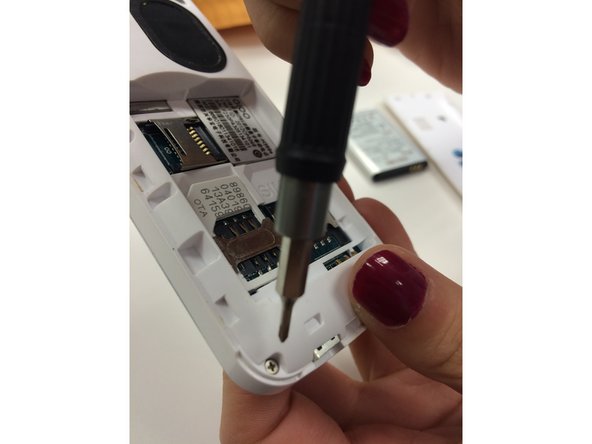
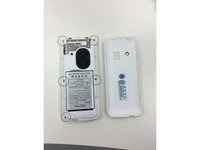
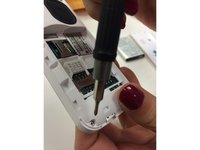
Unscrew the 5 screws on the back of the phone using the Philips Head 000 screwdriver.
-
-
-
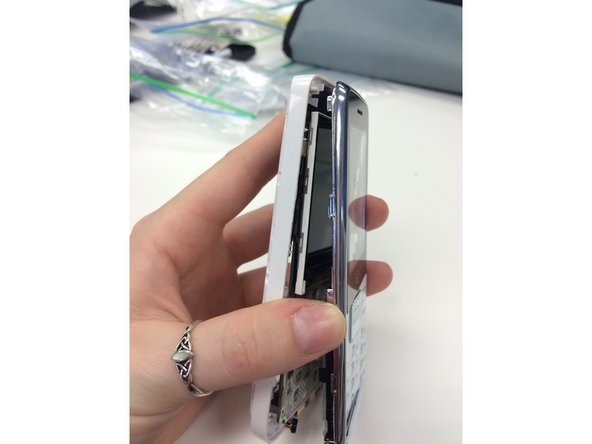
Use the plastic opening tool to pry the front of the phone away from the back of the phone.
-
-
-
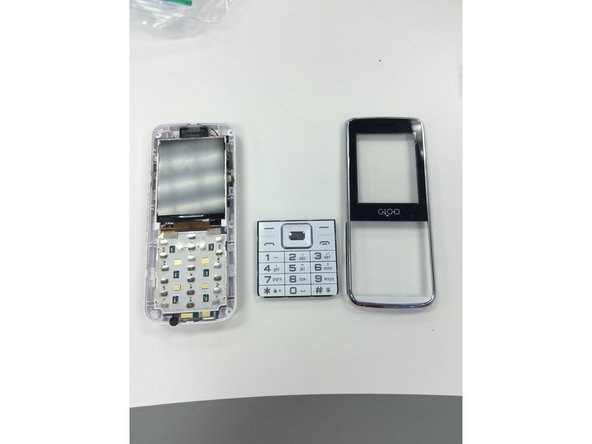
Once the front and back of the phone are separated, the keypad will fall out. You can now replace your old keypad.
-
-
-
Use the needle nose pliers to peel the plastic screen away from the front of the disassembled phone. You can now replace the plastic screen.
-
-



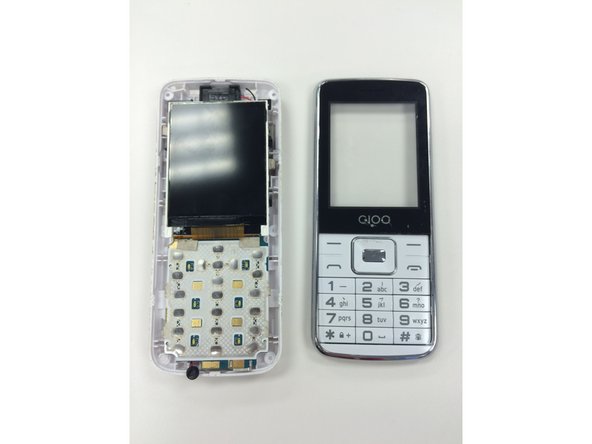
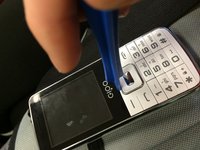
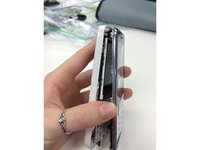

To reassemble your device, follow these instructions in reverse order.
Cancel: I did not complete this guide.
One other person completed this guide.

Team

Ohio State, Team 1-4, Garvin Fall 2015 Member of Ohio State, Team 1-4, Garvin Fall 2015
OSU-GARVIN-F15S1G4
3 Members
24 Guides authored
