Introduction
This guide demonstrates how to replace the battery on the Gateway MT6728 laptop. This process should take less than 1 minute. No tools are required.
What you need
-
-
-
First ensure the laptop is powered off and the charger unplugged.
-
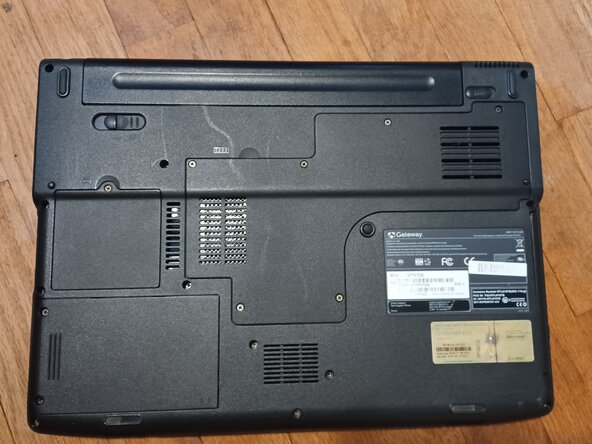
Second, flip the the laptop over. The battery should be at the top center.
-
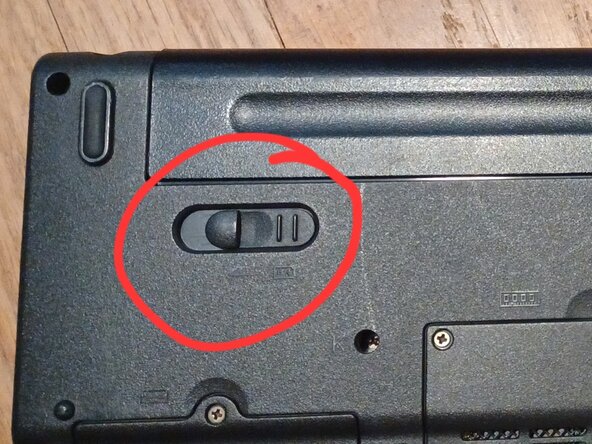
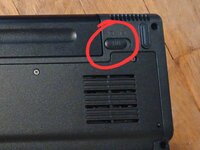
Third, locate the switches circled in the photo.
 Ask FixBot
-
-
-
-
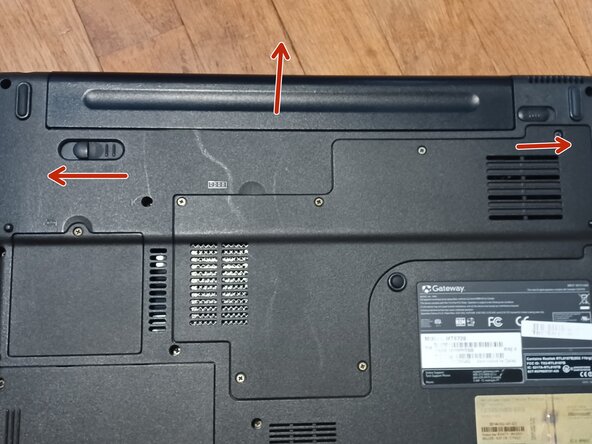
Make sure the switch on the right side is in the unlocked position.
-
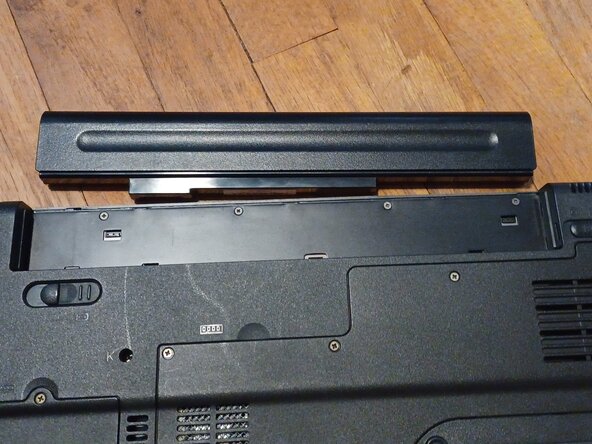
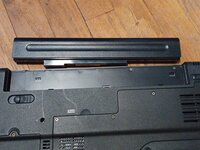
Move and hold the left switch, to the left. Remove the battery by sliding it out while the left switch is held.
-
-

Conclusion
To reinsert the new battery, just slide it in. You do not need to hold the left lever.

