
Gateway MS2370 Screen Replacement

Mathieu Bolduc-Clayton and 3 other contributors
Last updated on May 16, 2024
Views: 1.2K
View statistics:
- Past 24 Hours:
- 1
- Past 7 Days:
- 14
- Past 30 Days:
- 86
- All Time:
- 1,179
Comments: 0
No one has left comments on this guide. Will you be first?
Go to guide commentsCompleted: 0 1
No one has marked this guide "completed." Will you be the first?
1 person has marked this guide "completed." It's you — great job!
Favorites: 0 1
No one has favorited (and subscribed to) this guide. Will you be the first?
1 person has favorited (and subscribed to) this guide — and that's you!
Needs Better Images
Better photos will improve this guide. Help out by taking, editing, or uploading new ones!
Introduction
Go to step 1 ↓This guide shows the user how to properly remove the screen from the Gateway MS2370 Laptop.
What you need
Tools
-
Spudger4.9
-


-
-
-
Make sure the laptop is turned off and flipped over so that the bottom is facing up. Then, locate the battery clip as shown.
 Ask FixBot
-
-
-
Either using your fingers or a plastic spudger push the battery clip to the left to release battery.
-
-
-
-
Tool used on this step:Tweezers$4.99
-
Using the pointed tweezers, remove plastic circles that are stuck onto the back of the laptop’s hinges.
-
-
-
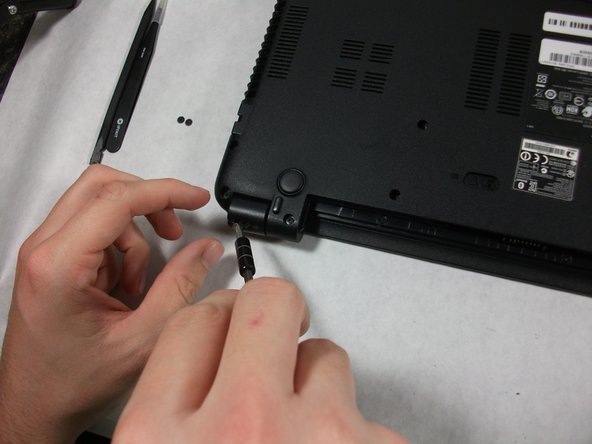
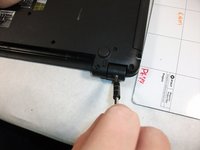
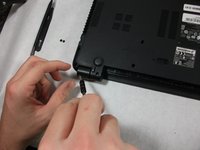
Unscrew both of the 3mm Phillips 01 screws on both hinges using the matching screwdriver.
-
-
-
Take the plastic spudger and pull up the tabs on all four sides of the screen molding.
-
-
-
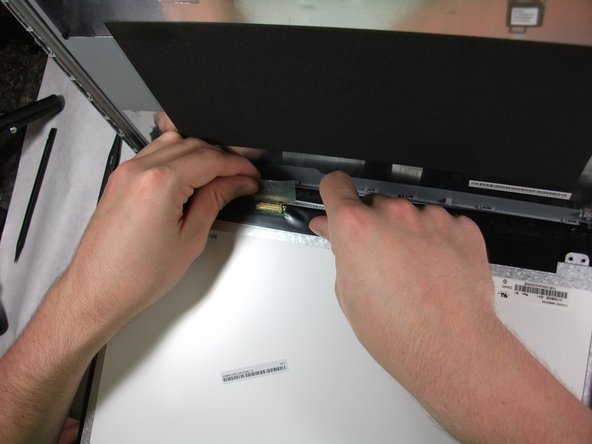
Carefully remove the screen molding. Be aware that the screen molding will not come out all the way.
-
-
-




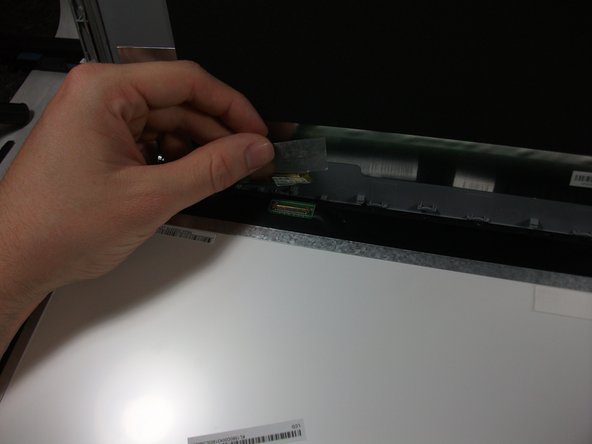
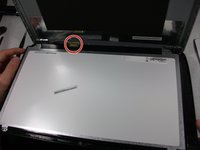

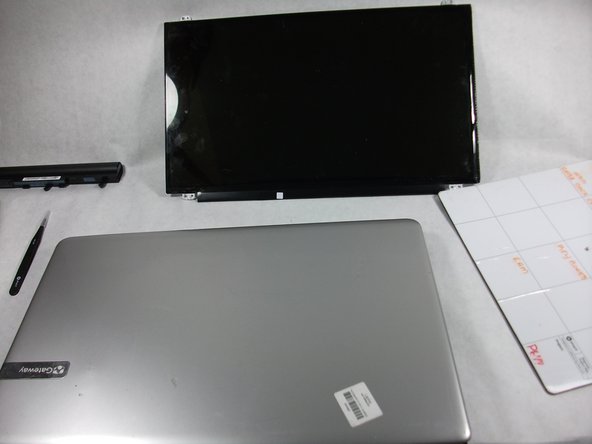
To reassemble your device, follow these instructions in reverse order.

Team

UMass Dartmouth, Team S1-G5, Simcock Fall 2017 Member of UMass Dartmouth, Team S1-G5, Simcock Fall 2017
UMASSD-SIMCOCK-F17S1G5
3 Members
60 Guides authored
