Introduction
Addressing joystick wear or malfunction, this guide assists GameSir G7 SE owners in replacing their joystick modules. Common symptoms that necessitate this repair include drifting, sticking, or unresponsiveness, affecting game control accuracy.
Disconnect the controller from all power sources before beginning the repair to ensure safety. Troubleshooting page sections such as “Joystick Drift” or “Sticky Joystick” might offer additional insights before you start.
What you need
-
-
-
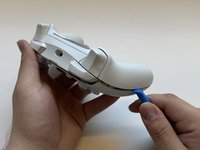
Remove the faceplate by prying upwards with a plastic opening tool.
 Ask FixBot
-
-
-
Use a T6 Torx Screwdriver to remove the six 9 mm screws from the interior face plate.
-
-
-
-
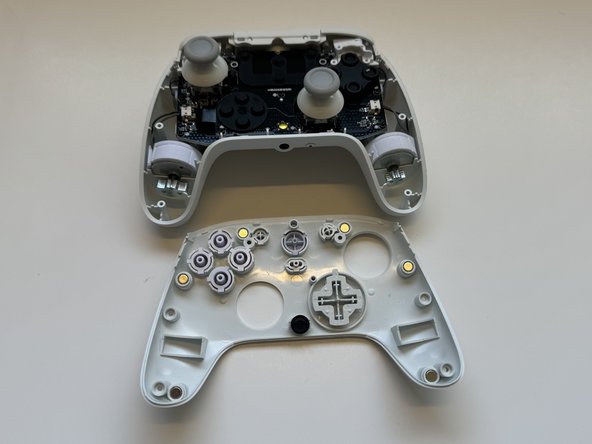
Using a plastic spudger tool, remove the interior face plate. Go around all the edges, prying downwards until it's removed.
-
-
-
-
-
Remove the plastic joystick that is covering the joystick module by pulling up on from the gray grip.
-
-




To reassemble your device, follow these instructions in reverse order.
Cancel: I did not complete this guide.
8 other people completed this guide.

Team

Western Carolina University, Team 1-6, Virtue Spring 2024 Member of Western Carolina University, Team 1-6, Virtue Spring 2024
WCU-VIRTUE-S24S1G6
4 Members
60 Guides authored
4 Guide Comments
Where to get the replacement parts?
Where do you get the replacement parts from?
Guida inutile senza ricambio
