Introduction
In this guide, we'll show you how to change the LCD Screen.
What you need
-
-
-
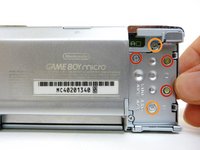
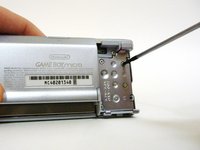
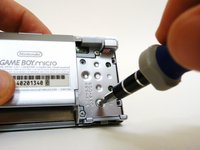
Remove the Phillips #00 screw on the side of the Game Boy closest to the directional pad.
-
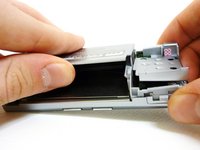
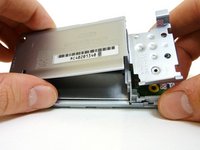
Once the screw has been loosened, lift the cover off the back of the device.
 Ask FixBot
-
-
-
-
-
Locate the two circular holes on the side of the Game Boy nearest to the directional pad.
-
-
-
Straighten the end of a paper clip and push it into each of the circular holes.
-
Use the paper clip to lever the faceplate off from the unit.
-
-
-
-
-
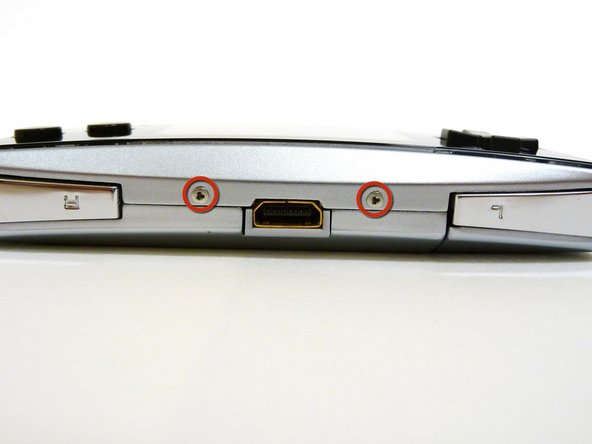
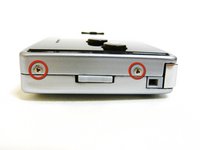
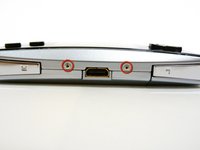
Remove the two tri-wing screws on the top of the Game Boy and the two screws next to the volume/contrast switch.
-
-
-
Remove the two Phillips #00 screws from the plastic frame.
-
As you are pulling off the plastic frame, the shoulder buttons and the volume switch may fall out of the device.
-
-
-
-
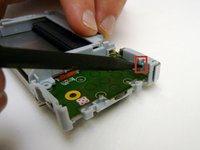
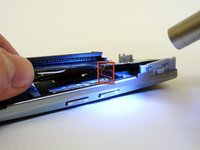
With a spudger, depress the small clip on the lower right corner of the plastic guard.
-
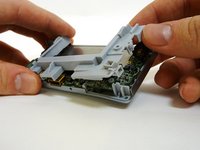
Grab the edges of the plastic frame and lift the frame off the motherboard.
-
-
-
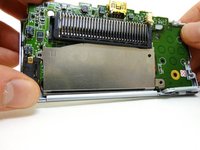
With one hand, gently slide the top left end of the motherboard up and out of the front case.
-
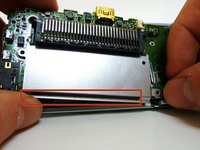
With your other hand, pull out the EMI shield until the tab comes out of the front case.
-
Once the tab is pulled out from the bottom, slide the EMI shield down and out of the device.
-
-
-
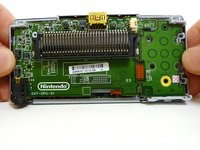
The entire motherboard is now accessible.
-
A small ribbon cable connects the start and select buttons to the motherboard. It can rip very easily, so do not pull on it.
-
Lift the motherboard and the front plastic cover assembly off of the front case.
-
-
Tool used on this step:Tweezers$4.99
-
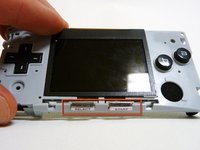
When you remove the motherboard from the front case, the start and select buttons may fall out.
-
If the buttons do not fall out, remove them with a pair of tweezers.
-
-
-
Without the front case, you will be left with the motherboard and the plastic mount. The LCD screen is attached to the motherboard by a ribbon and can fall off the plastic mount.
-
Using metal tweezers, grab the start/select board and slide it out gently.
-
-
-
Lift the entire motherboard assembly off the plastic guard.
-
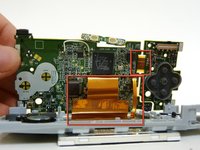
Take caution not to damage any of the gold ribbon cables on the motherboard.
-
-
-
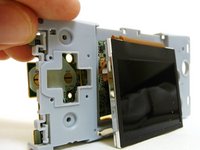
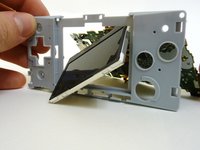
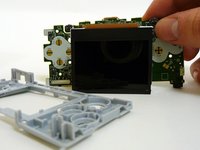
To remove the LCD screen, carefully angle it until it is diagonal to the square hole in the plastic guard and slide it out.
-
It is now possible to remove the entire motherboard assembly from the plastic guard.
-
-
-
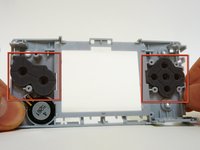
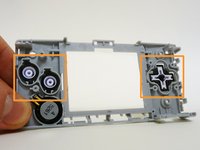
On the plastic guard, there are two rubber pads that cover the buttons. Remove them.
-
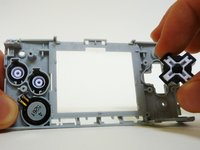
With the rubber pads off, you may use your fingers to remove the buttons to clean or replace them.
-
-
-
-
-
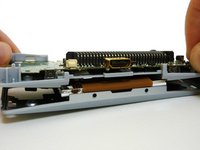
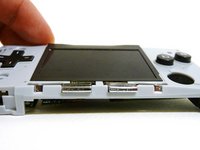
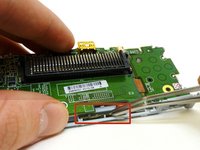
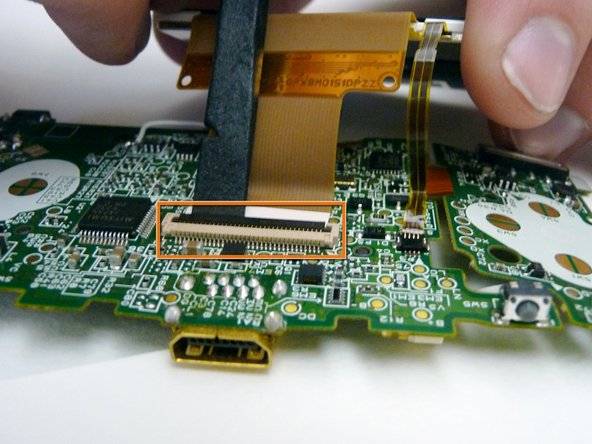
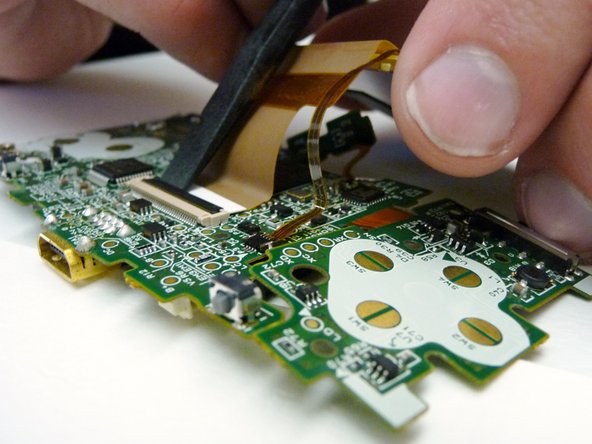
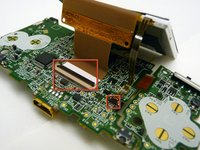
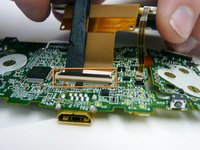
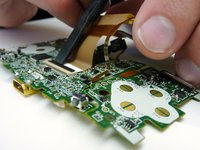
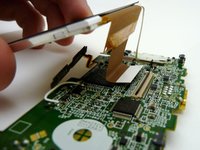
The LCD screen is connected to the motherboard by two ribbon cables.
-
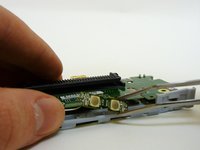
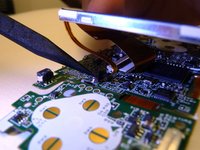
Use a plastic spudger to disconnect the LCD's ZIF connector.
-
-
-
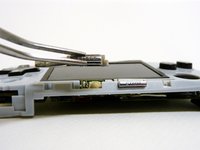
Use the tip of the spudger to lift the small, black tab holding the thin ribbon.
-
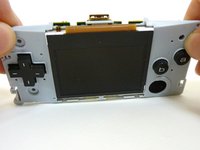
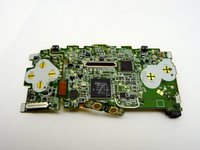
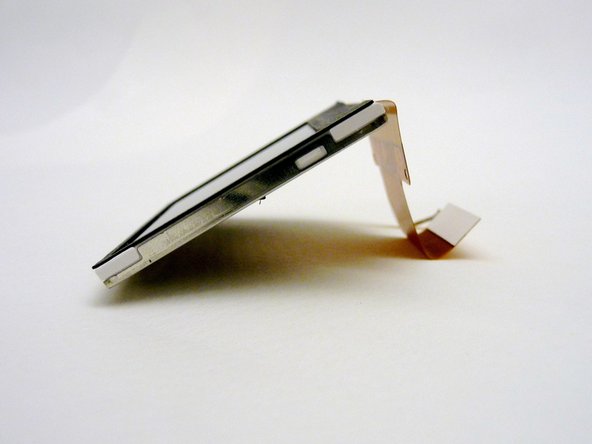
With both tabs lifted, pull the ribbons off the motherboard and remove the LCD screen.
-
-
-






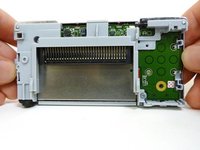


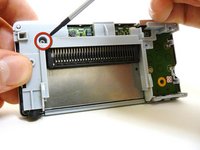
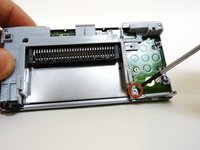
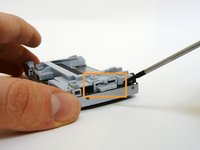




















To reassemble your device, follow these instructions in reverse order.
Cancel: I did not complete this guide.
7 other people completed this guide.

Team

Cal Poly, Team 8-46, Regan Winter 2010 Member of Cal Poly, Team 8-46, Regan Winter 2010
CPSU-REGAN-W10S8G46
5 Members
60 Guides authored
