Free Shipping on Domestic Orders $75+

Fujifilm FinePix XP70 Back Panel Replacement

Prerequisite Only
This is a prerequisite-only guide! This guide is part of another procedure and isn’t meant to be used alone.

What you need

    1. Fujifilm FinePix XP70 Back Panel Replacement, Battery: step 1, image 1 of 1
      • Power off the camera.

      • Leaving the camera on while removing presents the risk of electrical shock or permanent data loss.

      Ask FixBot
      Add Comment

    2. Fujifilm FinePix XP70 Back Panel Replacement: step 2, image 1 of 2 Fujifilm FinePix XP70 Back Panel Replacement: step 2, image 2 of 2
      • Push down on the center button and turn the dial on the side counterclockwise to open the battery compartment.

      Ask FixBot
      Add Comment

    3. Fujifilm FinePix XP70 Back Panel Replacement: step 3, image 1 of 1
      • Pull the orange tab towards the hinge to release the battery.

      Ask FixBot
      Add Comment

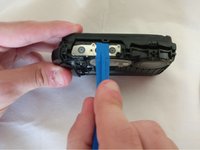
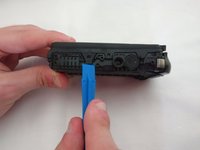
    1. Fujifilm FinePix XP70 Back Panel Replacement, Button: step 4, image 1 of 2 Fujifilm FinePix XP70 Back Panel Replacement, Button: step 4, image 2 of 2
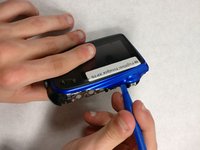
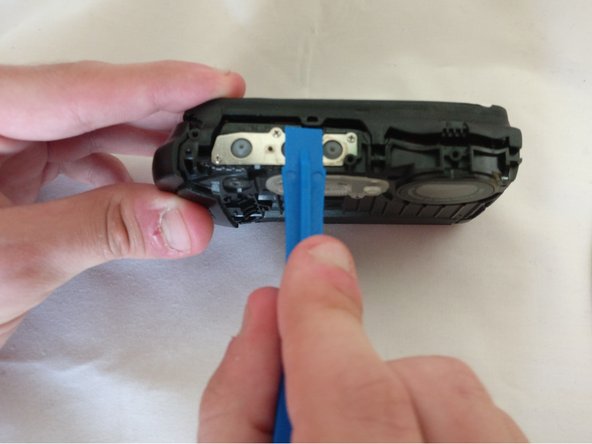
      • Pry the black button plate off using a plastic opening tool.

      • Buttons can fall out easily.

      • It's easiest to start from the side exposed by an open battery compartment.

      • When putting this plate back on, orientate the buttons as shown to properly fit back into the plate.

      Ask FixBot
      Add Comment

    2. Fujifilm FinePix XP70 Back Panel Replacement: step 5, image 1 of 1
      • Pull the three buttons out.

      Ask FixBot

      Add Comment

    1. Fujifilm FinePix XP70 Back Panel Replacement, Front and Back Panel: step 6, image 1 of 1
      • Remove one Phillips screw with a Phillips head 0 screwdriver

      • Remove one hex head screw with a hex 1.3 screwdriver bit.

      Ask FixBot

      Add Comment

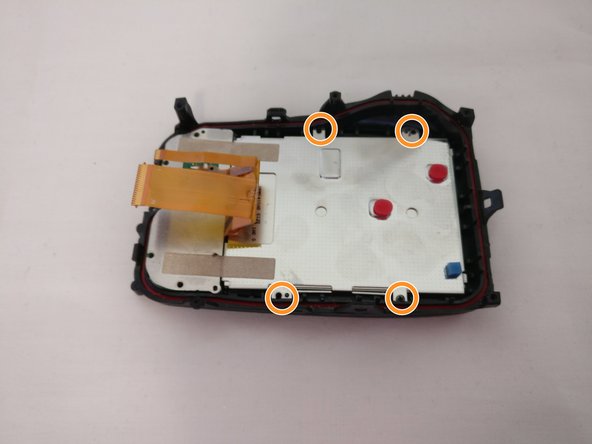
    2. Fujifilm FinePix XP70 Back Panel Replacement: step 7, image 1 of 1
      • Unscrew two 4.0mm long hex head screws with a hex 1.3 screwdriver bit.

      Ask FixBot
      Add Comment

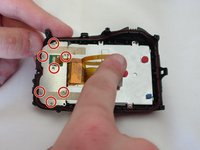
    3. Fujifilm FinePix XP70 Back Panel Replacement: step 8, image 1 of 1
      • Unscrew five 4.0mm screws with a Phillips head 0 screwdriver

      Ask FixBot
      Add Comment

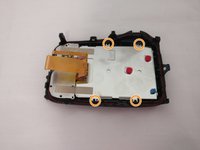
    4. Fujifilm FinePix XP70 Back Panel Replacement: step 9, image 1 of 1
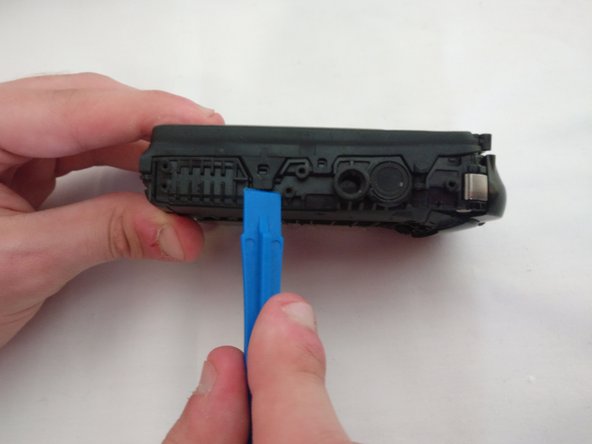
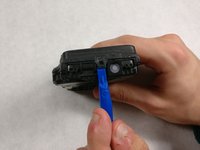
      • Pry the black bottom plate off using a plastic opening tool.

      • It is easier to start on the side of the open battery compartment.

      Ask FixBot
      Add Comment

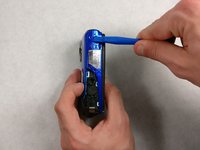
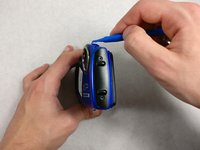
    5. Fujifilm FinePix XP70 Back Panel Replacement: step 10, image 1 of 2 Fujifilm FinePix XP70 Back Panel Replacement: step 10, image 2 of 2
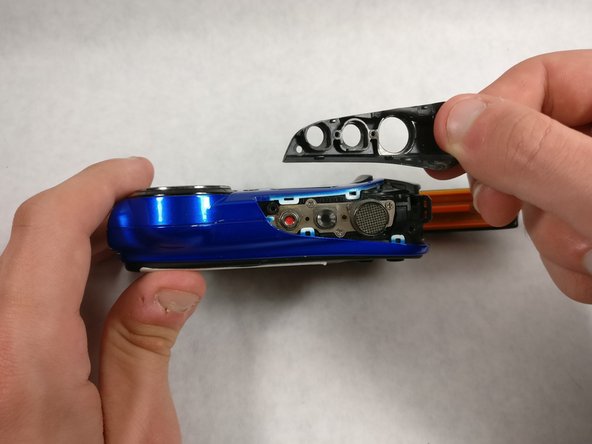
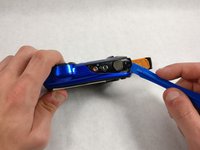
      • Pry the front plate off using a plastic opening tool.

      • It's recommended to start at the ridge on the top or bottom side.

      Ask FixBot

      Add Comment

    6. Fujifilm FinePix XP70 Back Panel Replacement: step 11, image 1 of 1
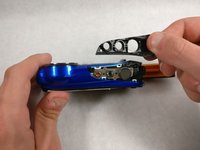
      • Lift off the front plate.

      Ask FixBot

      Add Comment

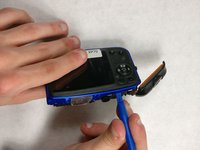
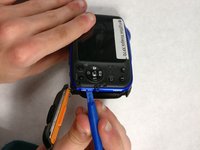
    7. Fujifilm FinePix XP70 Back Panel Replacement: step 12, image 1 of 3 Fujifilm FinePix XP70 Back Panel Replacement: step 12, image 2 of 3 Fujifilm FinePix XP70 Back Panel Replacement: step 12, image 3 of 3
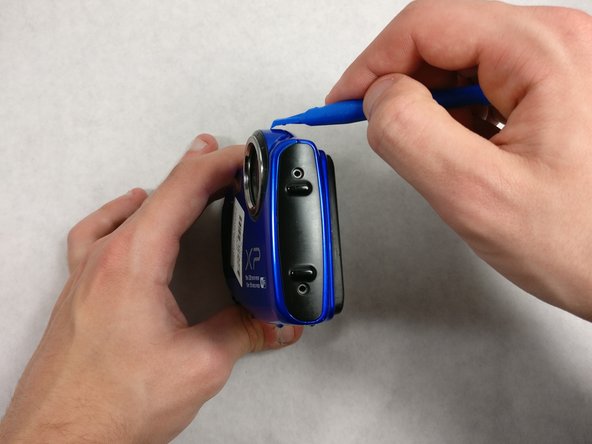
      • Pry the back plate off with a plastic opening tool

      Ask FixBot

      Add Comment

    1. Fujifilm FinePix XP70 Back Panel Replacement, Back Panel: step 13, image 1 of 1
      • Pry the two latches off using a spudger.

      • It takes some force to pry the latches off, so be careful to not break them.

      Ask FixBot

      Add Comment

    2. Fujifilm FinePix XP70 Back Panel Replacement: step 14, image 1 of 3 Fujifilm FinePix XP70 Back Panel Replacement: step 14, image 2 of 3 Fujifilm FinePix XP70 Back Panel Replacement: step 14, image 3 of 3
      • Pry the remaining latches with a plastic opening tool.

      • It's best to start on the opposite side. Then pry off the top and end at the bottom.

      • It may take some force to remove this, but be careful to not break the latches off.

      Ask FixBot

      Add Comment

    3. Fujifilm FinePix XP70 Back Panel Replacement: step 15, image 1 of 1
      • Pull the two halves apart.

      • Reattach the LCD ribbon cable into the slot before closing the halves when reassembling.

      Ask FixBot

      Add Comment

    4. Fujifilm FinePix XP70 Back Panel Replacement: step 16, image 1 of 2 Fujifilm FinePix XP70 Back Panel Replacement: step 16, image 2 of 2
      • Unscrew seven 4.0 mm screws with a Phillips 00 screwdriver.

      • Unscrew four 3.0 mm screws with a Phillips 00 screwdriver..

      Ask FixBot

      Add Comment

Conclusion

To reassemble your device, follow these instructions in reverse order.

Cancel: I did not complete this guide.

Olivia A

Member since: 10/24/16

505 Reputation

4 Guides authored

Team

0 Guide Comments

Add Comment

View Statistics:

Past 24 Hours: 3

Past 7 Days: 5

Past 30 Days: 16

All Time: 158