Introduction
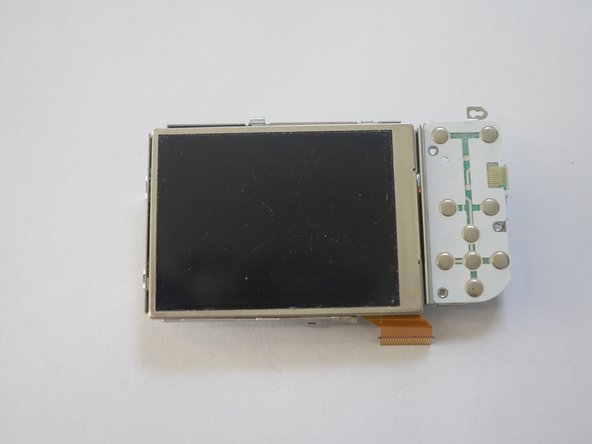
Is your LCD damaged? It is time to replace it! This guide will show you all the steps required to replace your camera Screen Display. It is simple and a good DIY project. Save your money and fix your camera yourself.
What you need
-
-
-
-
Rear Housing Case
-
Remove screw
-
Release flex cable from Main Board
-
Release the clamps from the notches to free the top rear plate
-
-
-
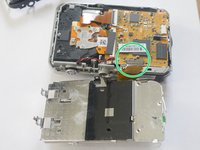
Release the LCD flex cable from the ziff socket. Careful not to damage ziff clamp
-
Next swap out your old LCD with your new LCD and reverse the steps.
-


 Ask FixBot


To reassemble your device, follow these instructions in reverse order.
Cancel: I did not complete this guide.
One other person completed this guide.

