Front Sensors Removal

Spencer Day and
Last updated on Apr 8, 2026
Views: 650
View statistics:
- Past 24 Hours:
- 2
- Past 7 Days:
- 7
- Past 30 Days:
- 22
- All Time:
- 650
Comments: 0
No one has left comments on this guide. Will you be first?
Go to guide commentsCompleted: 0 1
No one has marked this guide "completed." Will you be the first?
1 person has marked this guide "completed." It's you — great job!
Favorites: 0 1
No one has favorited (and subscribed to) this guide. Will you be the first?
1 person has favorited (and subscribed to) this guide — and that's you!
What you need
Tools
-
-
-
-
-
-
Spudger4.9
-


-
-
-
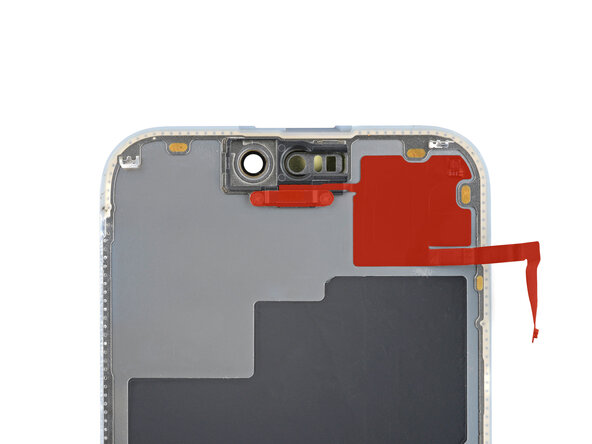
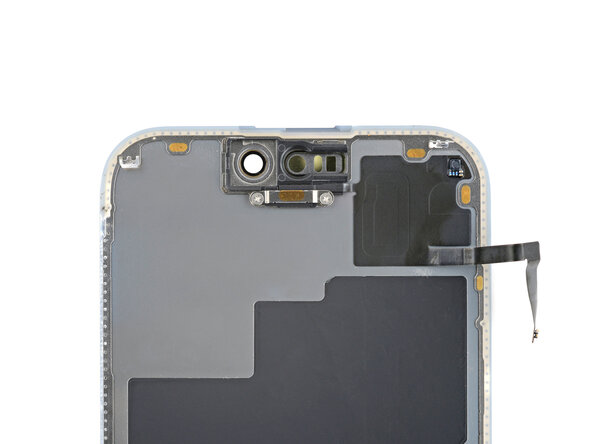
Check if your new screen comes with an ambient light sensor installed.
 Ask FixBot
-
-
-
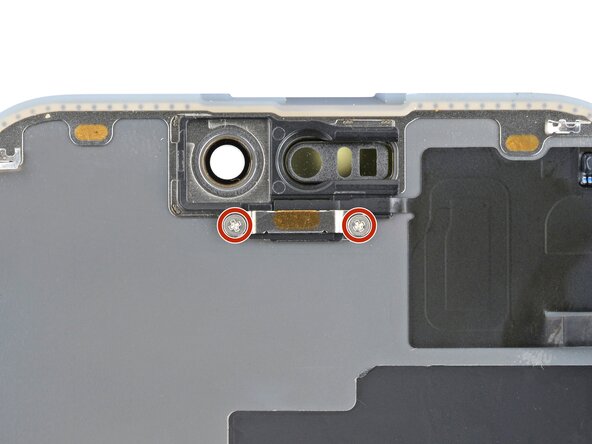
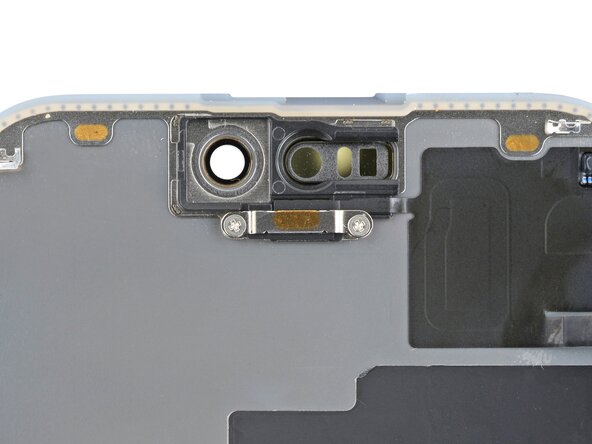
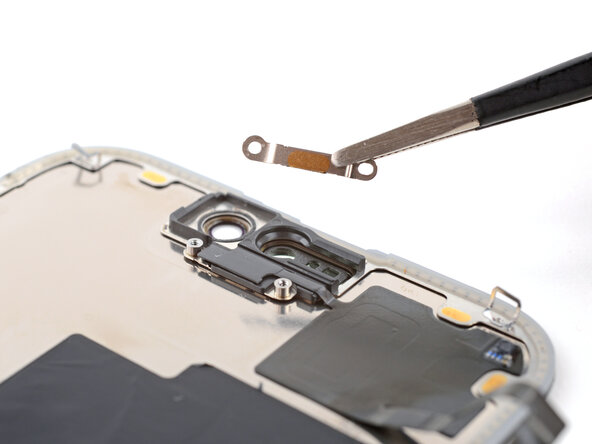
Use a Phillips #000 driver to remove the two 1.4 mm-long screws securing the ambient light sensor cover.
-
-
-
-
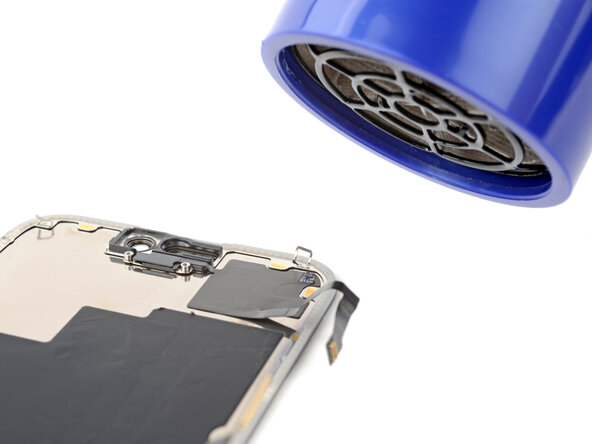
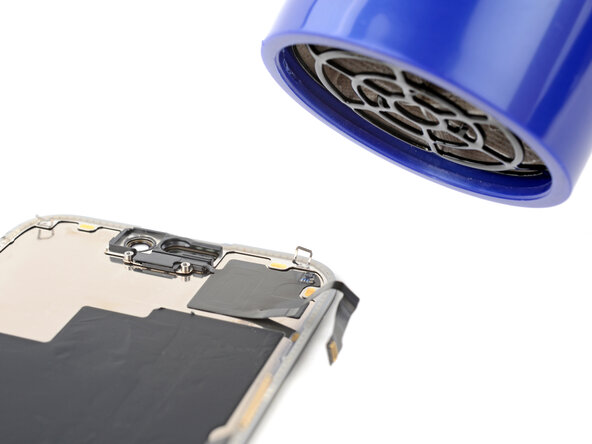
Use a hair dryer or heat gun to heat the ambient light sensor until it's warm to the touch.
-
-
-
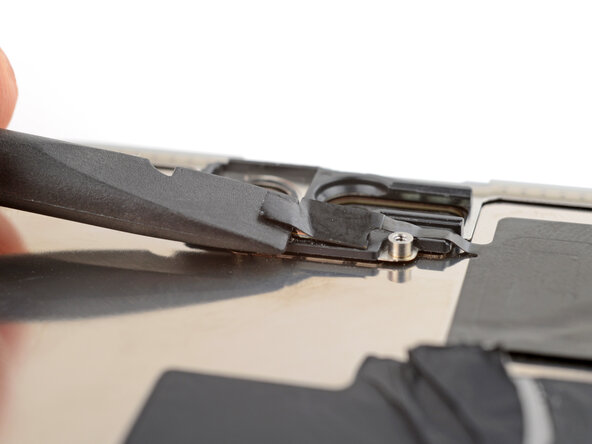
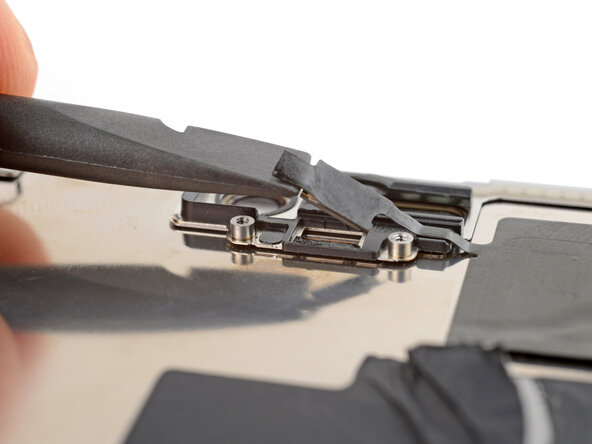
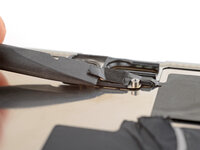
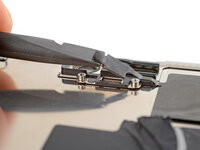
Use the flat end of a spudger to gently lift the ambient light sensor out of its enclosure.
-
-
-
Apply more heat until the entire glued down part of the sensor is warm to the touch.
-
-
-
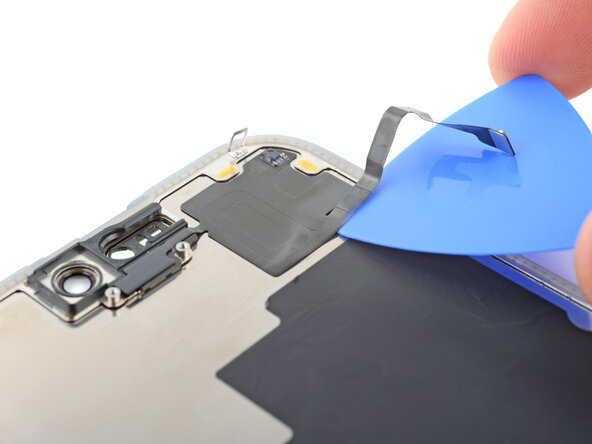
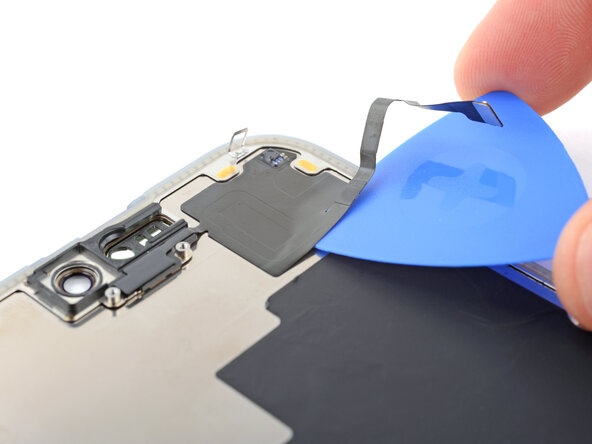
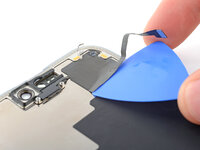
Insert the tip of an opening pick under the bottom right corner of the sensor.
-
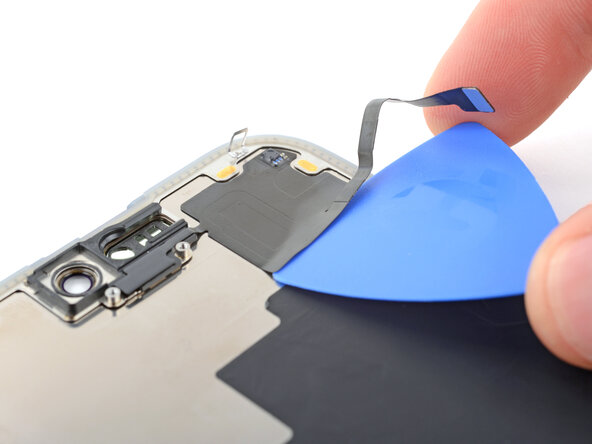
Slide the pick under the sensor and lift until you can grip it with your fingers.
-
-
-
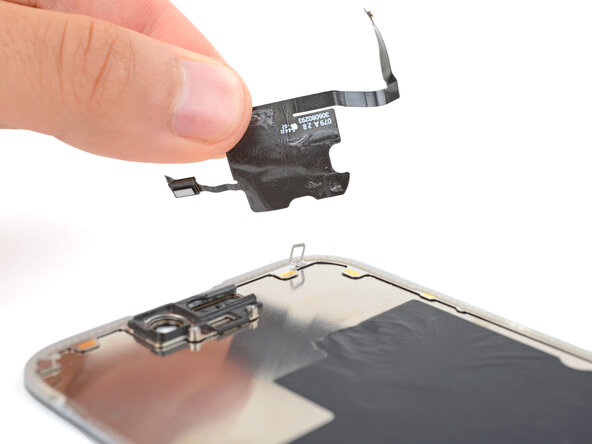
Use your fingers to slowly peel up and remove the sensor.
-
-