-
-
-
Fold the six plastic tabs over the edge of the Touchpad.
 Ask FixBot
-
-
-
Slide the metal tabs on the touchpad under its indentations in the Input Cover.
-
Align the screw holes on the touchpad with the ones on the Input Cover.
-
-
-
While holding the touchpad in place, use your Framework Screwdriver to install the two 1.8 mm‑long Phillips screws securing the top of the touchpad.
-
-
-
Slide the metal clips on the touchpad bracket into its slots on the Input Cover.
-
Press the bracket flat onto the Input Cover.
-
-
-
-
Use your Framework Screwdriver to install the two 1.8 mm‑long Phillips screws securing the touchpad bracket.
-
-
-
Slide the keyboard backlight cable straight into its socket.
-
-
-
Use the flat end of your Framework Screwdriver, or a clean fingernail, to press down the locking tab on the keyboard backlight ZIF connector.
-
-
-
Slide the keyboard membrane cable straight into its socket.
-
-
-
Use the flat end of your Framework Screwdriver, or a clean fingernail, to press down the locking tab on the keyboard membrane ZIF connector.
-
-
-
Slide the Fingerprint Reader Cable straight into its socket.
-
-
-
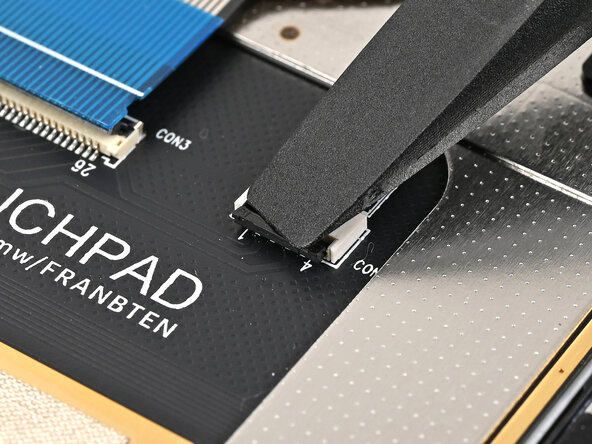
Use the flat end of your Framework Screwdriver, or a clean fingernail, to press down the locking tab on the Fingerprint Reader Cable ZIF connector.
-
-




To reassemble your device, follow these instructions in reverse order.

