-
-
-
Use your fingers to grip the edges of the Battery connector and slide it straight out of its socket to disconnect the Battery.
 Ask FixBot
-
-
-
-
Use your Framework Screwdriver to loosen the three captive T5 Torx screws securing the Battery.
-
-
-
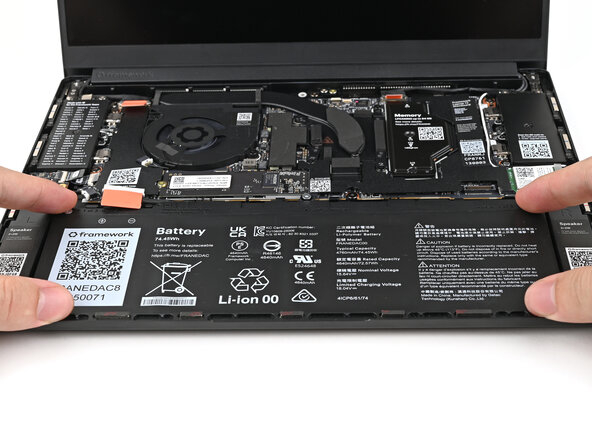
Lift the Battery towards the top edge of the laptop to slide its plastic tabs out of the Bottom Cover.
-
Remove the Battery.
-
-




Conclusion
To reassemble your device, follow these instructions in reverse order.

