-
-
-
Insert the Battery into its cutout, making sure its plastic tabs are slotted into the Bottom Cover.
 Ask FixBot
-
-
-
Use your Framework Screwdriver to tighten the three captive T5 Torx screws securing the Battery.
-
-
-
-
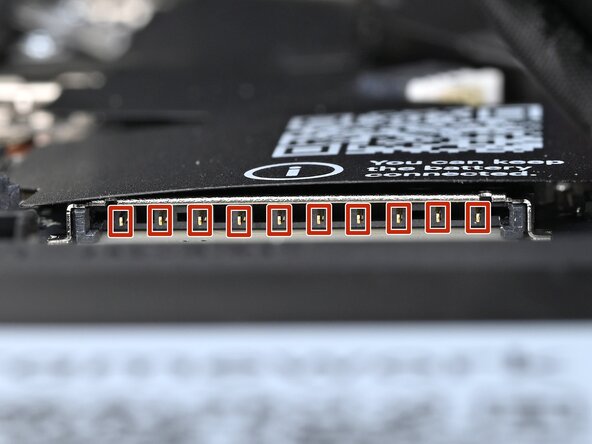
Before continuing, check the pins on the battery socket and make sure they aren't bent.
-
-
-
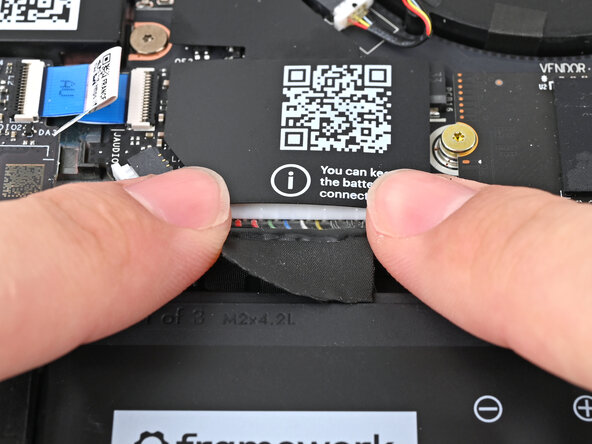
Use your fingers to align the battery connector with its socket and slide it straight in to reconnect the battery.
-
-






Conclusion
To reassemble your device, follow these instructions in reverse order.

