-
-
-
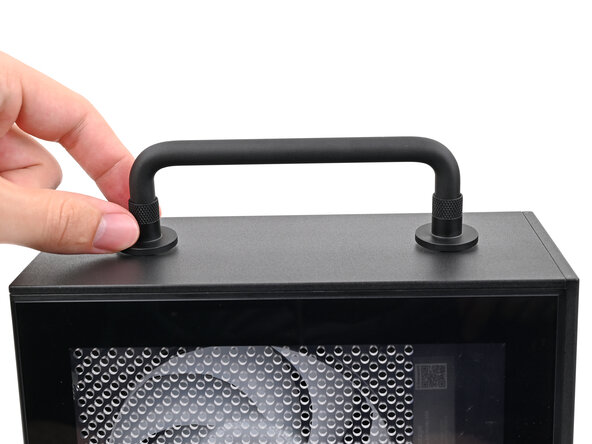
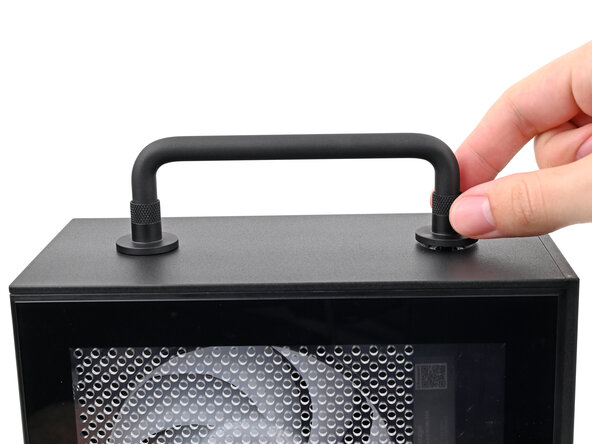
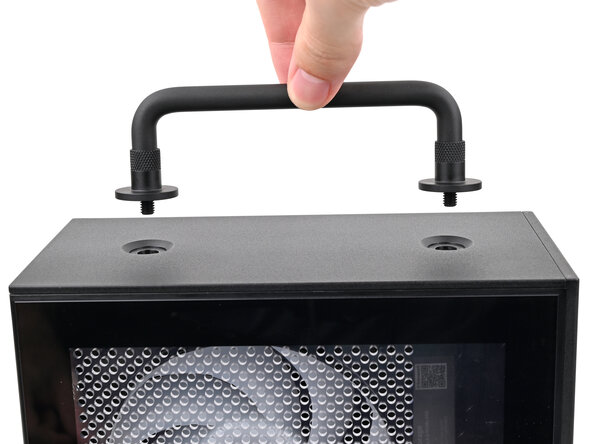
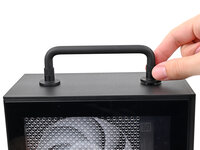
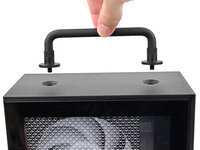
Rotate the Handle's screw threads counterclockwise on both sides until it comes free.
-
Remove the Handle.
 Ask FixBot
-
-
-
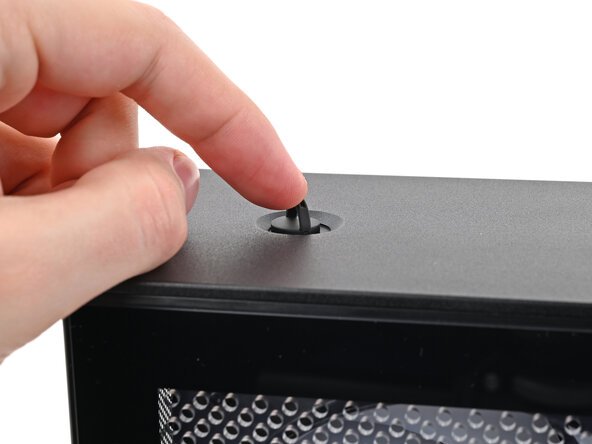
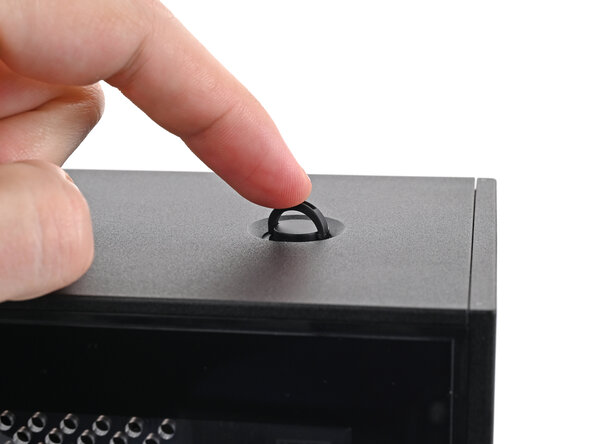
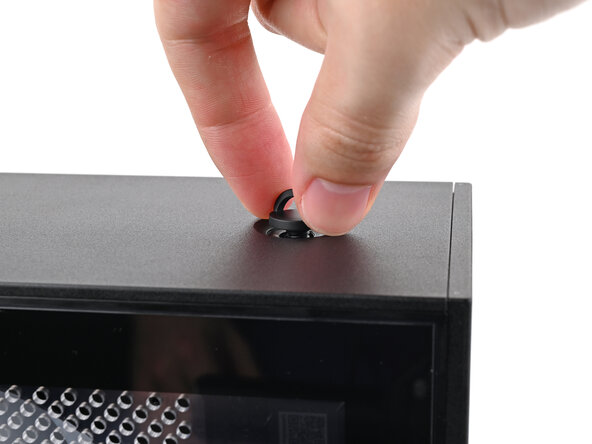
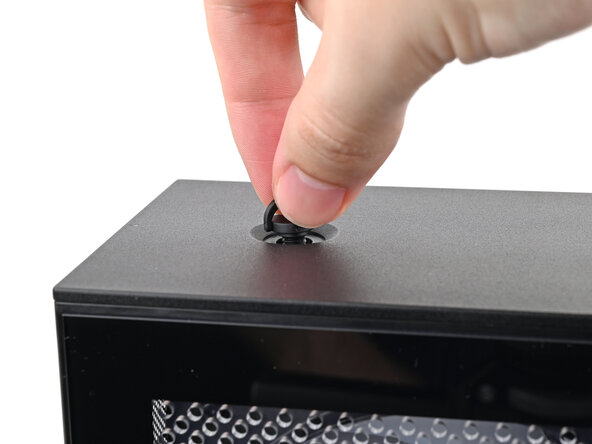
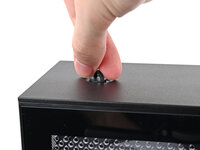
Use your finger to lift up the two D-rings on the Top Panel screws.
-
-
-
-
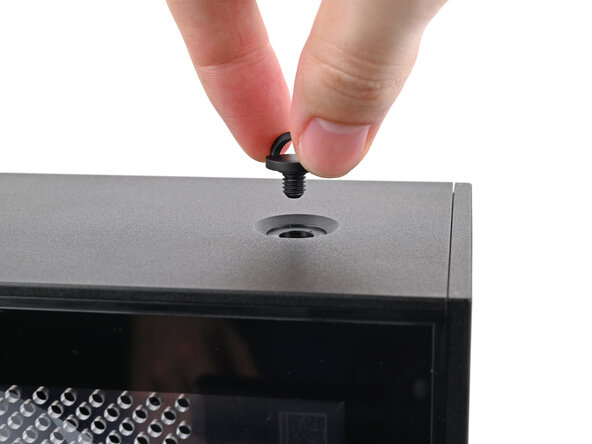
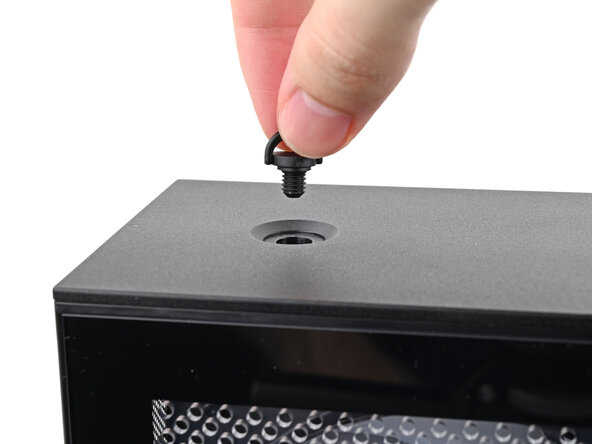
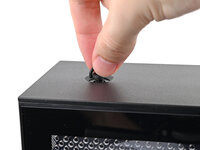
Use your fingers to twist the screw counter-clockwise and loosen it.
-
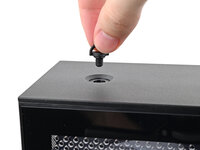
Remove the Top Panel screw.
-
-
-
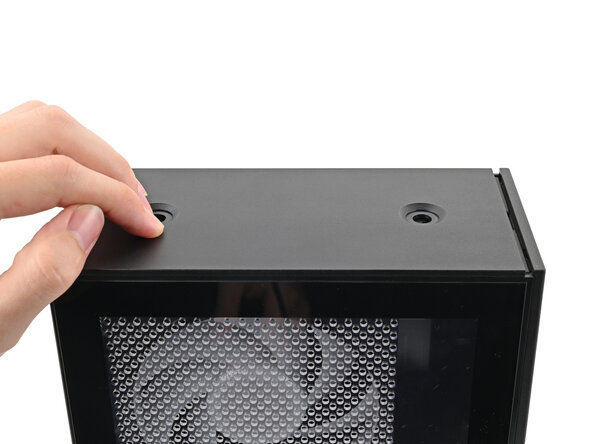
Slide the Top Panel towards the rear of the computer to release the clips securing it to the chassis.
-
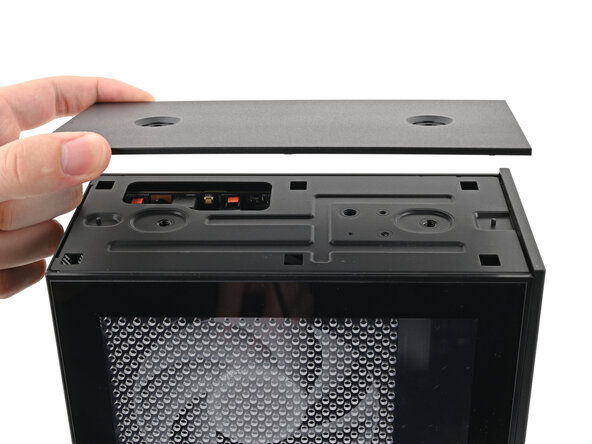
Lift the Top Panel off the chassis and remove it.
-
-






Conclusion
To reassemble your device, follow these instructions in reverse order.

