-
-
-
Orient the Top Panel so its arrow is pointing towards the rear of the computer.
-
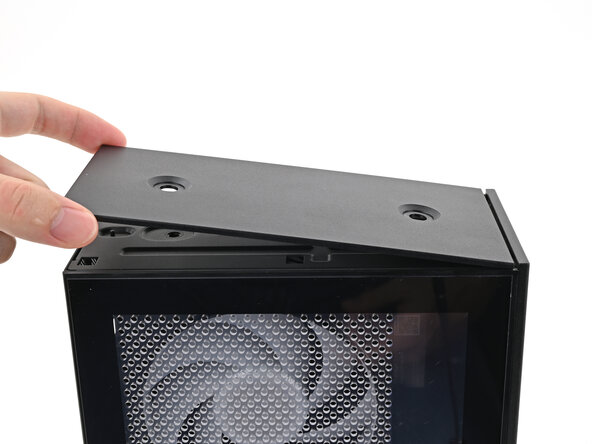
While holding the Top Panel at a slight downward angle, slide it across the top of the chassis (from rear to front) until you feel its clips catch.
-
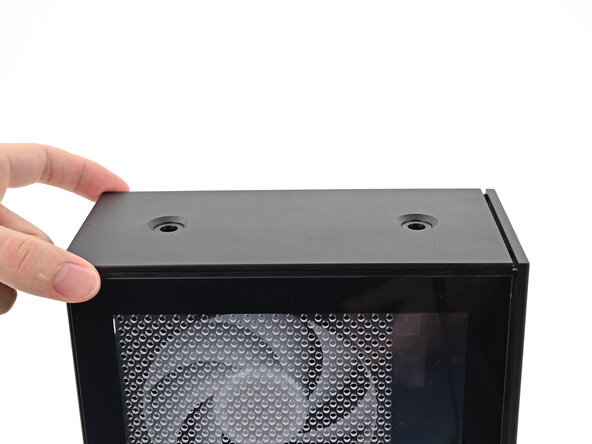
Lay the Top Panel flat on the chassis to align the remaining clips.
 Ask FixBot
-
-
-
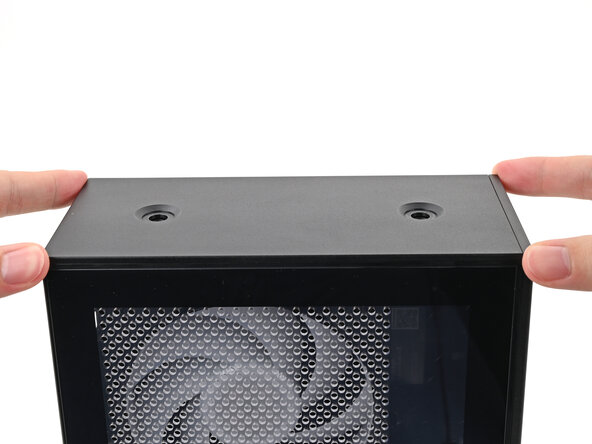
While securing the computer with one hand, use the other hand to slide the Top Panel towards the front of the computer to close the gap and engage the clips.
-
-
-
-
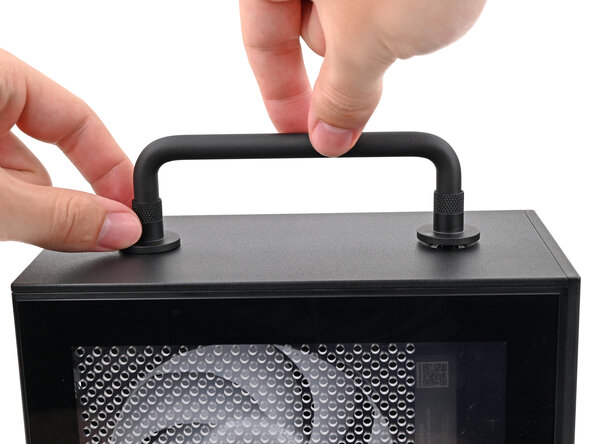
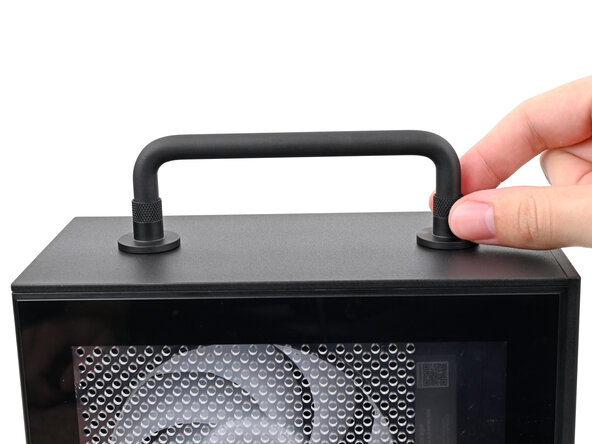
Place the Handle over the Top Panel screw holes.
-
While holding the Handle in place, twist the screw threads on both sides clockwise until they're snug on the Top Panel.
-
-
-
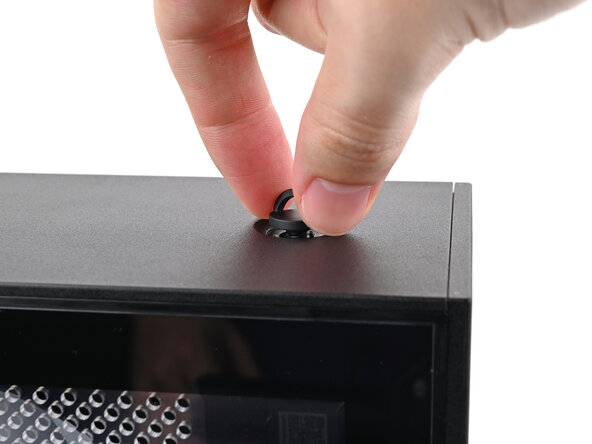
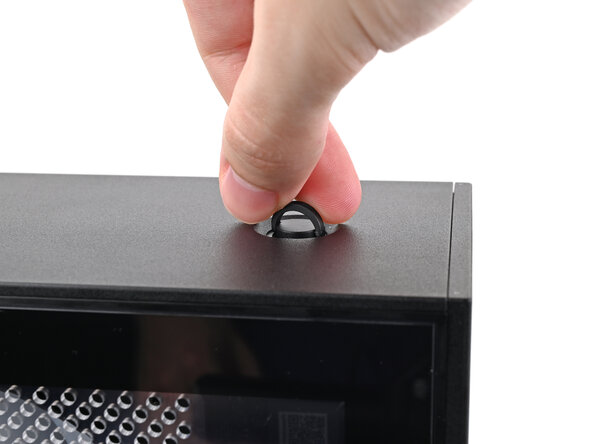
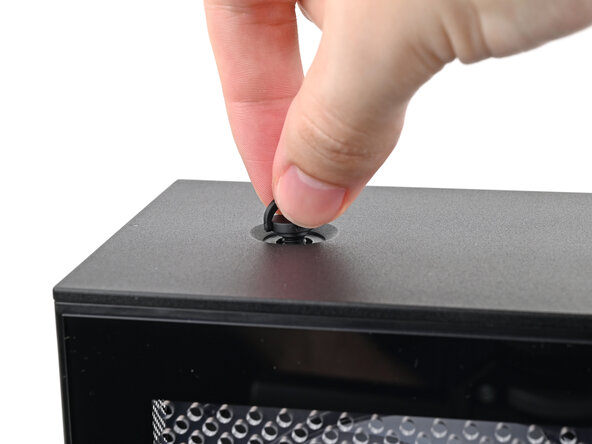
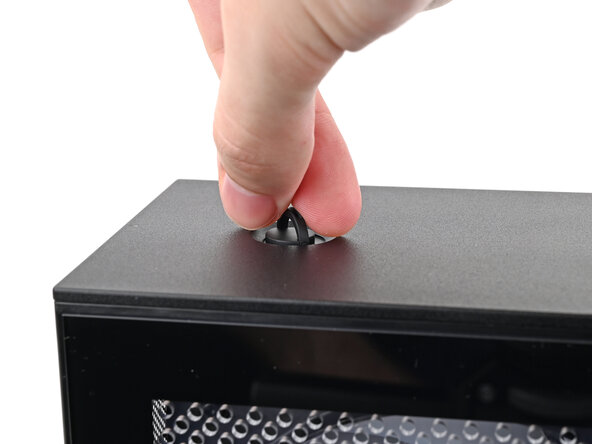
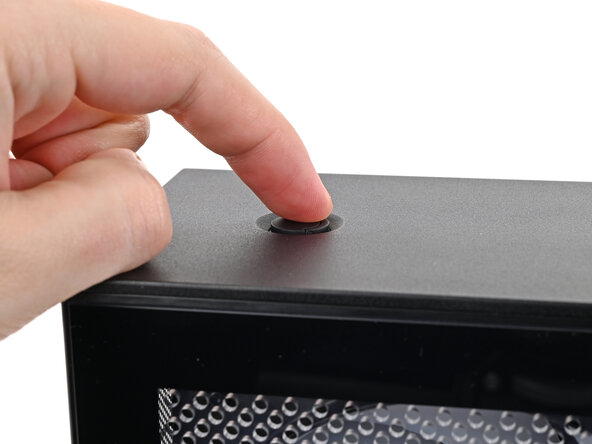
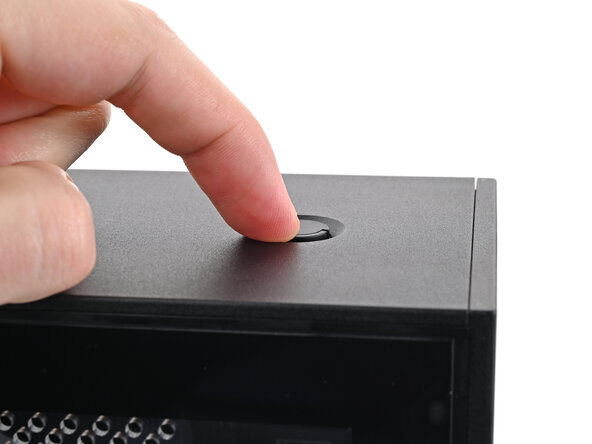
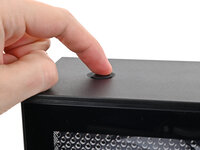
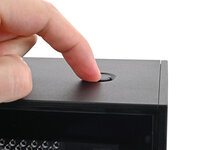
Insert the top panel screw into its hole and twist clockwise until it feels snug.
-
-








To reassemble your device, follow these instructions in reverse order.

