Free Shipping on Domestic Orders $75+

Framework Desktop Tile Installation

Prerequisite Only
This is a prerequisite-only guide! This guide is part of another procedure and isn’t meant to be used alone.
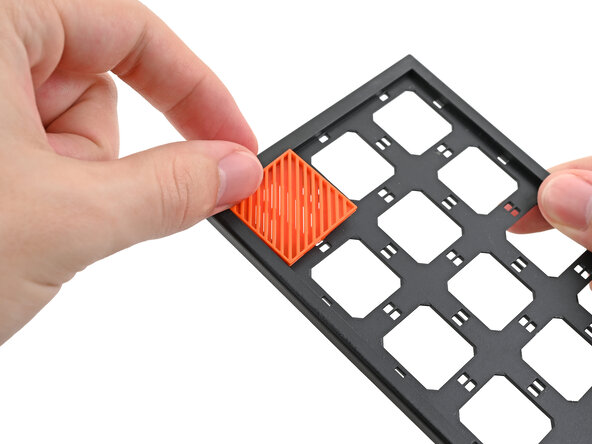
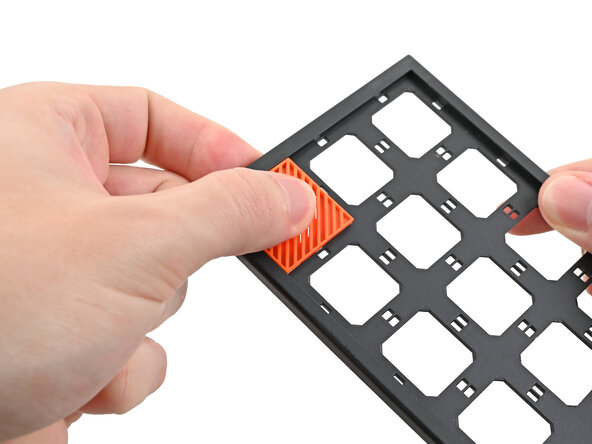
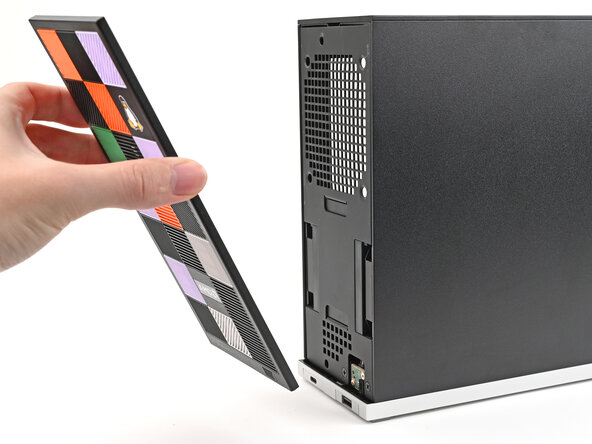
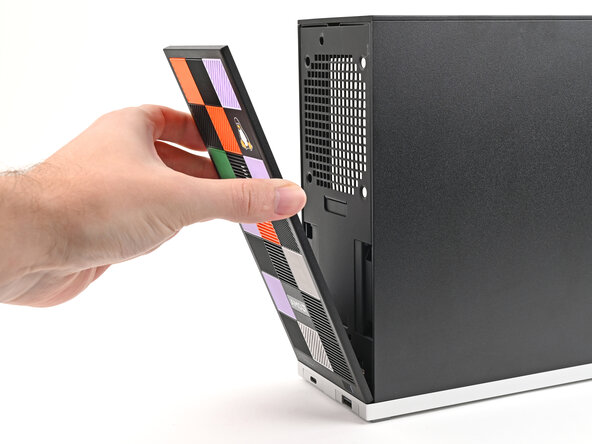
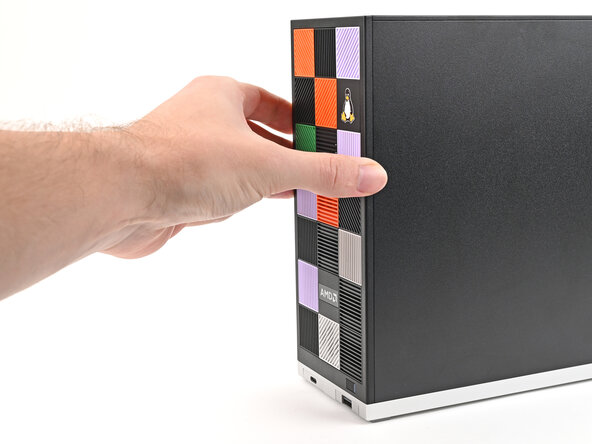
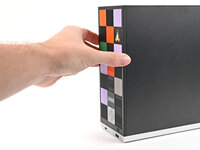
    1. Framework Desktop Tile Installation, Install the Tiles: step 1, image 1 of 3 Framework Desktop Tile Installation, Install the Tiles: step 1, image 2 of 3 Framework Desktop Tile Installation, Install the Tiles: step 1, image 3 of 3
      • Tiles can be installed in any orientation, even the ones with graphics.

      • Lay a Tile over an open slot on your Front Panel.

      • Use your fingers to press the tile into the slot and engage the clips.

      • You'll hear and feel an audible "click" when the clips engage.

      Ask FixBot

      Add Comment

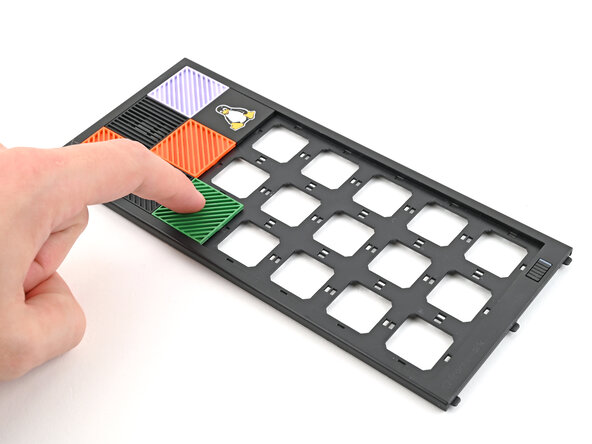
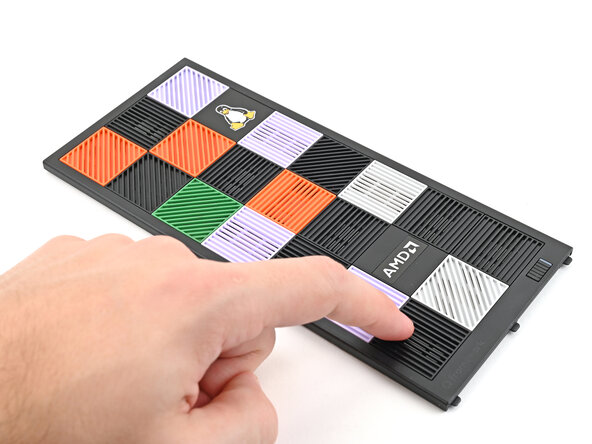
    2. Framework Desktop Tile Installation: step 2, image 1 of 3 Framework Desktop Tile Installation: step 2, image 2 of 3 Framework Desktop Tile Installation: step 2, image 3 of 3
      • Install the remaining Tiles.

      Ask FixBot

      Add Comment

    3. Framework Desktop Tile Installation: step 3, image 1 of 3 Framework Desktop Tile Installation: step 3, image 2 of 3 Framework Desktop Tile Installation: step 3, image 3 of 3
      • Lay the bottom of the Front Panel on the small, protruding lip in the silver base to align its tabs.

      • Press the Front Panel flat to the chassis and let it align to the magnets.

      Ask FixBot

      Add Comment

Conclusion

To reassemble your device, follow these instructions in reverse order.

Cancel: I did not complete this guide.

Alex Diaz-Kokaisl

Member since: 01/16/22

249,970 Reputation

1,203 Guides authored

0 Guide Comments

Add Comment

View Statistics:

Past 24 Hours: 0

Past 7 Days: 1

Past 30 Days: 9

All Time: 92