Free Shipping on Domestic Orders $75+

Framework Desktop Secondary Storage Installation

Prerequisite Only
This is a prerequisite-only guide! This guide is part of another procedure and isn’t meant to be used alone.
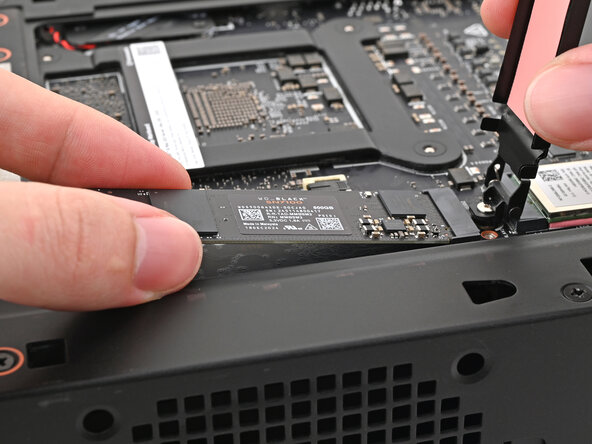
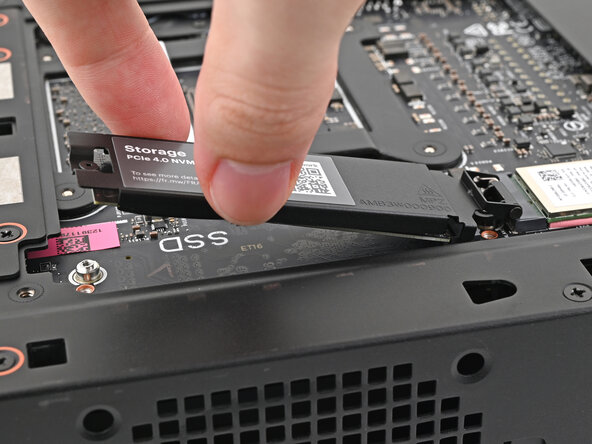
    1. Framework Desktop Secondary Storage Installation, Install the SSD: step 1, image 1 of 3 Framework Desktop Secondary Storage Installation, Install the SSD: step 1, image 2 of 3 Framework Desktop Secondary Storage Installation, Install the SSD: step 1, image 3 of 3
      • Hold the SSD by its edges. Don't touch the gold contacts with your fingers. If you do, wipe the contacts with a clean, lint-free cloth to remove any finger oils.

      • While holding the SSD heat spreader upright, align the SSD's gold contacts with its socket.

      • Insert the SSD into the socket at a shallow angle. The gold contacts should mostly be covered by the socket.

      • The SSD fits into the socket in one orientation. If it doesn't feel like it fits, try flipping the module.

      • Lay the heat spreader back onto the SSD.

      Ask FixBot

      Add Comment

    2. Framework Desktop Secondary Storage Installation: step 2, image 1 of 1
      • Use your Framework Desktop Screwdriver to tighten the captive T5 Torx screw securing the SSD.

      Ask FixBot

      Add Comment

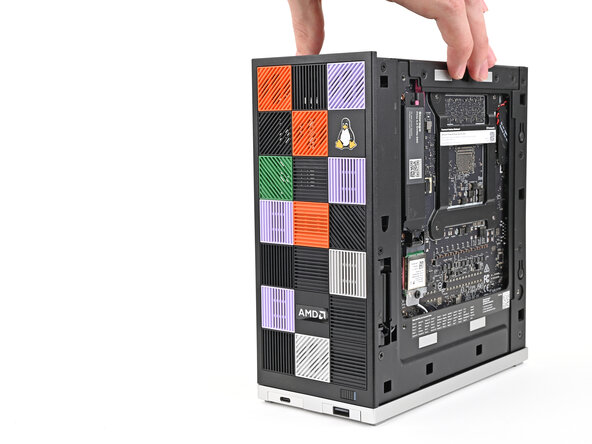
    3. Framework Desktop Secondary Storage Installation, Reposition the Desktop: step 3, image 1 of 2 Framework Desktop Secondary Storage Installation, Reposition the Desktop: step 3, image 2 of 2
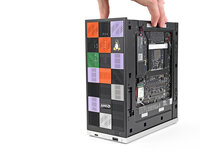
      • Lift the Desktop so it sits upright on your work surface.

      Ask FixBot

      Add Comment

Conclusion

To reassemble your device, follow these instructions in reverse order.

Cancel: I did not complete this guide.

Alex Diaz-Kokaisl

Member since: 01/16/22

249,976 Reputation

1,203 Guides authored

0 Guide Comments

Add Comment

View Statistics:

Past 24 Hours: 1

Past 7 Days: 2

Past 30 Days: 8

All Time: 106