-
-
-
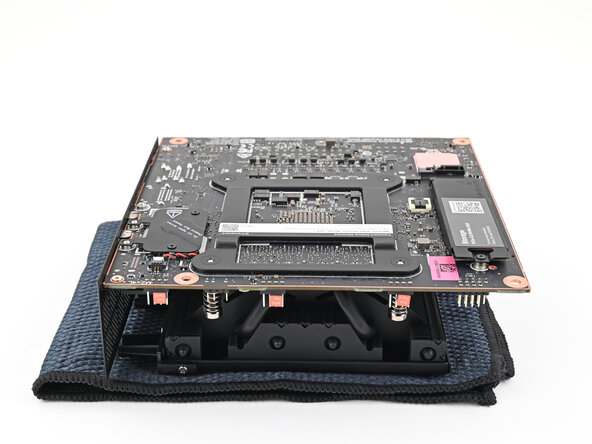
Place the Mainboard on your work surface with its heatsink resting on a soft, clean cloth.
 Ask FixBot
-
-
-
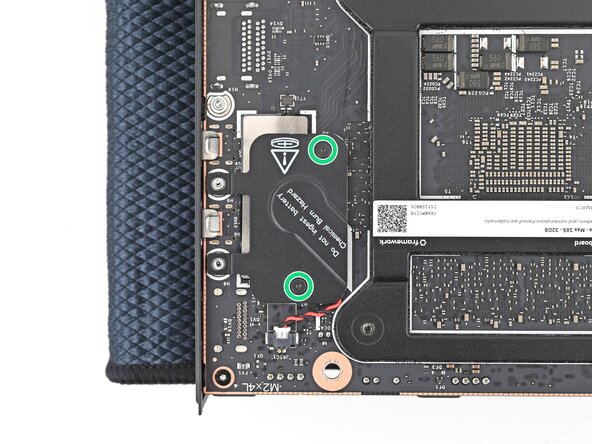
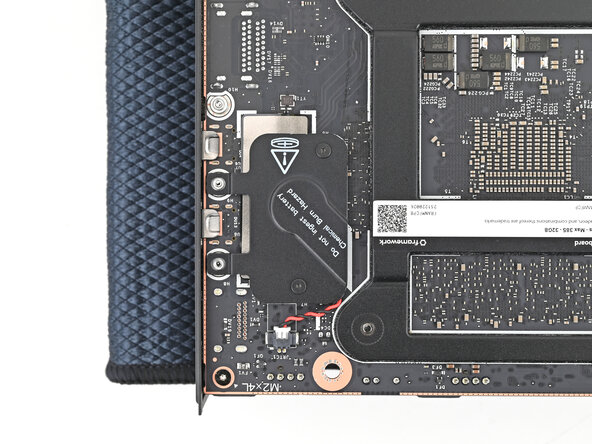
Use your Framework Desktop Screwdriver to loosen the two captive T5 Torx screws securing the RTC battery cover.
-
-
-
-
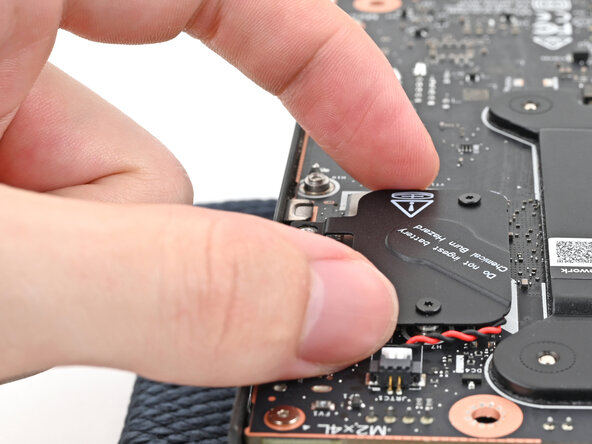
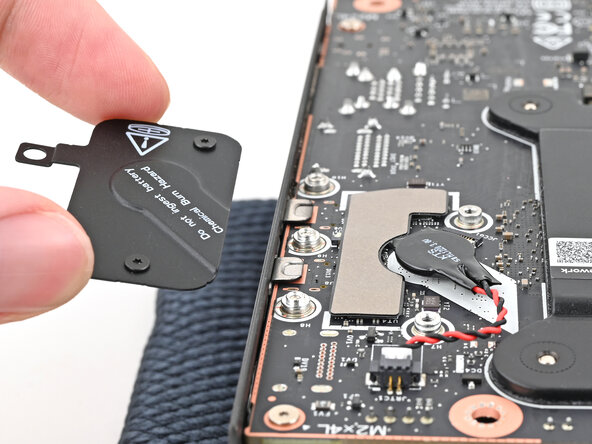
Lift the RTC battery cover off the Mainboard and remove it.
-
-
-
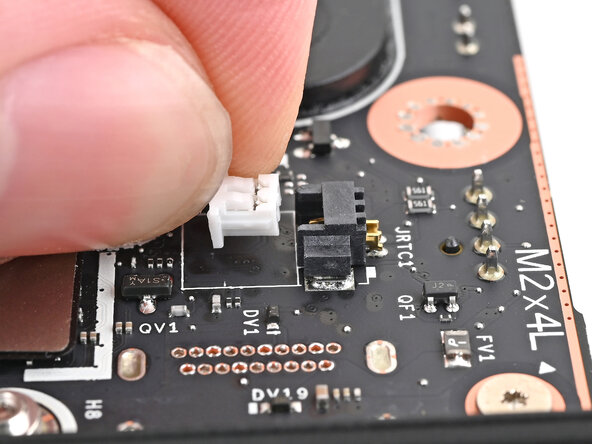
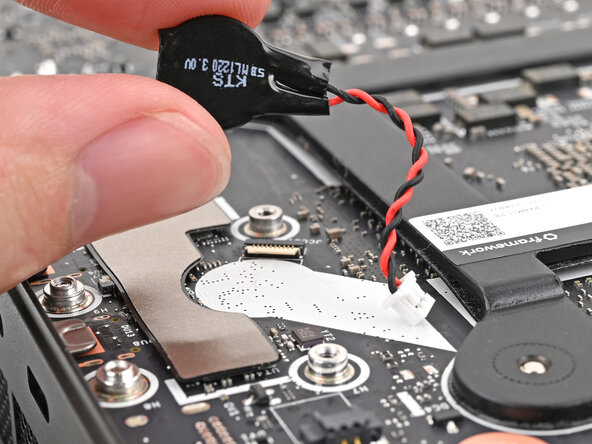
Grip the RTC battery connector and pull it straight out of its socket to disconnect it.
-
-
-
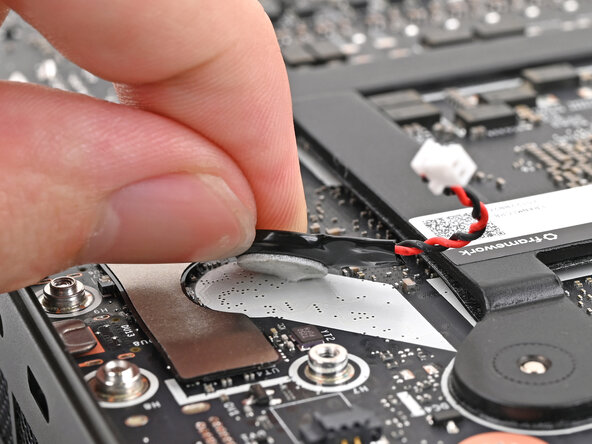
Use your fingers to peel the RTC battery off the Mainboard and remove it.
-
-











Conclusion
To reassemble your device, follow these instructions in reverse order.

