-
-
-
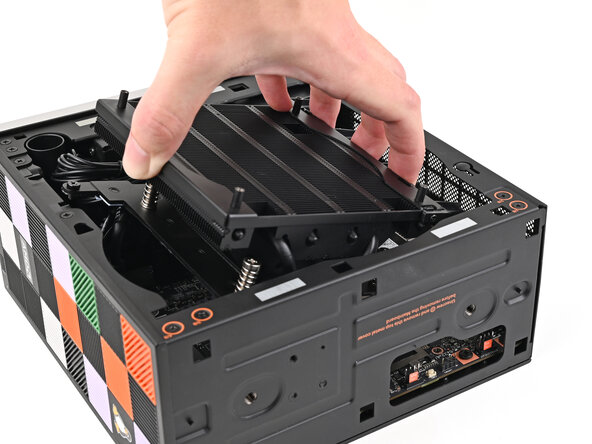
Tilt the heatsink down towards the rear of the Desktop and place it into its slot on the Mainboard.
 Ask FixBot
-
-
-
-
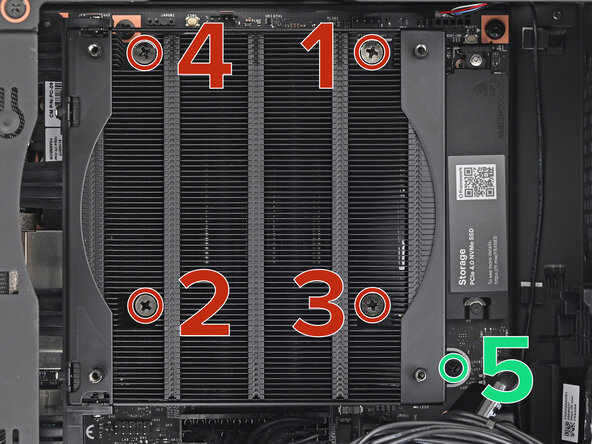
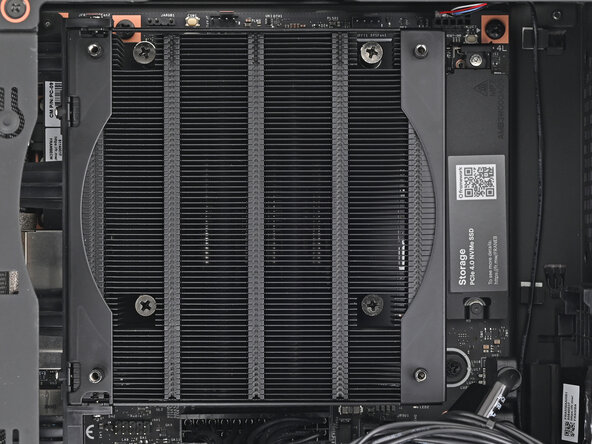
Use your Framework Desktop Screwdriver to tighten the four captive Phillips screws securing the heatsink in an "X" pattern starting with the top right screw.
-
Use your Framework Desktop Screwdriver to tighten the captive Phillips screw jutting out under the Primary Storage.
-
-




Conclusion
To reassemble your device, follow these instructions in reverse order.

