-
-
-
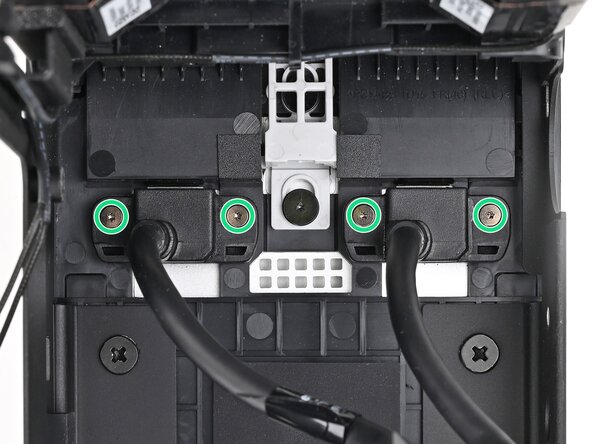
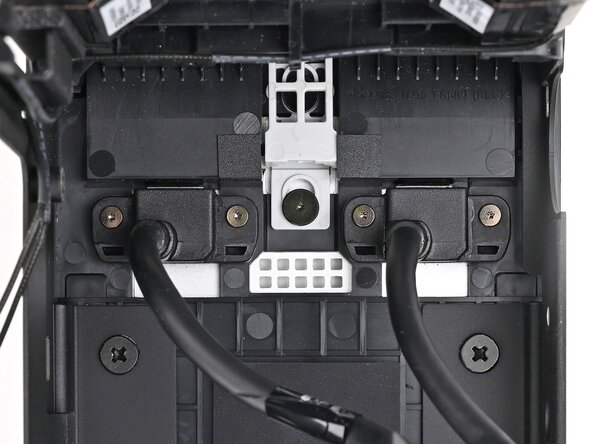
Use your Framework Desktop Screwdriver to loosen the four captive T5 Torx screws securing the two Expansion Card cables.
 Ask FixBot
-
-
-
-
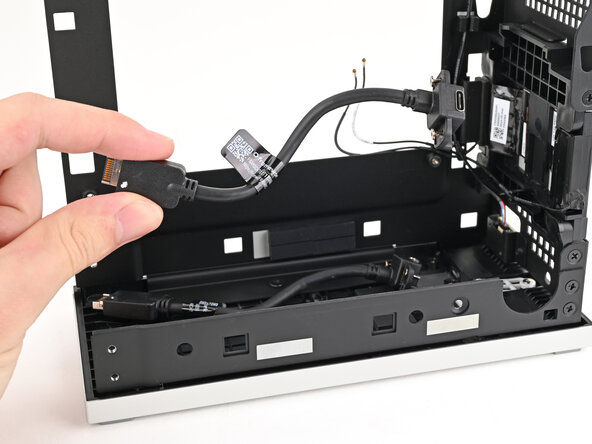
Lift the Expansion Card cables out of the Desktop and remove them.
-
-




Conclusion
To reassemble your device, follow these instructions in reverse order.

