-
-
-
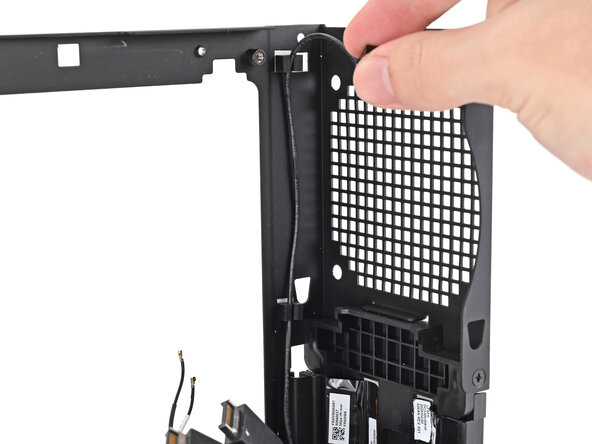
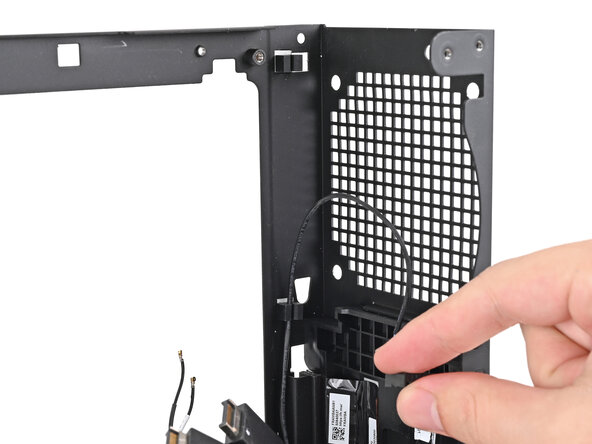
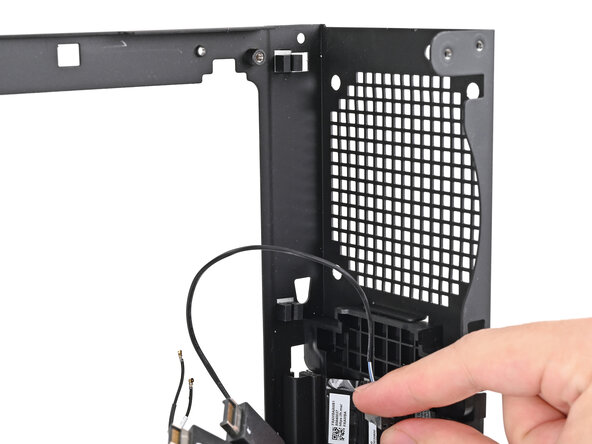
Pull the power button cable out of its rubber clips on the chassis.
 Ask FixBot
-
-
-
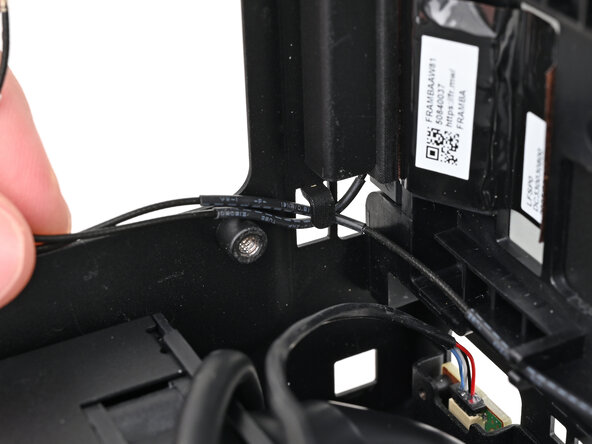
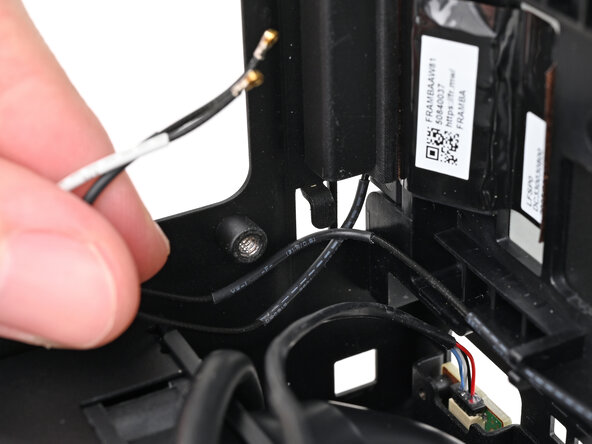
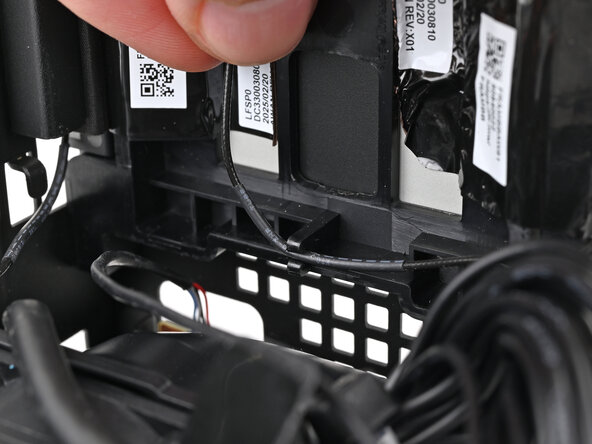
Push the antenna cables out of the metal hook in the chassis.
-
-
-
-
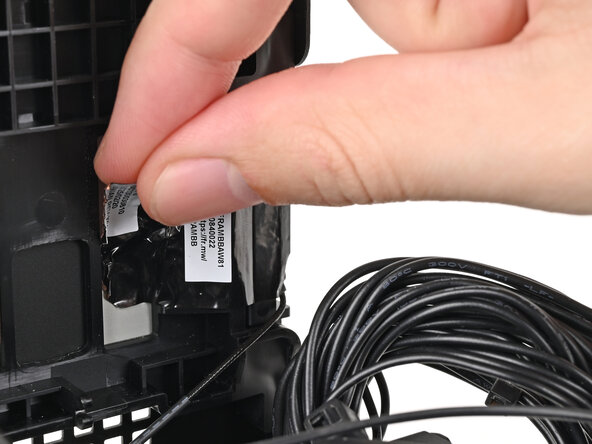
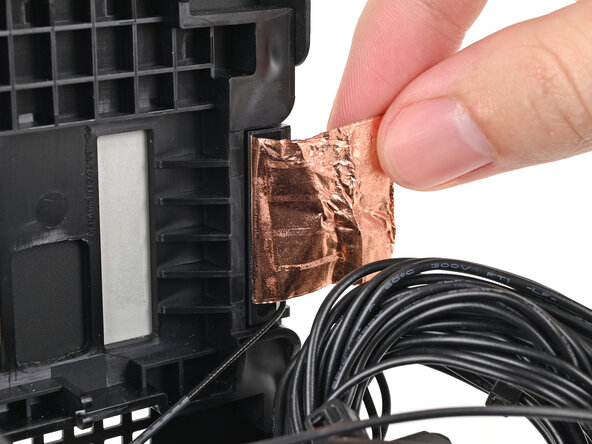
Use your fingers to peel the left antenna's copper film off the chassis.
-
-
-
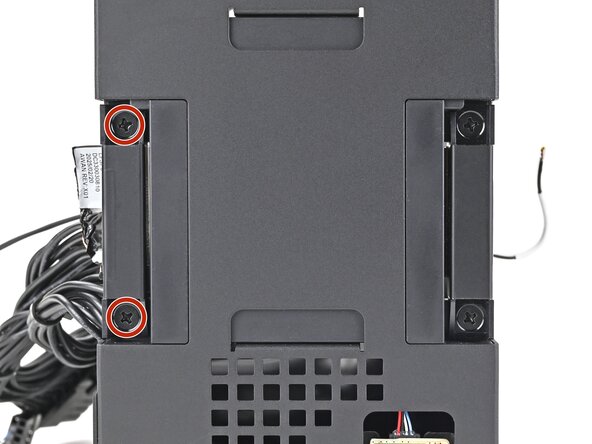
Use your Framework Desktop Screwdriver to remove the two 4.0 mm‑long Phillips screws securing the left antenna.
-
-
-
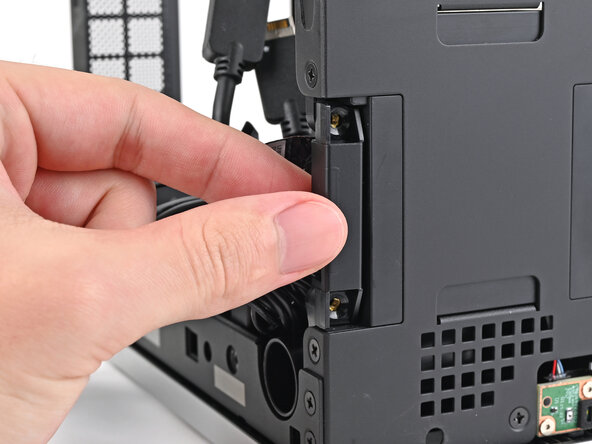
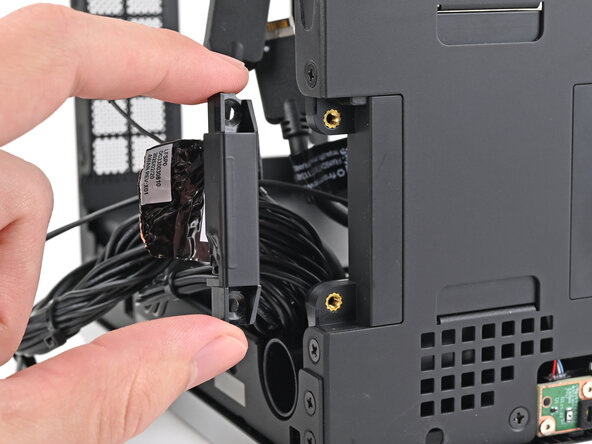
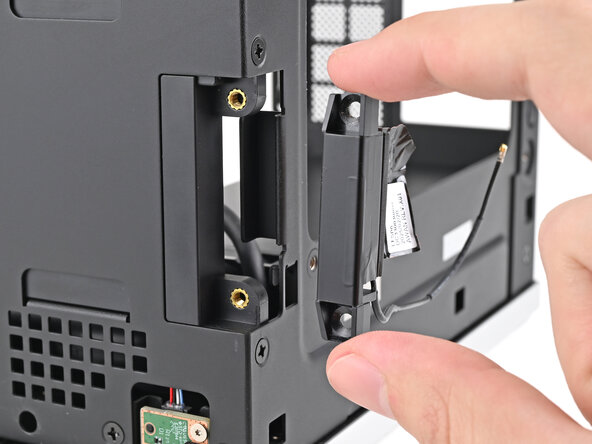
Lift the left antenna out of the chassis and remove it.
-
-
-
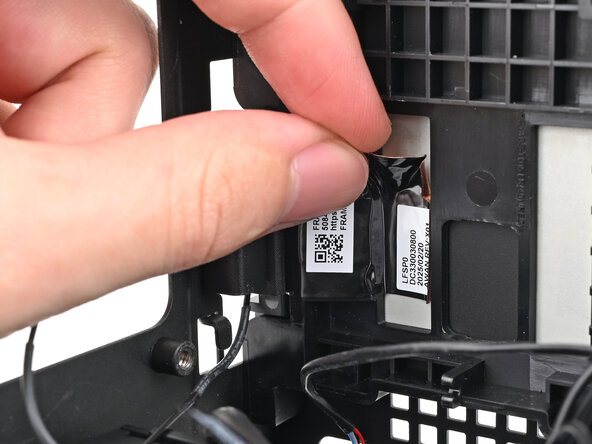
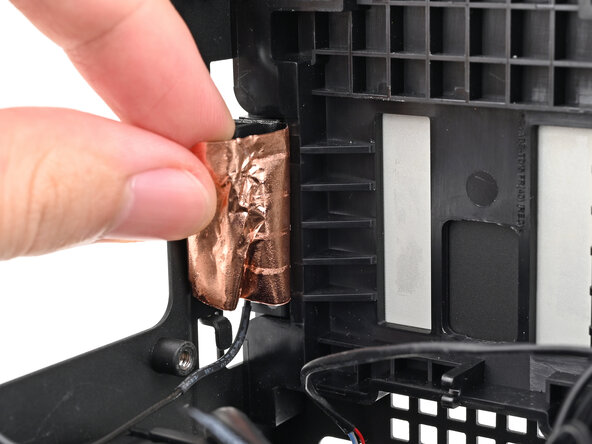
Use your fingers to peel the right antenna's copper film off the chassis.
-
-
-
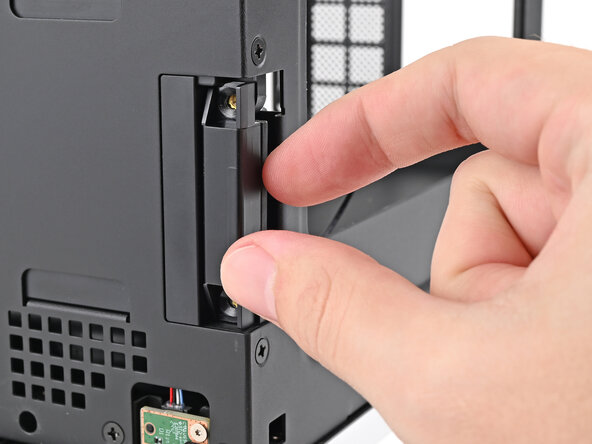
Use your Framework Desktop Screwdriver to remove the two 4.0 mm‑long Phillips screws securing the right antenna.
-
-
-
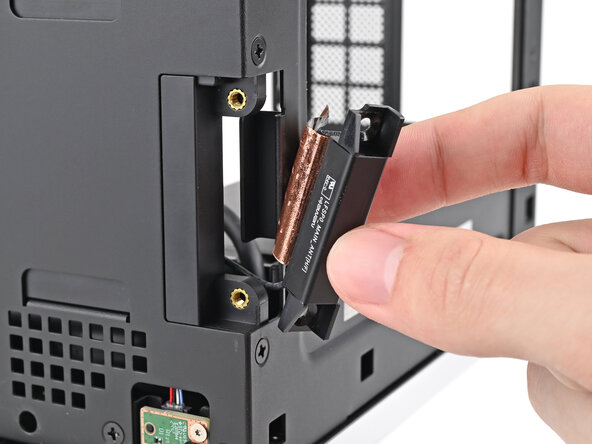
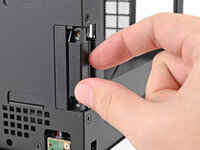
Lift the right antenna out of the chassis, making sure to thread the cable through the slot.
-
Remove the antenna.
-
-















Conclusion
To reassemble your device, follow these instructions in reverse order.

