Introduction
This is a quick and simple guide to replace the batteries in this multimeter
What you need
-
-
-
Make sure the meter is in the Off position
-
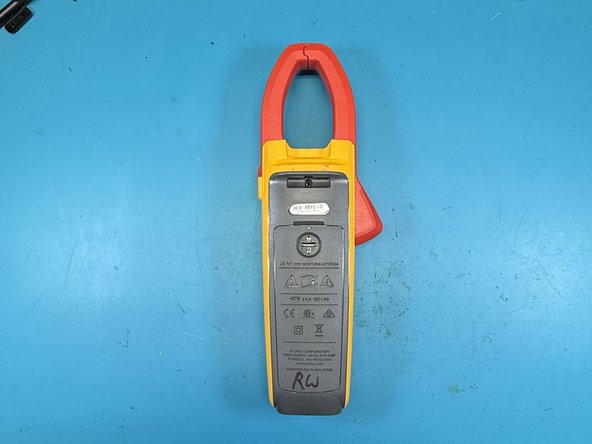
Turn the meter over and place it on a surface that won't scratch the display face.
 Ask FixBot
-
-
-
-
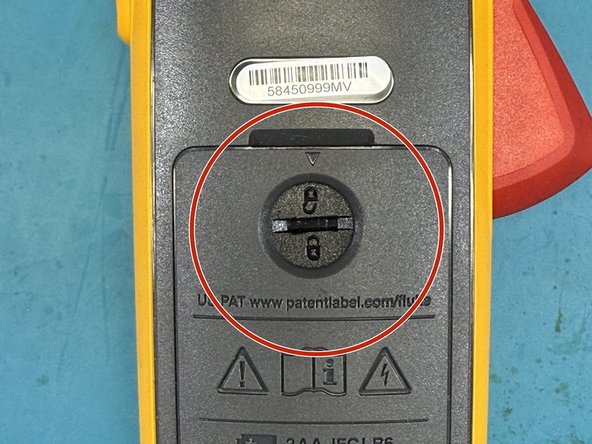
Using the flat blade screwdriver, rotate the battery locking key from the locked to the unlocked position. Be careful not to use a lot of force as the plastic can be easily damaged by the metal screwdriver.
-
The unlucky will show up on the top by the small arrow in the case.
-
-
-
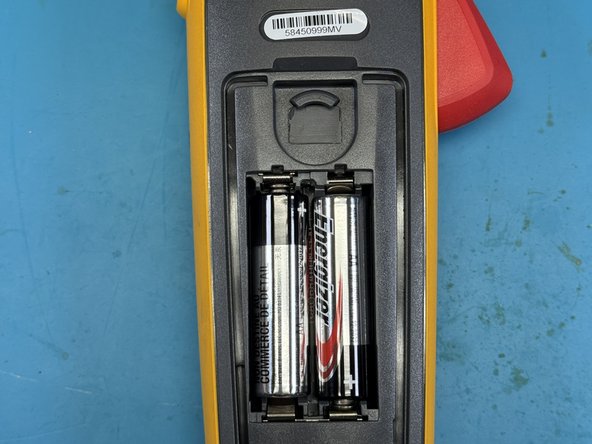
Use your finger to pull open the battery compartment cover.
-
Replace your AA batteries.
-
Use the reverse instructions to reassemble your meter.
-
-







To reassemble your device, follow these instructions in reverse order.
Cancel: I did not complete this guide.
One other person completed this guide.

