
Barnes And Noble Nook Glowlight 3 Disassembly

Joan Lee and one other contributor
Last updated on Nov 28, 2021
Views: 1.7K
View statistics:
- Past 24 Hours:
- 5
- Past 7 Days:
- 23
- Past 30 Days:
- 80
- All Time:
- 1,726
Comments: 2
1 comment on steps, 1 guide comment.
Go to guide commentsCompleted: 1 2
1 person has marked this guide "completed." Will you be next?
2 people have marked this guide "completed." Including you — great job!
Favorites: 0 1
No one has favorited (and subscribed to) this guide. Will you be the first?
1 person has favorited (and subscribed to) this guide — and that's you!
Community-Contributed Guide
An awesome member of our community made this guide. It was not created by iFixit staff.
Introduction
Go to step 1 ↓This is a disassembly Guide For the nook Glowlight 3
What you need
Tools
-
Spudger4.9
-


-
-
-
This is the Nook Glowlight 3. It features an E-ink display with a resolution of 300 ppi. This device is touchscreen. It comes with 8GB of on device storage. It is wifi compatible
 Ask FixBot
-
-
-
First, grab your Jimmy or any other thin tool and slide it along the edge of the device where the two halves meet, (shown in the picture).
-
Push firmly until the tool slides into the crack. Then rotate the tool as you slide it down to separate the clips securing the device.
-
Do this all around the device until the device splits into two halves.
-
-
-
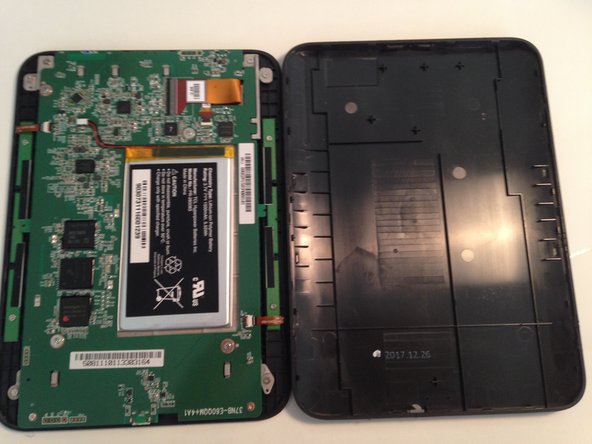
When both of the halves are able to be separated move the back cover aside.
-
To reassemble the device, push down on the back cover until it snaps into place.
-
-
-
Remove the screws marked in red that secure the system board to the outer plastic.
-
-
-
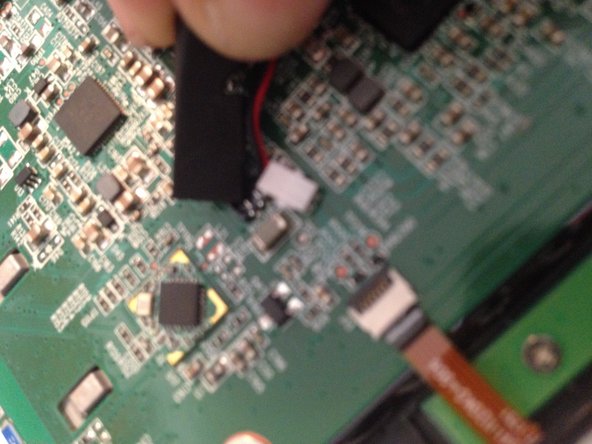
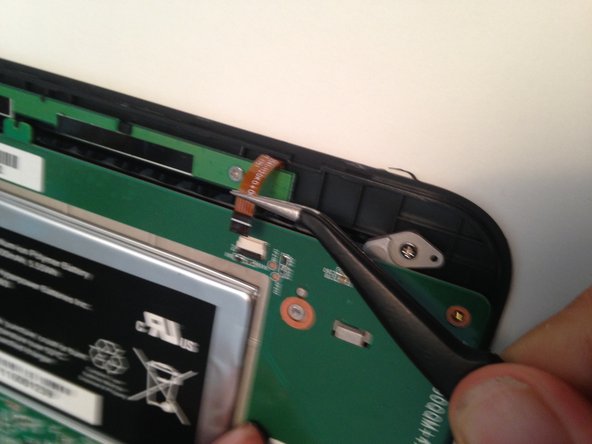
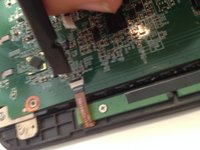
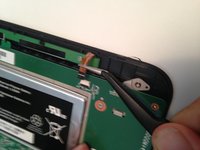
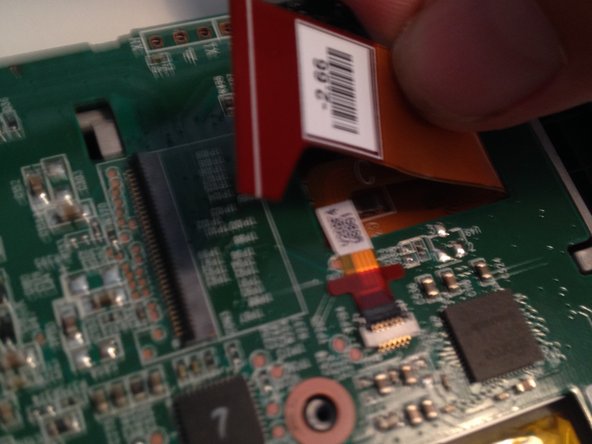
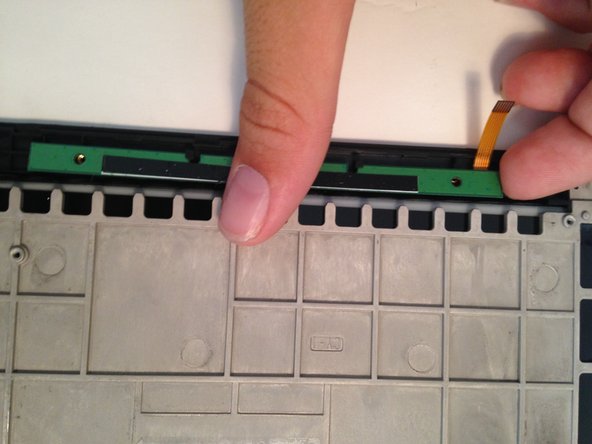
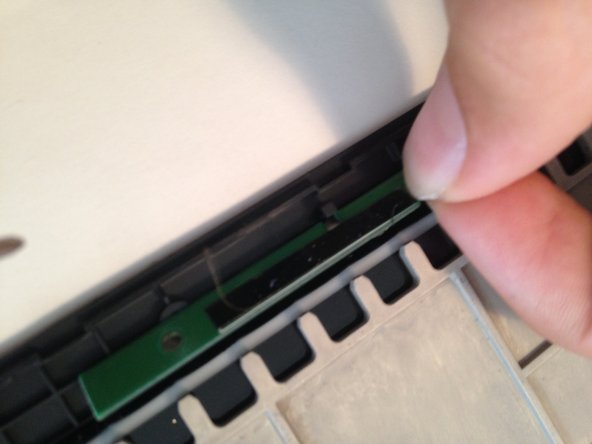
On both sides, there are two straight and skinny button panels. These control the side up/down buttons. Please disconnect both of these ribbon cables.
-
-
-
-
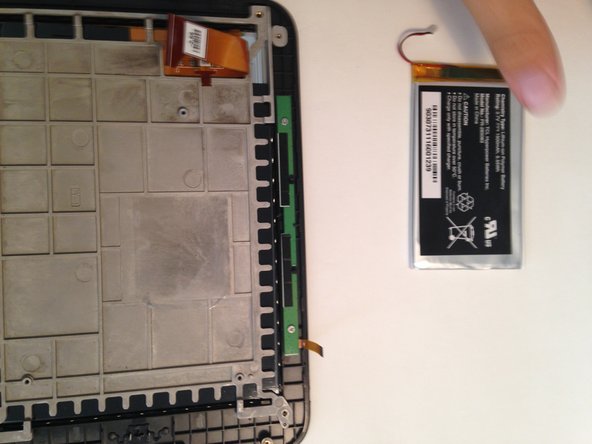
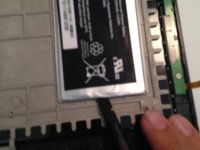
Now remove the battery by sliding a spudger underneath the battery and breaking the adhesive.
-
-
-
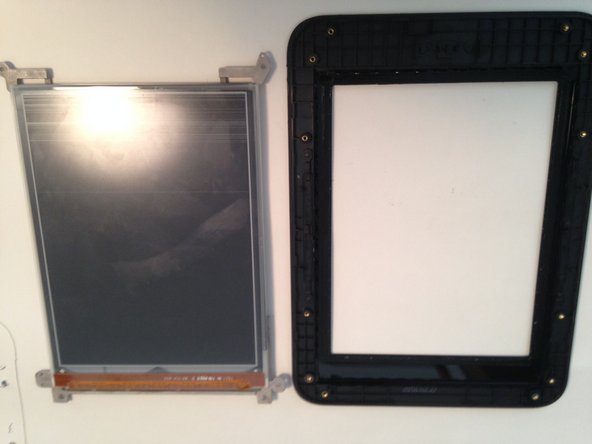
Remove the rest of the screws connecting the display to the frame. Remember to take out both of the button boards.
-
-
-
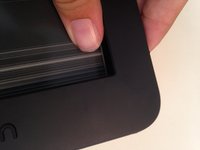
Push firmly on the display. Going all around the edges until the display becomes loose. (the screen was already cracked)
-
-



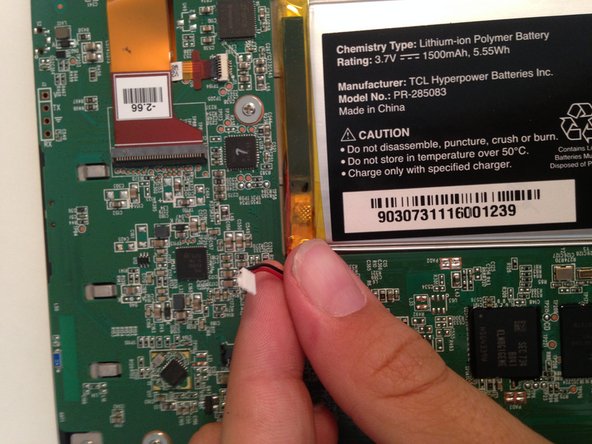



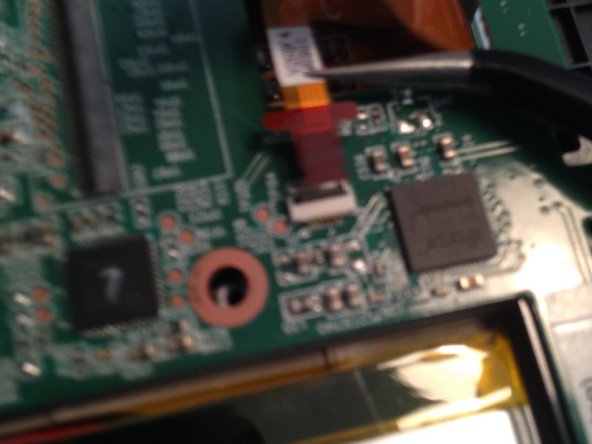






To reassemble your device, follow these instructions in reverse order.
Cancel: I did not complete this guide.
One other person completed this guide.

