
Epson PPC650 Camera Case Replacement

Brittany and 11 other contributors
Last updated on Jul 1, 2025
Views: 807
View statistics:
- Past 24 Hours:
- 4
- Past 7 Days:
- 17
- Past 30 Days:
- 85
- All Time:
- 807
Comments: 0
No one has left comments on this guide. Will you be first?
Go to guide commentsCompleted: 1 2
1 person has marked this guide "completed." Will you be next?
2 people have marked this guide "completed." Including you — great job!
Favorites: 0 1
No one has favorited (and subscribed to) this guide. Will you be the first?
1 person has favorited (and subscribed to) this guide — and that's you!
Missing Details
Some of this guide's details are missing. Help users by adding tools, difficulty, or time.
What you need
Tools
-
Spudger4.9
-


-
-
-
Locate the silver power button. Gently slide the button to the middle section labeled "off" to shut down the camera.
-
Remove the batteries from the battery compartment located on the underside of the camera.
-
Remove the SD card from the compartment located on the flat, left side of the camera.
 Ask FixBot
-
-
-
-
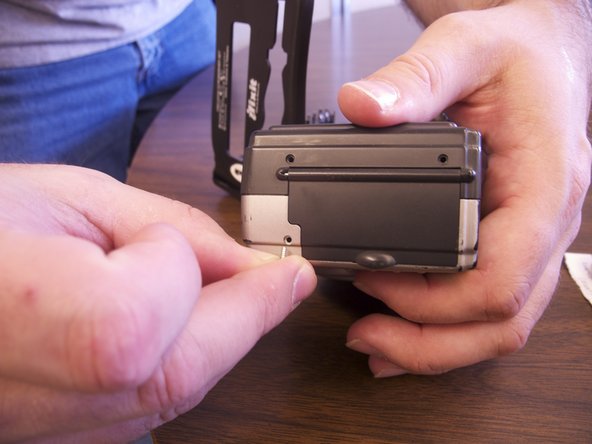
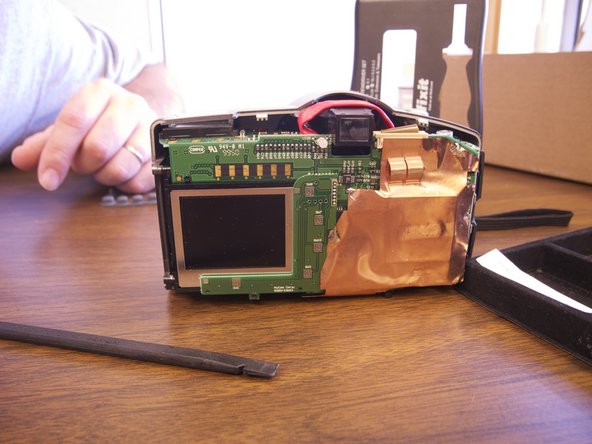
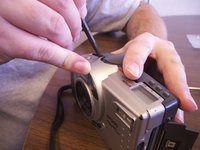
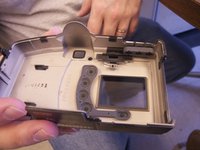
Separate the front and the back pieces of the camera's plastic casing using a spudger.
-
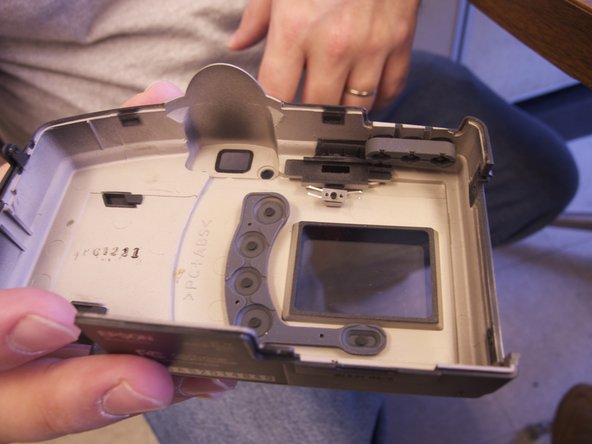
When separating the small silver siding, the indicator for the view/off/playback may fall out.
-
The plastic viewing window located on the top of the camera may also become lose and fall out.
-
-




To reassemble your device, follow these instructions in reverse order.
Cancel: I did not complete this guide.
One other person completed this guide.

Team

Ohio State, Team 1-5, Buehl Spring 2013 Member of Ohio State, Team 1-5, Buehl Spring 2013
OSU-BUEHL-S13S1G5
4 Members
36 Guides authored
