Shop the Holiday Gift Guide
Free Shipping on Domestic Orders $75+

Electrohome EAAC475 Projector Lens Replacement

Views: 882

View statistics:

Past 24 Hours:
2
Past 7 Days:
15
Past 30 Days:
81
All Time:
882
Comments: 0

No one has left comments on this guide. Will you be first?

Go to guide comments
Completed: 0

No one has marked this guide "completed." Will you be the first?

Favorites: 0

No one has favorited (and subscribed to) this guide. Will you be the first?

Time Required: 15 minutes
Difficulty: Moderate
Electrohome EAAC475 Projector Lens Replacement

Introduction

Go to step 1 ↓

Sometimes the focus lens can go bad or detaches from its holder. This guide will help you how to put it back in place or replace with a new one so that your electrohome EAAC475 works properly.

What you need

Tools

    1. Electrohome EAAC475 Projector Lens Replacement, Battery: step 1, image 1 of 2 Electrohome EAAC475 Projector Lens Replacement, Battery: step 1, image 2 of 2
      • Remove the 10 mm Phillips #1 screw from the battery cover.

      • Remove the battery cover.

      Ask FixBot

      Add Comment

    2. Electrohome EAAC475 Projector Lens Replacement: step 2, image 1 of 1
      • Remove the flat lithium battery.

      Ask FixBot

      Add Comment

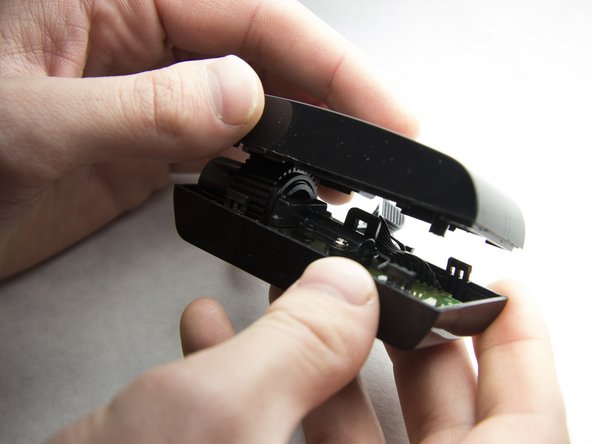
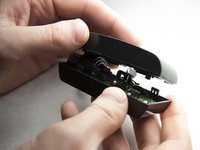
    1. Electrohome EAAC475 Projector Lens Replacement, Projector Lens: step 3, image 1 of 1
      • Slowly and carefully move one side away from another without detaching anything on the device.

      Ask FixBot

      Add Comment

    2. Electrohome EAAC475 Projector Lens Replacement: step 4, image 1 of 1
      • Detach the projector.

      Ask FixBot

      Add Comment

    3. Electrohome EAAC475 Projector Lens Replacement: step 5, image 1 of 2 Electrohome EAAC475 Projector Lens Replacement: step 5, image 2 of 2
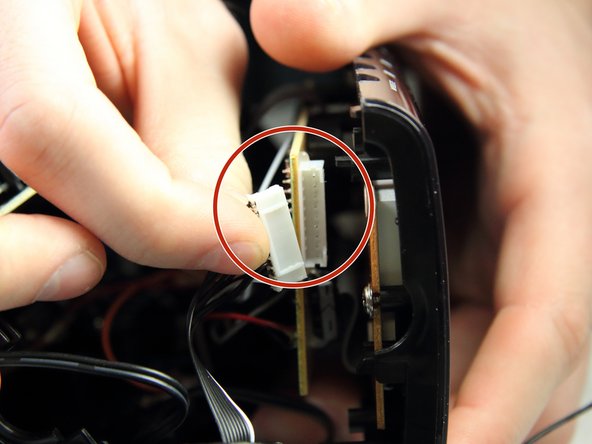
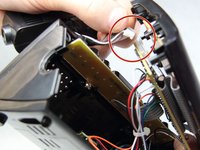
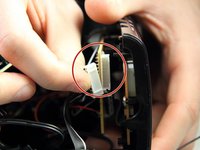
      • Unplug the projector's connector from the circuit board.

      Ask FixBot

      Add Comment

    4. Electrohome EAAC475 Projector Lens Replacement: step 6, image 1 of 1
      • Take off the rubber ring.

      Ask FixBot

      Add Comment

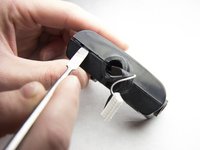
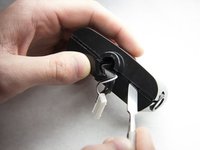
    5. Electrohome EAAC475 Projector Lens Replacement: step 7, image 1 of 3 Electrohome EAAC475 Projector Lens Replacement: step 7, image 2 of 3 Electrohome EAAC475 Projector Lens Replacement: step 7, image 3 of 3
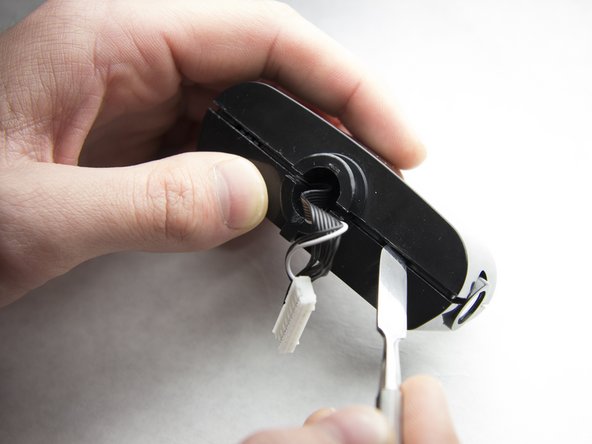
      • Using a metal spudger, pry into the crease until it separates enough to slip the spudger between the pieces.

      • Slide the tool along the crease to separate.

      Ask FixBot

      Add Comment

    6. Electrohome EAAC475 Projector Lens Replacement: step 8, image 1 of 1
      • Take the lens out of the projector.

      Ask FixBot

      Add Comment

    7. Electrohome EAAC475 Projector Lens Replacement: step 9, image 1 of 1
      • Separate the lens and the gear by unscrewing the gear.

      Ask FixBot

      Add Comment

Conclusion

To reassemble your device, follow these instructions in reverse order.

Cancel: I did not complete this guide.

Sterling Fulk

Member since: 02/16/16

264 Reputation

2 Guides authored

Team

IUPUI, Team 2-1, Harley Spring 2016 Member of IUPUI, Team 2-1, Harley Spring 2016

IUPUI-HARLEY-S16S2G1

4 Members

72 Guides authored

0 Guide Comments

Add Comment

View Statistics:

Past 24 Hours: 2

Past 7 Days: 15

Past 30 Days: 81

All Time: 882