Introduction
If your monitor and display is working, but your camera wont turn on then here is a guide on how to replace it. The only tools you will need is a #1 Philips head screwdriver and a #00 Phillips head screwdriver if needed.
What you need
-
-
-
Unscrew the two silver 1.4 mm Phillips #1 screws connecting the metal bar to the camera.
 Ask FixBot
-
-
-
-
Take the two tabs off the sides of the camera by unscrewing the four 1.2 mm Phillips #1 screws connected.
-
-
-
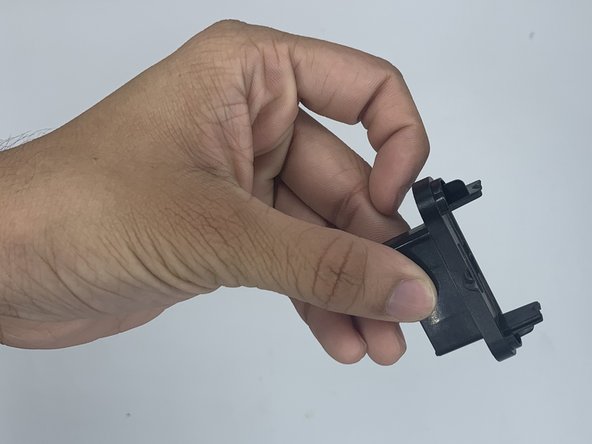
When the screws are out, pop the two tabs off the sides.
-
Then you can pull off the back panel. You will then be left with the camera and wires. To install the new camera simply retrace these steps.
-
-


To reassemble your device, follow these instructions in reverse order.

Team

University of North Texas, Team 3-1, Saru Jimmy Spring 2023 Member of University of North Texas, Team 3-1, Saru Jimmy Spring 2023
UNT-SARU JIMMY-S23S3G1
4 Members
60 Guides authored
