
Mi 8 Explorer Battery Replacement

J.McGaley and 2 other contributors
Last updated on May 23, 2024
Views: 1.6K
View statistics:
- Past 24 Hours:
- 4
- Past 7 Days:
- 40
- Past 30 Days:
- 124
- All Time:
- 1,619
Comments: 0
No one has left comments on this guide. Will you be first?
Go to guide commentsCompleted: 2 3
2 people have marked this guide "completed." Will you be next?
3 people have marked this guide "completed." Including you — great job!
Favorites: 1 2
1 person has favorited (and subscribed to) this guide. Will you be next?
2 people have favorited (and subscribed to) this guide — including you!
Bullets!
Better coordination with markups and the color/type of bullets will help make this guide more clear!
Community-Contributed Guide
An awesome member of our community made this guide. It was not created by iFixit staff.
Introduction
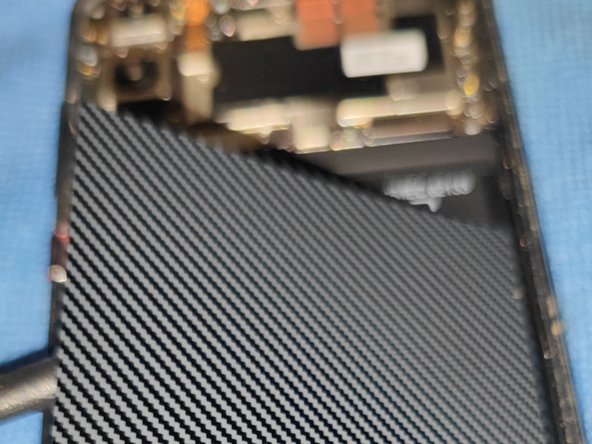
Go to step 1 ↓My old Xiaomi Mi 8 Explorer needed a new battery, and while trying to find a guide on here, I noticed that the nearest one I could find was for the Pro version, So I decided to make a guide to change said battery (about half way through the replacement, don't judge!)
What you need


-
-
Tool used on this step:Halberd Spudger$2.99
-
As per usual, heat the glue to soften it, and use picks to cut.
-
I found that it was pretty easy to get in there by using a suction cup with a small amount of pressure along with a Halberd spudger to get it started.
 Ask FixBot
-
-
-
Next step is to remove the screws that keep the plastic back plate on. You'll find:
-
Pentalobe P2 screw (x9)
-
NFC Module
-
Use a spudger to remove the plastic plate, being careful with the NFC module (form what I saw, it doesn't detach form the plate, and even if it does, it's just easier to keep it together
-
-
-
-
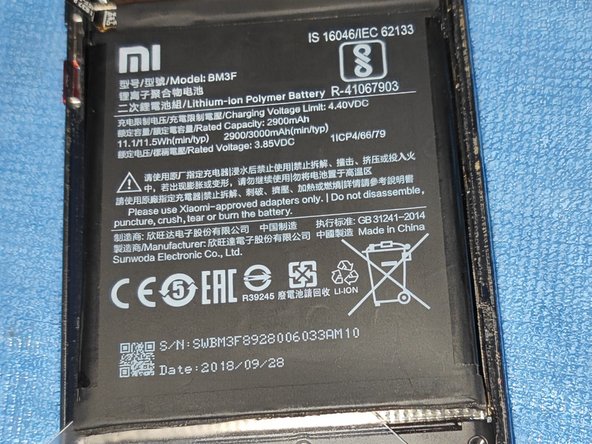
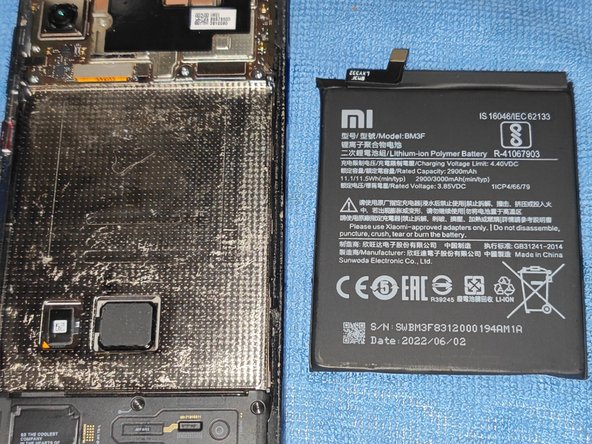
Unclip the battery connector and remove the sticker over the battery, to see the battery in all its glory!
-
-
Tool used on this step:Plastic Cards$2.99
-
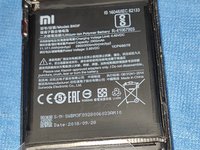
Remove the battery, unlike the Original Mi 8 Pro, I didn't find any glue tabs to remove the battery, so I used a mix of my Halberd Spudger, and a plastic card to remove the battery.
-
Insert the replacement battery, and test the phone.
-
-



Once ready, follow steps backwards as normal!
Cancel: I did not complete this guide.
2 other people completed this guide.

