Dyson V8 Absolute Battery Replacement

Jasvir Dosanjh and 3 other contributors
Last updated on Sep 26, 2022
Views: 220K
View statistics:
- Past 24 Hours:
- 46
- Past 7 Days:
- 315
- Past 30 Days:
- 1,582
- All Time:
- 220,236
Comments: 24
6 comments on steps, 18 guide comments.
Go to guide commentsCompleted: 61 62
61 people have marked this guide "completed." Will you be next?
62 people have marked this guide "completed." Including you — great job!
Favorites: 9 10
9 people have favorited (and subscribed to) this guide. Will you be next?
10 people have favorited (and subscribed to) this guide — including you!
Introduction
Go to step 1 ↓In case the device is not turning on and the battery has been completely charged for 5 hours, the battery may need to be replaced. The battery can be easily removed and replaced.
What you need


-
-
-
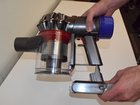
Use a Phillips #2 screwdriver to unscrew the screw from the device handle.
 Ask FixBot
-
-
-
Turn device completely over to view battery pack.
-
Below the bin, use a Phillips #2 screwdriver to remove both screws from the battery pack.
-
-
-


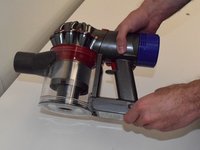
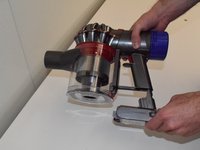
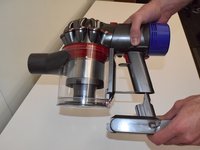
To reassemble your device, follow these instructions in reverse order.
Cancel: I did not complete this guide.
61 other people completed this guide.

Team

UW Tacoma, Team S1-G5, Rose Fall 2017 Member of UW Tacoma, Team S1-G5, Rose Fall 2017
UWT-ROSE-F17S1G5
4 Members
60 Guides authored
18 Guide Comments
I have replaced the battery and I still got a flashing red light, any ideas
I replaced my battery and charged the new one- my vac doesnt work
if you have got the switch on max slide other way plug it to charge for 3,4 minuite then try should work. do not put on max as it will not work and you will have to do it all over again
My v8 animal has a new battery but it doesn't seem to want to charge. The 1st of the 3 battery lights lights up constantly, the 2nd just flashes and the 3rd never lights up no matter how long it's left on charge. The motor will run ok on the lower setting but cut's out almost instantly in the highest setting.
Could the charger be at fault?
