
HP Envy x360 15m-bp111dx Hard Drive Replacement

Ross Snead and
Last updated on Nov 23, 2022
Views: 1.2K
View statistics:
- Past 24 Hours:
- 3
- Past 7 Days:
- 21
- Past 30 Days:
- 74
- All Time:
- 1,209
Comments: 0
No one has left comments on this guide. Will you be first?
Go to guide commentsCompleted: 0 1
No one has marked this guide "completed." Will you be the first?
1 person has marked this guide "completed." It's you — great job!
Favorites: 0 1
No one has favorited (and subscribed to) this guide. Will you be the first?
1 person has favorited (and subscribed to) this guide — and that's you!
Introduction
Go to step 1 ↓This guide will assist in locating, removing, and replacing the hard drive of your HP Envy x360 15m-bp111dx. You may need to utilize this guide if your laptop is displaying a warning message concerning the hard drive or the computer does not boot up.
Be sure that your laptop is powered off, you're disconnected from the power adapter, and that the components have cooled before beginning this replacement.
For more troubleshooting information for the Hard Drive, follow the instructions on the troubleshooting page.
What you need
Fix Kits
These kits contain all the parts and tools needed to complete this guide.


Parts


Tools


-
-
-
Remove the rubber feet to access the screws.
-
Using a Phillips #0 screwdriver, remove the four 7 mm screws.
-
Using a T5 Torx screwdriver, remove the three 5 mm screws.
 Ask FixBot
-
-
-
Insert opening picks or an opening tool inside the edge of the chassis to separate the back panel from the rest of the computer.
-
Remove the back case.
-
-
-
-
-
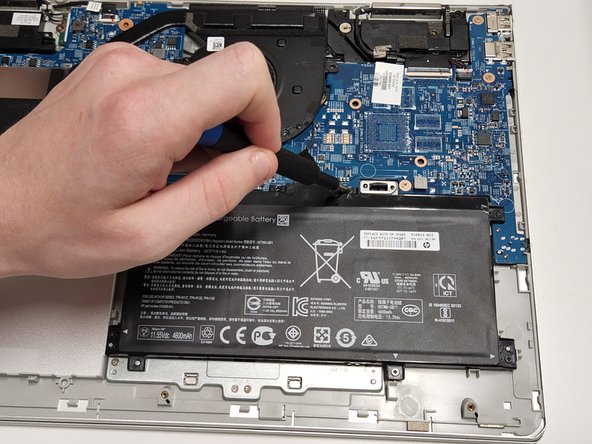
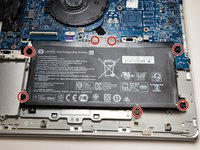
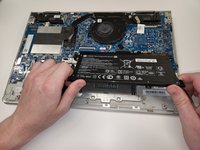
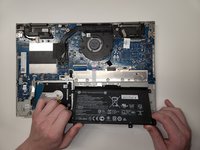
Use a Phillips screwdriver to remove the seven 4 mm screws securing the battery.
-
-
-
-
-
-
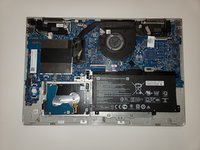
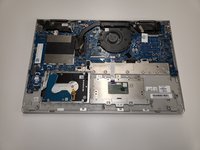
The hard drive bay is located in the lower left corner of the computer.
-
The hard drive will be covered by a black rubber sheath which can be removed by simply pulling it off of the hard drive (not pictured).
-
-
-
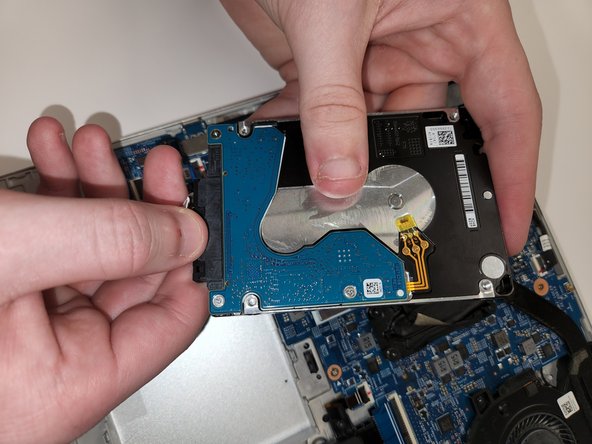
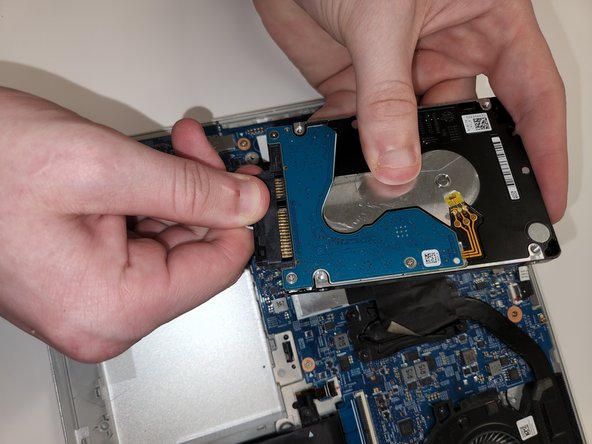
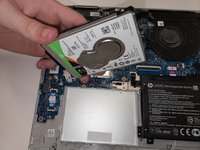
Pull the rubber casing away from the drive (not pictured here) and gently lift the hard drive out of the computer.
-
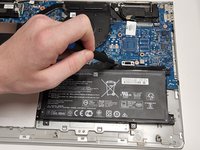
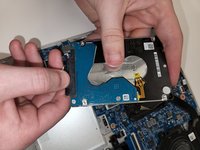
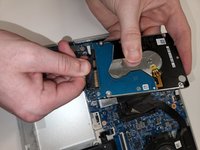
Unplug the drive from power by grabbing the SATA / power cable on the plastic edge and pulling it away from the drive.
-
-








To reassemble your device, follow these instructions in reverse order.

Team

Clemson, Team 2-2, Hunter Spring 2022 Member of Clemson, Team 2-2, Hunter Spring 2022
CLEM-HUNTER-S22S2G2
5 Members
72 Guides authored
